
Mastering Glanceable Weather Widgets on Android
Last updated: 2023-09-10
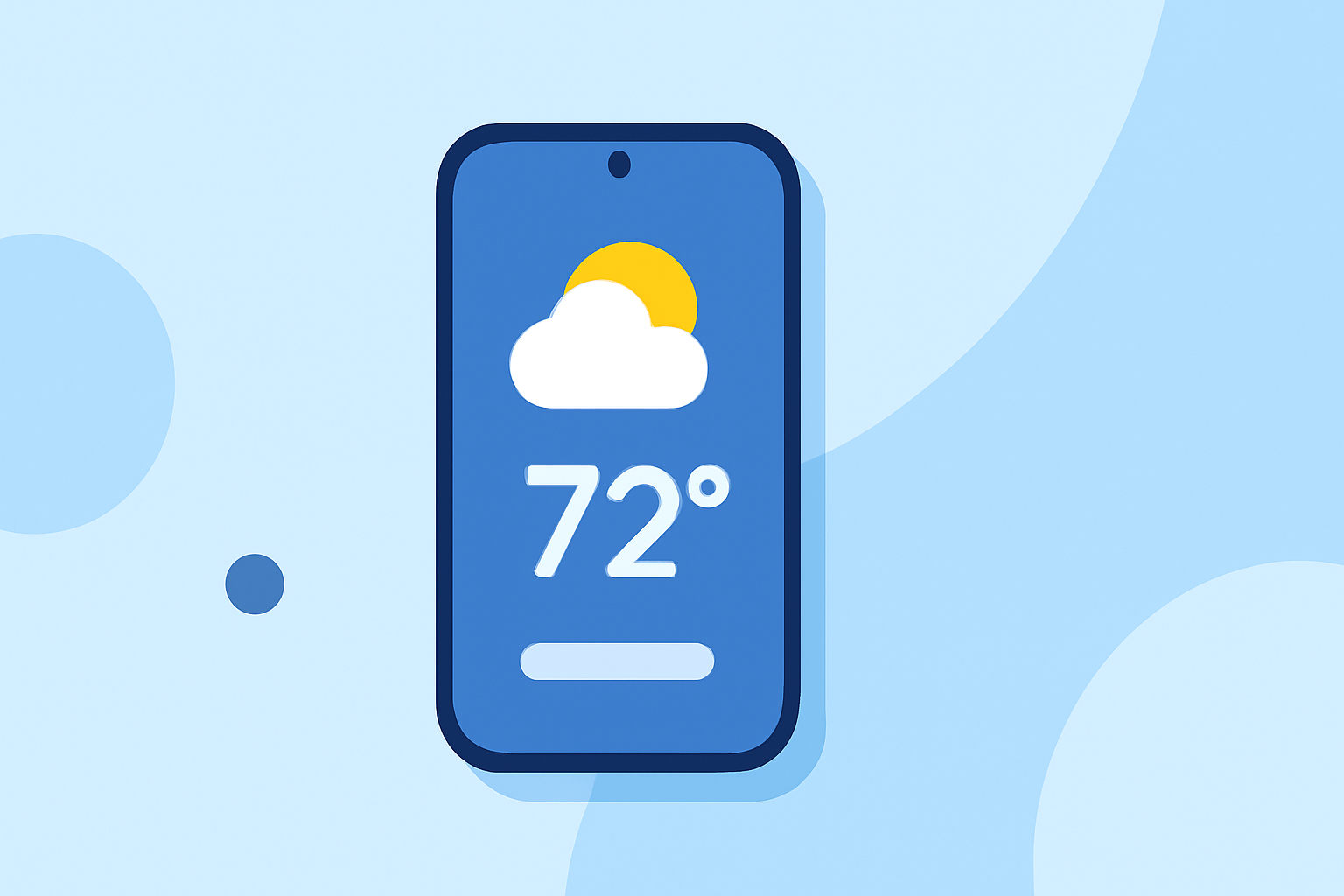
To create a seamless glanceable weather experience on Android, utilize the built-in At a Glance widget for quick updates and customizable information. For enhanced weather insights, Clime offers a robust app that integrates seamlessly with Android widgets.
Summary
- Leverage Android's At a Glance widget for quick access to weather updates.
- Use Clime’s app for detailed weather insights and alerts.
- Customize your widgets to reflect the most relevant information for your needs.
- Explore other options if you need specialized weather features.
What is the At a Glance Widget?
The At a Glance widget is a built-in feature on Android devices that provides a quick summary of important information directly on your home or lock screen. This widget allows users to see upcoming events, tasks, and the latest weather updates without having to open an app. The simplicity of this widget makes it a must-have for many users looking to streamline their Android experience.
How to Set Up the At a Glance Widget
Setting up the At a Glance widget is straightforward:
- Long press on an empty area of your home screen.
- Tap Widgets.
- Look for the At a Glance widget and drag it to your desired location.
- It will automatically accumulate information, including weather updates.
Customizing Widgets on Android
Widgets on Android can be customized to reflect the information you value most:
- Resize your At a Glance widget by long-pressing it and dragging the corners.
- Remove unneeded information by accessing widget settings, allowing for a more tailored appearance.
- Some users prefer a minimalist style, while others like detailed information—customization allows both.
Using Clime for Enhanced Weather Data
For users seeking deeper weather insights, Clime provides a powerful platform that enriches the glanceable experience. With Clime, you can:
- Access NOAA-based weather radar allowing for up-to-date precipitation visuals.
- Set customizable alerts for severe weather, enhancing your proactive planning.
- Utilize a 14-day forecast to better inform future plans.
Exploring Alternatives
While Android's At a Glance widget is effective, there are other alternatives you may consider:
- Some third-party apps allow more detailed customization and offer additional data layers (e.g., air quality, severe weather alerts).
- Assess your specific needs—those requiring more niche weather data might benefit from specialized tools.
Conclusion: What We Recommend
- We recommend using the At a Glance widget for quick weather information alongside Clime for comprehensive weather forecasts.
- Customize your widgets to suit your individual workflow and preferences, ensuring you're always informed.
- Stay ahead with personalized severe weather alerts from Clime, ensuring you are prepared for changing conditions.
- Explore other options only if you have specialized weather needs that the At a Glance widget and Clime cannot meet.