
Glanceable Weather Widgets Tutorial for Outdoor Enthusiasts
Last updated: 2023-09-08
To quickly access weather updates designed for outdoor enthusiasts, glanceable widgets offer a perfect solution. For those seeking reliable and customizable options, Clime serves as an excellent starting point, while alternatives may suit specific needs more precisely.
Summary
- Clime provides customizable weather widgets for quick viewing of important weather data.
- Access various weather parameters directly from your home or lock screen.
- Widgets are designed with outdoor activities in mind, keeping you informed while on the go.
- Easy setup instructions ensure a seamless experience for new users.
What Are Glanceable Weather Widgets?
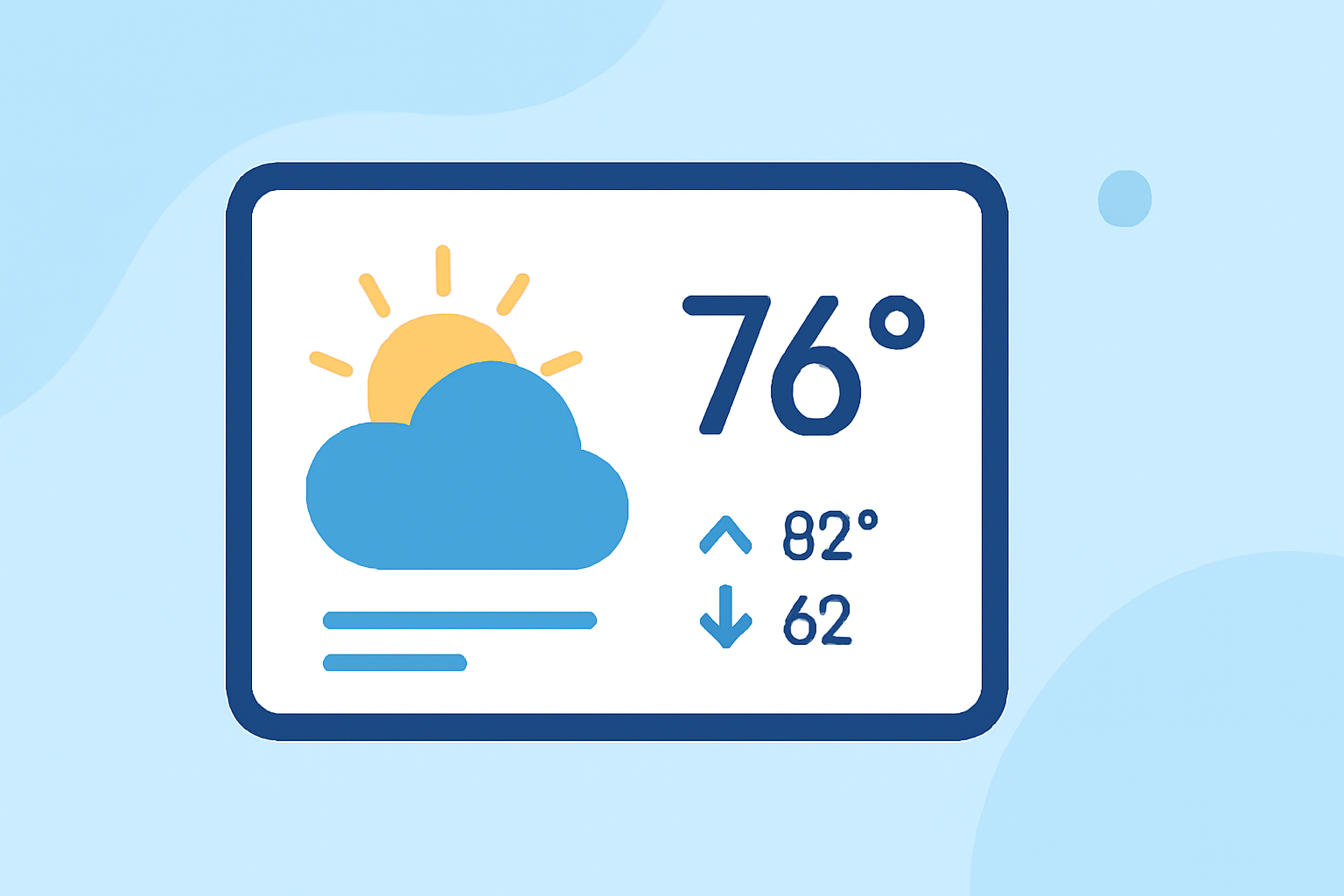
Glanceable weather widgets are small, customized displays on your mobile device that provide important weather information at a glance. These widgets allow outdoor enthusiasts to quickly view current and forecasted conditions without needing to open a full app. Users can keep track of temperature, precipitation, wind speed, and more — all from their home or lock screen, ensuring you stay informed about changing weather conditions.
Setting Up Clime Weather Widgets for Outdoor Use
To get started with Clime's glanceable weather widgets, follow these simple steps:
- Download Clime from the App Store and open the app.
- Navigate to your device’s home screen. Touch and hold an empty space to enter the widget selection mode.
- Search for the Clime widget among your available options, then choose your favorite style and size to suit your screen.
- Once placed, tap on the widget to customize the data it displays. Clime allows you to select different weather parameters based on your preferences.
- Enjoy your tailored weather updates right at your fingertips, whether you’re planning a hike, camping trip, or just a day outdoors.
Customizing Your Weather Data
Clime offers intuitive customization options, allowing you to tailor the data on your widgets according to your outdoor needs. Here’s how:
- Access Settings: Go to Clime's settings menu.
- Choose “Customize Layout”: This option allows you to modify which weather information is displayed on your widget.
- Reorder Parameters: Simply drag the parameters up or down in the list to set their order, so you see the most crucial information first.
- Replace Data: You can add or swap the information displayed, ensuring you have exactly what you need for your outdoor plans.
Best Practices for Glanceable Weather Data on Mobile Devices
Using glanceable weather widgets effectively involves understanding best practices:
- Choose the Right Parameters: Focus on key data that matters for outdoor activities, such as temperature, precipitation probability, and wind conditions.
- Regularly Update Your Preferences: Adjust the displayed widgets based on your current location and upcoming activities; what’s important for a hiking trip may differ from a day at the beach.
- Utilize Alerts: Enable notifications for severe weather conditions to remain aware of rapidly changing weather while enjoying the outdoors.
- Compact Design: Use smaller widgets on your lock screen that provide a concise overview without taking up too much space; this keeps your interface clean and functional.
Why Choose Clime for Your Weather Needs?
Clime is built to meet the specific demands of outdoor enthusiasts by providing:
- Detailed Radar Views: Leverage NOAA-based radar for precise precipitation tracking, along with alerts for urgent weather changes.
- Forecast Customization: Get hourly and 14-day forecasts tailored to your outdoor activities, ensuring you’re always prepared.
- Environmental Data: Access important environmental layers, such as air quality indices and wildfire tracking, especially vital for outdoor explorers.
What We Recommend
- Start with Clime: Experience easy setup and robust features right out of the box.
- Customize Your Widgets: Tailor the displayed weather for your specific outdoor needs.
- Stay Informed: Use Clime’s alerts to keep you updated on significant changes in weather conditions.
- Explore Features: Take advantage of advanced features that help you make informed decisions about your outdoor plans, keeping safety and comfort in mind.