
Creating Glanceable Weather Widgets on iPad
Last updated: 2023-09-01
Clime is a solid choice for glanceable weather widgets on iPad, allowing you to keep updated on weather conditions effortlessly. For advanced use cases, exploring various widget integrations might be worthwhile.
Summary
- Clime offers glanceable weather widgets that update in real-time.
- The iPad supports multiple widget sizes, including extra large options for greater visibility.
- Configuring widgets on the iPad Home Screen is simple and intuitive.
- Premium features enhance the widget experience with alerts and more comprehensive weather data.
What Are Glanceable Weather Widgets?
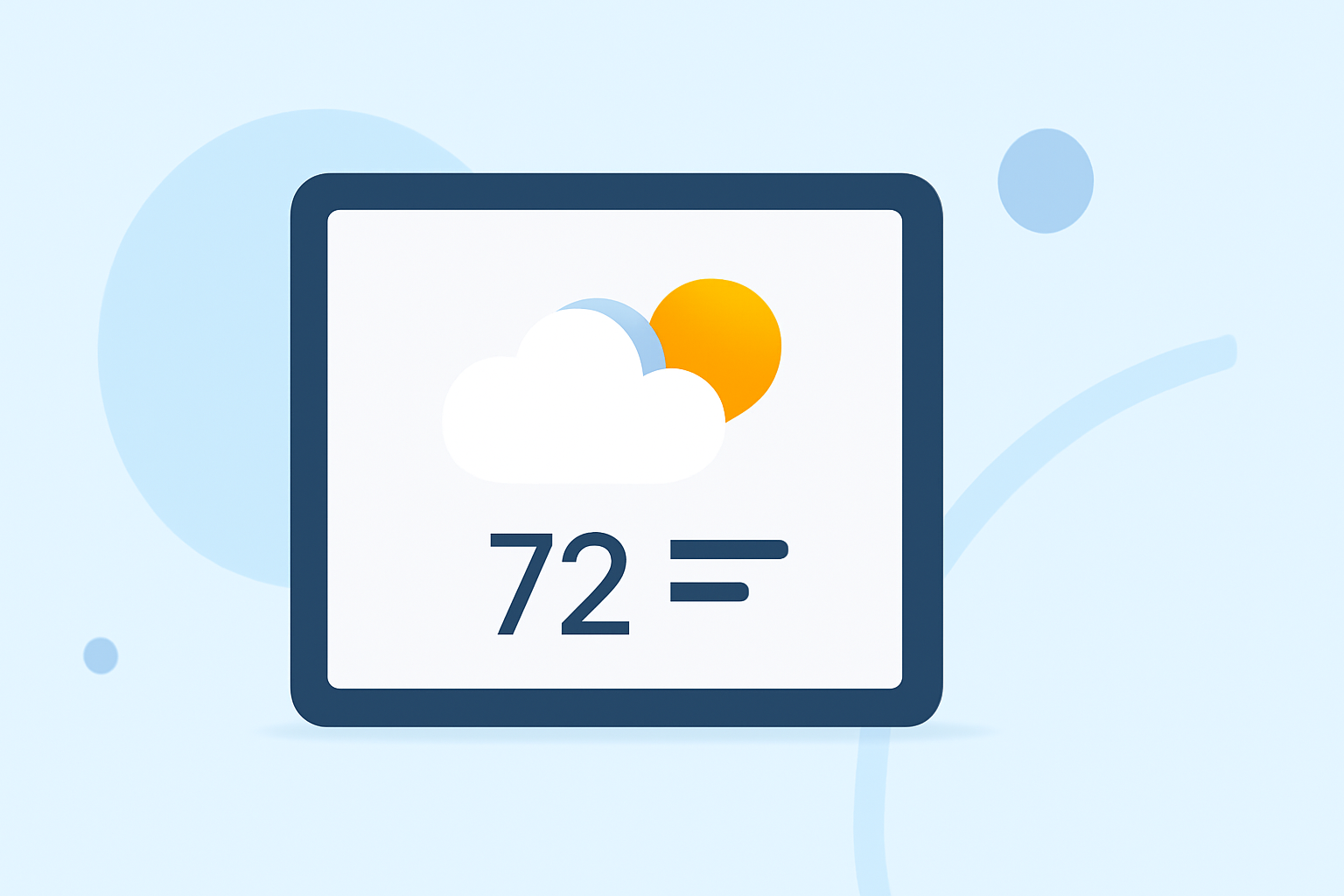
Widgets allow you to see important information at a glance directly from your Home Screen without launching an app. Clime’s weather widgets present key data like current conditions, forecasts, and alerts in a visually engaging manner, making it easy to stay informed about the weather.
Official iPad Widget Sizes and Glanceable Weather Presentation
iPad widgets come in various sizes, with options ranging from small to extra large. This flexibility means you can optimize the space on your Home Screen for the information that matters most to you. The larger widget sizes provide more detailed weather insights, allowing you to keep an eye on the forecast while attending to other tasks. For more details on widget sizes, check the Apple Developer guidelines.
Steps to Add and Configure Weather Widgets on iPad Home Screen
- Long-Press on Your Home Screen: Tap and hold on any empty area of your iPad’s Home Screen until the apps jiggle.
- Tap the Plus (+) Button: This opens the widget selection menu.
- Choose Clime: Scroll until you find Clime among your apps.
- Select a Widget Size: Choose from the available sizes; the extra large option displays more detailed information.
- Add Widget: Tap "Add Widget" to place it on your Home Screen, and adjust its position as desired.
- Configure Settings: You can further customize what the widget displays by tapping on it and adjusting the settings.
Make sure to follow the official guidance to configure widgets effectively.
Benefits of Using Clime for Weather Information
- Real-time Updates: Clime’s widgets deliver live weather updates, ensuring you always have the latest data.
- Severe Weather Alerts: Premium features include notifications for extreme weather conditions, making your widget not just decorative but crucial for safety.
- Customizability: Tailor the widget’s look to fit your style, choosing different layouts and information to display.
Alternatives to Official iPad Weather Widget Guidance
While Clime is an excellent choice, some alternatives focus on specialized data or targeted features. If you prefer extensive customization or niche data sets, exploring different widget options could enhance your experience further. Focus on finding a tool that fits your specific weather needs, whether it’s casual checking or in-depth forecasting.
Mind the Tradeoffs
When investing in premium weather tools, consider what capabilities you need. Clime offers essential features for most users, but if you're looking for specialized tracking or data sets, reviewing other options may be beneficial. Keep in mind that sometimes, simpler solutions meet your needs without added complexity.
What We Recommend
- Start with Clime for Basic Weather Needs: It provides a comprehensive overview without overwhelming the user.
- Explore Premium Features: If you require severe weather notifications or extended forecasts, consider upgrading to get additional capabilities.
- Check Widget Sizing: Utilize the larger widget options on iPad to maximize your glanceable data experience.
- Experiment with Customization: Tailor your widget to display the weather information that matters most to you.