
How to Group Weather Notifications for Multiple Locations
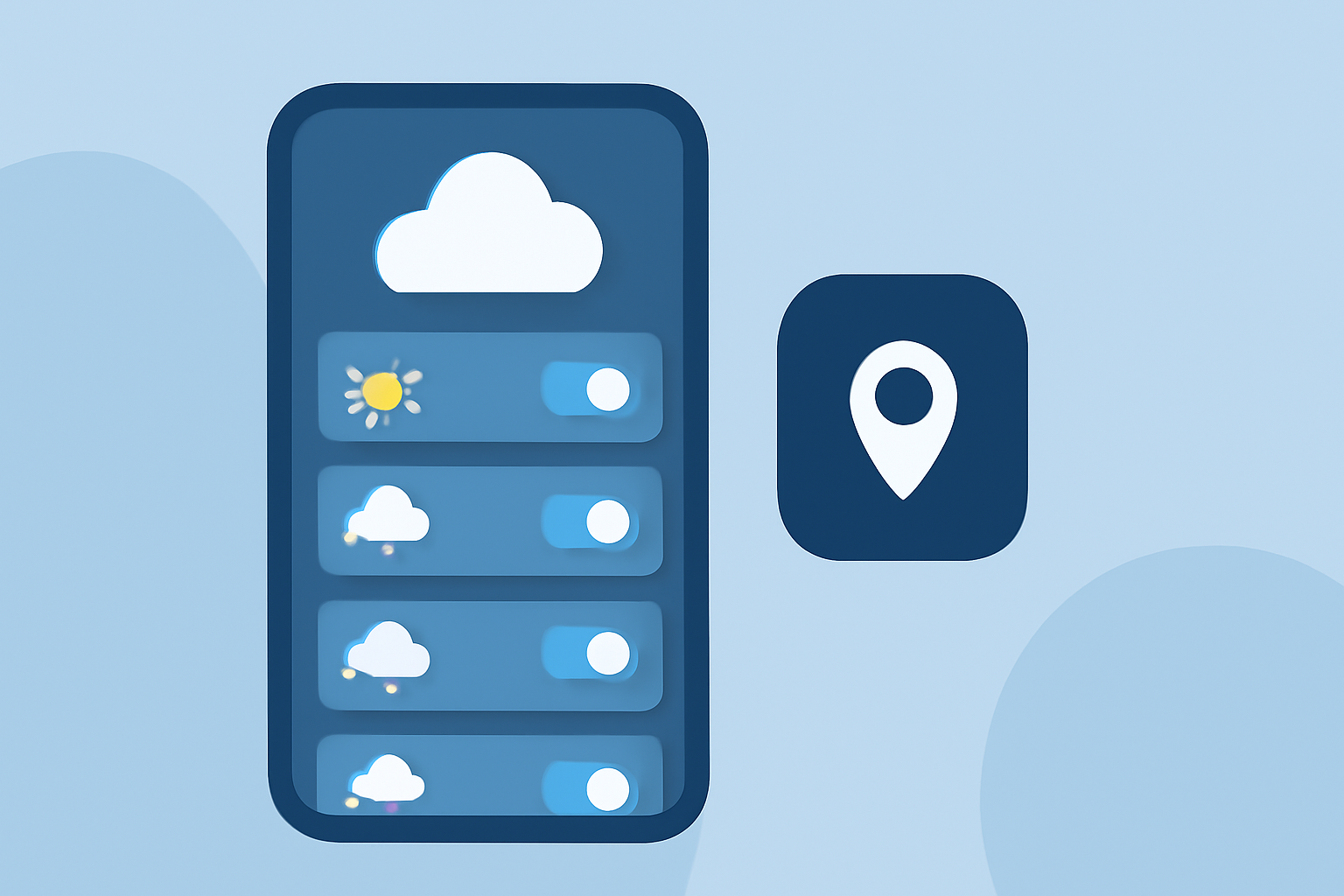
Managing weather notifications for multiple locations can become overwhelming, leading to notification fatigue and missed critical updates. By grouping weather alerts based on shared tags or categories, you can streamline your notifications, ensuring you receive timely and relevant information without unnecessary clutter.
What Are Grouped Weather Notifications?
Grouped weather notifications consolidate alerts from multiple locations into a single, organized notification. This approach reduces the volume of individual alerts and provides a clearer overview of weather conditions across different areas.
How Do Grouped Notifications Work?
To implement grouped weather notifications, follow these steps:
-
Enable Grouped Alerts: During the alert configuration process, select the option to group alerts based on specific tags or categories.
-
Assign Tags to Locations: Assign relevant tags to each location you wish to monitor. For example, you might tag all locations within a specific region or all facilities under a particular operational zone.
-
Configure Notification Settings: Set up your notification preferences to receive alerts for the entire group rather than individual locations. This ensures that when a weather event affects any location within the group, you receive a single consolidated notification.
Benefits of Grouped Weather Notifications
-
Reduced Notification Volume: By grouping alerts, you minimize the number of individual notifications, preventing overload and ensuring you focus on critical information.
-
Improved Clarity: Consolidated notifications provide a clear overview of weather conditions across multiple locations, aiding in better decision-making.
-
Enhanced Efficiency: With grouped alerts, you can quickly assess the impact of weather events on various locations without sifting through numerous individual notifications.
Implementing Grouped Weather Notifications
To implement grouped weather notifications effectively, consider the following steps:
-
Choose a Notification System with Grouping Capabilities: Select a weather notification system that supports alert grouping based on tags or categories. This feature is essential for consolidating notifications across multiple locations.
-
Define Relevant Tags or Categories: Determine the tags or categories that best represent the operational context of your locations. This could include regional sites, operational zones, or facility types.
-
Configure Alert Parameters: Set up your alert parameters to monitor specific weather events, such as severe thunderstorms, tornado warnings, or flood alerts, and assign them to the appropriate tags or categories.
-
Set Up Notification Preferences: Configure your notification settings to receive alerts for the entire group, ensuring that when a weather event affects any location within the group, you receive a single consolidated notification.
Best Practices for Managing Grouped Weather Notifications
-
Regularly Review and Update Tags: Periodically assess and update your tags or categories to ensure they accurately reflect your operational needs and any changes in your locations.
-
Test Grouped Alerts: Before fully implementing, test the grouped alert system to ensure it functions as expected and that notifications are received promptly.
-
Train Relevant Personnel: Ensure that all team members who rely on weather notifications are trained on the new system and understand how to interpret grouped alerts.
By effectively grouping weather notifications, you can enhance your situational awareness, improve response times, and ensure the safety and efficiency of your operations across multiple locations.
(support.tomorrow.io)