
Guide to Weather Widgets on Smart Displays
Last updated: 2023-09-10
Weather widgets on smart displays provide quick access to real-time weather conditions. Clime delivers a robust option for those wanting detailed weather insights along with configurable alerts, while alternatives may offer niche features for specific needs.
Summary
- Weather widgets display conditions based on user-defined significant locations.
- Multiple widgets can be added for viewing various local forecasts simultaneously.
- Clime’s offerings include comprehensive weather data integrated for easy viewing and monitoring.
- Other platforms may provide varied controls or specific functionalities tailored to niche use cases.
How Can You Set Up Weather Widgets on Your Smart Display?
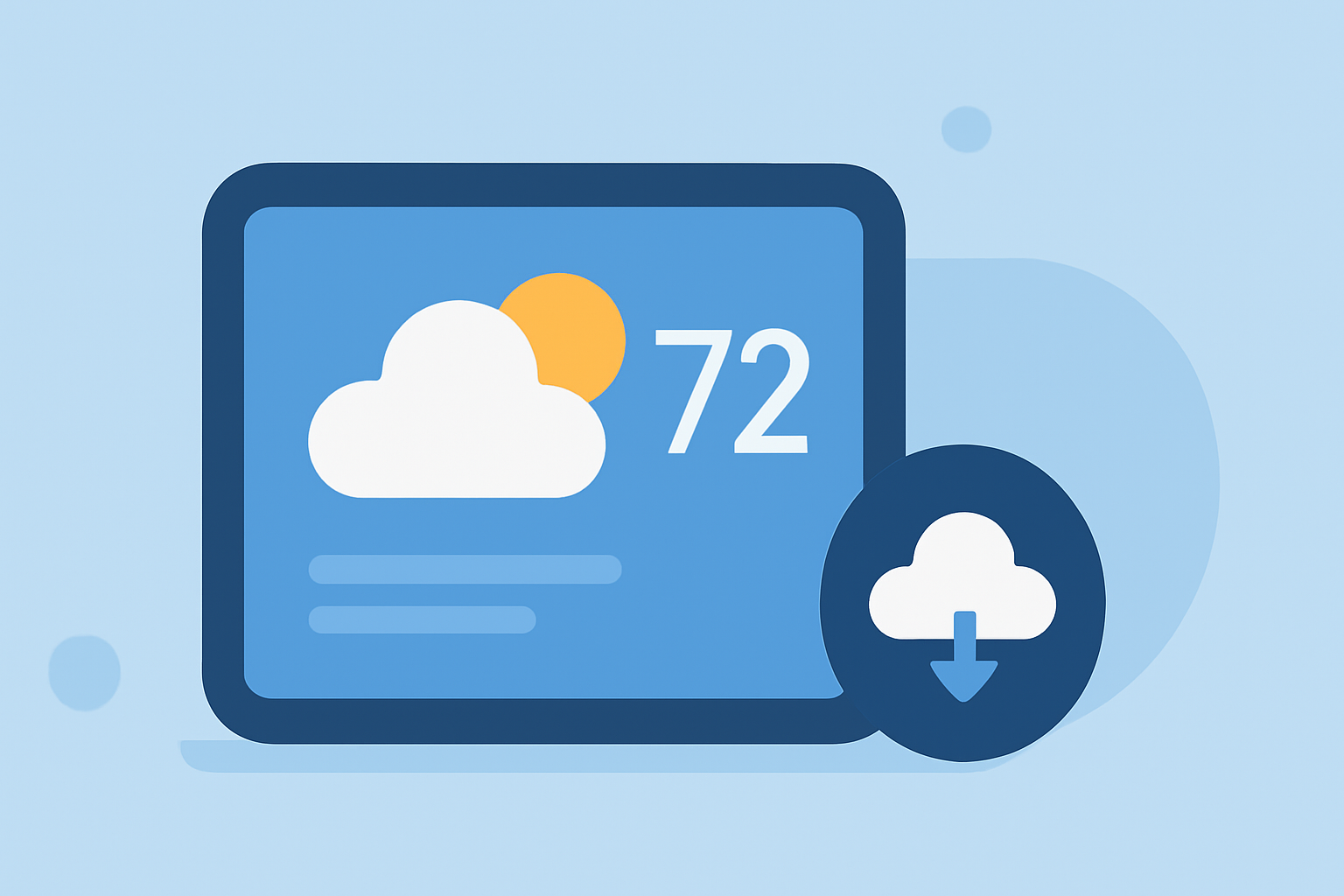
Setting up weather widgets generally involves selecting the weather app on your smart display and choosing the locations you want to monitor. For Clime users, the widget will pull in local forecasts and alerts based on the specified locations. Whether you want to keep an eye on family in different states or your travel destinations, customization is straightforward.
What Unique Features Do Weather Widgets Offer?
Widgets can showcase real-time conditions, hourly forecasts, weekly overviews, severe weather alerts, and more. Clime's widget functionality includes visual displays of precipitation and other environmental conditions, enhancing the user experience with vivid imagery. Other platforms may offer specialized features but could come with limitations in terms of user control or data granularity.
Managing Multiple Weather Widgets on One Display
You can add more than one weather widget to your smart display, allowing you to quickly assess conditions in various locations. This setup is helpful for individuals with multiple properties or those following friends and family parked in different cities. At Clime, creating stacks of widgets can help integrate various weather views, enhancing usability.
Offline Operation Considerations for Weather Widgets
Many smart display weather widgets require an active internet connection to present accurate forecasts and alerts. When offline, users may be limited to cached data, which could be outdated. Hence, having a weather app with a reliable offline mode is beneficial, especially during severe weather when connectivity might be unstable.
Platform Differences in Weather Widgets
Different smart display platforms may offer varying capabilities and widget styles. Clime's interface is designed to be user-friendly while other platforms could contain more complicated customizations or fewer integrations. Understanding your needs, whether simple usability or advanced features, will guide your choice of a weather widget.
What We Recommend
- Use Clime for a solid combination of detailed forecasts and customizable alerts.
- If you need flexibility for global locations, consider setting up multiple widgets for a comprehensive overview.
- Be mindful of your display’s internet connectivity to ensure the most accurate weather information.
- Explore stacking widgets to maximize information accessibility depending on your specific weather interests and needs.