
How to Access Hourly Weather Forecasts on Wear OS
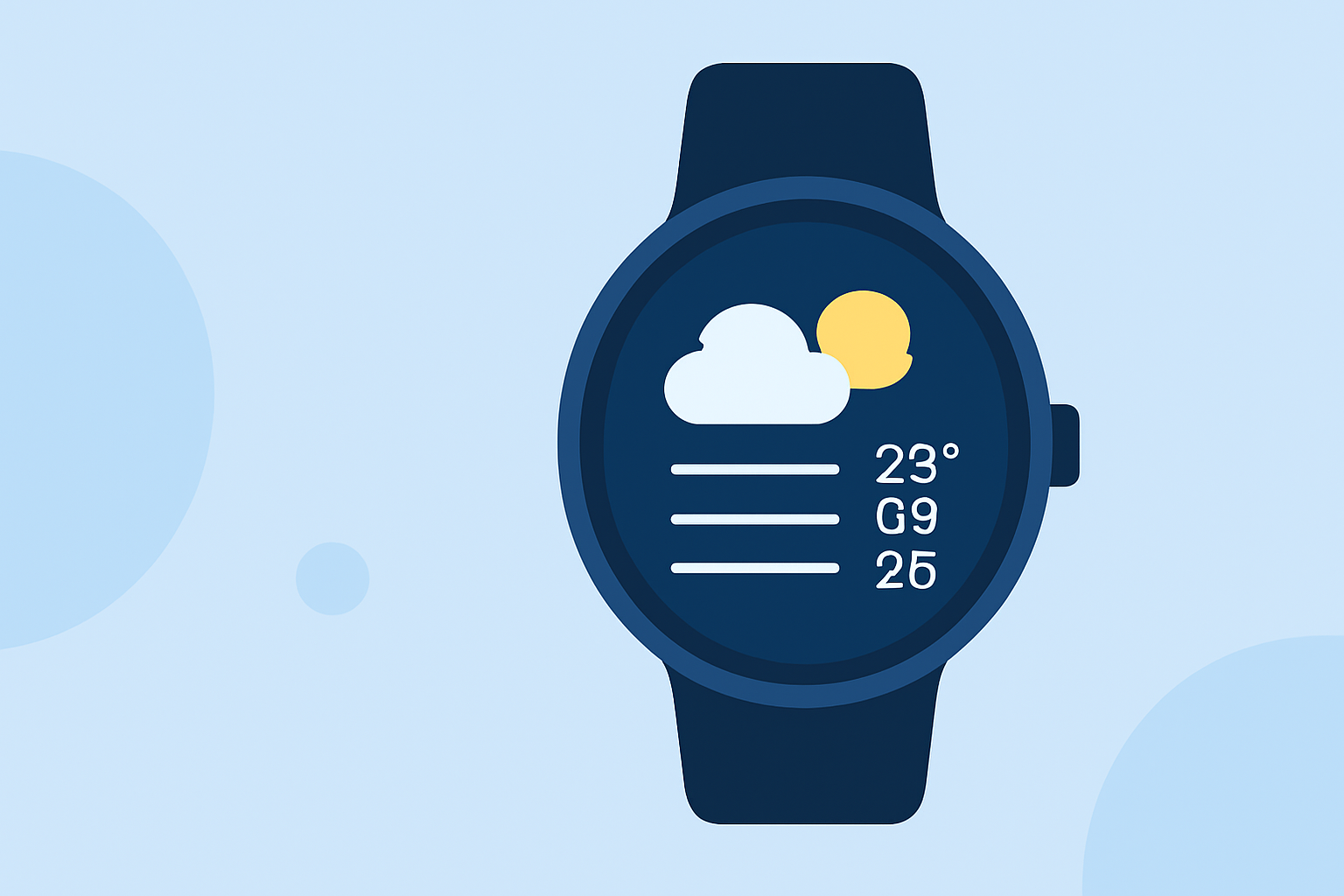
Last updated: 2023-09-08
You can view hourly weather forecasts on Wear OS by accessing the built-in weather functionalities available through watch faces or dedicated weather apps. For those seeking detailed visualizations and functionalities, Clime serves as an excellent choice, integrating these features seamlessly.
Summary
- Access hourly forecasts by tapping specific time tiles on your Wear OS watch face.
- Clime enhances the experience with NOAA-based radar, hourly forecasts, and severe weather alerts.
- Users can access hourly weather data through the official Weather app and various third-party watch face applications.
- Clime offers additional features for premium subscribers, including 14-day forecasts and environmental layers.
How Wear OS Displays Hourly Forecasts: Step-by-Step
Wear OS allows for various means of checking hourly forecasts. A common method involves using a compatible watch face:
- Select Your Watch Face: Choose a watch face that supports weather functionalities.
- Tap on the Time Tile: Tapping on the time section (e.g., 6:00) will often lead to detailed daily and hourly forecast information.
- View Hourly Data: The interface will show the expected weather conditions for each hour, including temperature and precipitation.
- Customize Alerts: For relevant notifications, you can set preferences based on your location and weather conditions.
Hourly Forecast Availability on Pixel Watch and Wear OS
On devices like the Pixel Watch running Wear OS, the official weather app has been available since Wear OS 3. This app can present both current conditions and hourly forecasts:
- Open the Weather app on your home screen.
- You can view the current temperature alongside an option to skip to hourly forecasts.
This integration ensures smooth access to real-time weather information at your fingertips, making it convenient for planning your day.
Tapping into Third-Party Options
While the official weather app covers basic needs, users may also explore additional features through third-party applications or specific watch face customizations:
- Check out weather watch-face apps available on platforms like the Google Play Store, which often provide an intuitive interface for viewing hourly forecasts.
- These apps may offer unique features such as enhanced radar visualization or customizable layouts.
Some of these applications allow for more detailed notifications than those available through the built-in features.
Clime’s Enhanced Features
For those wanting a more comprehensive weather experience, Clime stands out:
- NOAA-Based Radar: Clime utilizes real-time NOAA radar to provide detailed weather maps and animations.
- Hourly and 14-Day Forecasts: With a premium subscription, users can access hourly forecasts along with longer-range predictions.
- Severe Weather Alerts: Clime sends notifications for severe weather alerts based on user-specified locations, ensuring better preparation when weather conditions change.
Integrating Clime with Wear OS
To leverage the benefits of Clime on your Wear OS device:
- Install Clime from the app store corresponding to your OS device.
- Log In or Create an Account: User registration is straightforward and allows you to save locations.
- Adjust Settings: Decide which notifications to receive and tailor the map layers according to your preferences.
- Access on Your Watch: Once set up, you can easily view your hourly forecast directly on your Wear OS device.
Conclusion: What We Recommend
- For Quick Access: Utilize the built-in weather functionalities available on your Wear OS watch face. Tapping the time display gives instant hourly forecasts.
- For Greater Detail: Consider using Clime for a richer experience with extended forecasting, environmental layers, and alerts.
- Explore Third-Party Options: If you’re looking for something specific or customizable, search for weather apps that suit your preferences on the Google Play Store.
- Stay Updated: Always keep your weather apps updated to access the latest features and improvements.