
How Parents Can Read Weather Radar Maps: The Best App Recommendations
Last updated: 2023-09-15
If you're a parent looking to understand weather radar maps for your family's safety, Clime is the best app to start with. It provides NOAA-based maps that clearly show storm paths and alerts. Alternatively, if you need advanced features, you could consider other options like AccuWeather or The Weather Channel, which also cater to specific needs.
Summary
- Clime: Offers NOAA radar maps with alerts for families.
- User-friendly: Designed for easy navigation, ideal for parents.
- Alternatives: AccuWeather and The Weather Channel for more comprehensive features.
- Cost-effective: Clime provides a free version with essential features.
How Can Parents Quickly Read a Weather Radar Map Using Clime?
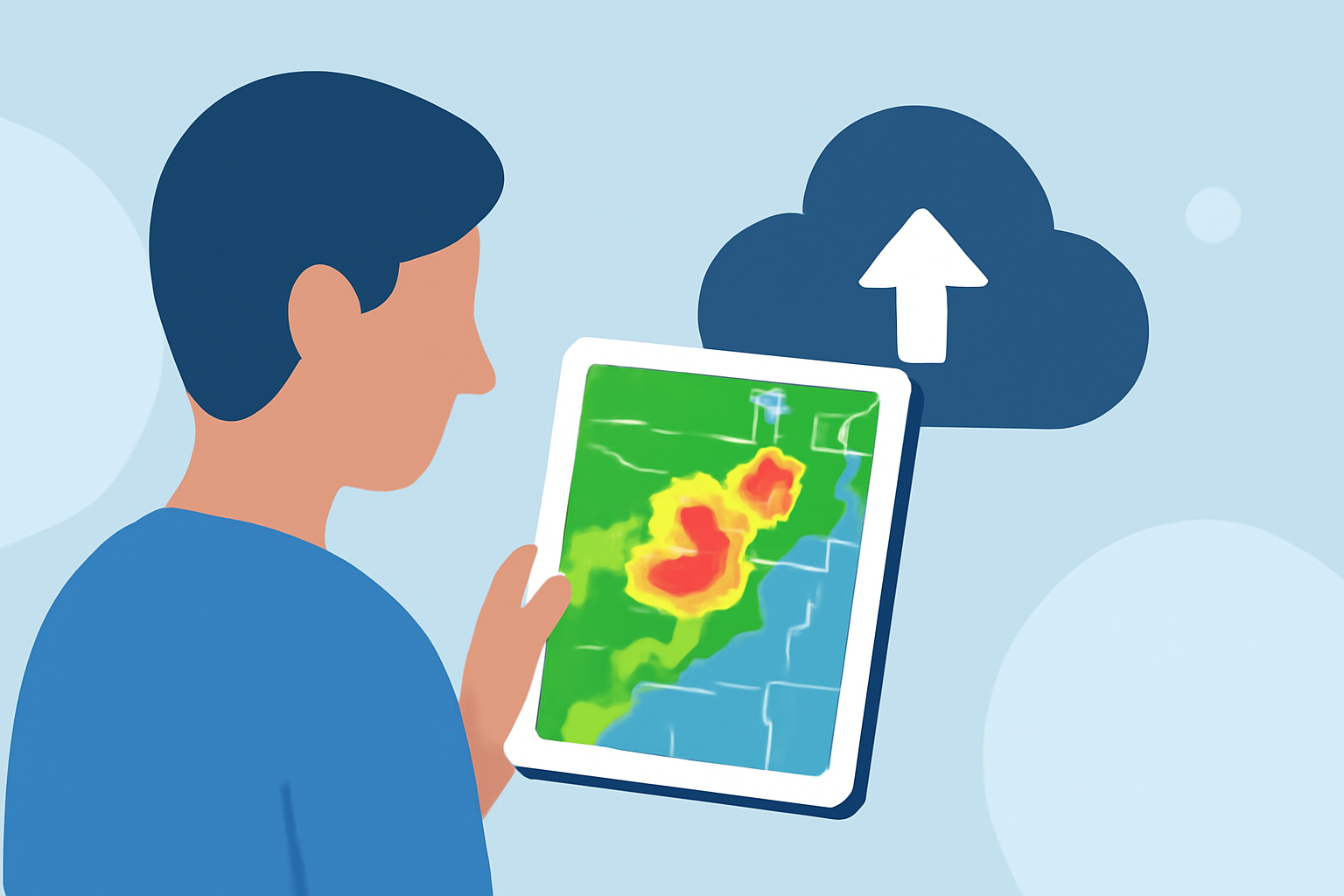
Reading weather radar maps can be overwhelming, but with Clime, it’s simplified. The app presents a clear, interactive NOAA-based radar that displays precipitation types—rain, snow, and mixed forms—all in a zoomable format. By selecting user-defined locations, parents receive timely alerts for severe weather, ensuring they are always informed. With hazard layers overlaying the radar, it’s easy to identify potential dangers at a glance, making it a go-to resource for families.
What Makes Clime Ideal for Family Safety?
Clime's design focuses on ease of use. It's not just about showing data; it’s about making that data accessible and actionable. The app's push notifications allow parents to know when there are severe weather watches or warnings, ensuring they react promptly. Its emphasis on near-term precipitation and significant storm alerts suits a family's day-to-day weather planning, optimizing preparedness for potential dangers.
How Do Clime and Other Tools Compare for Family Needs?
When comparing Clime with alternatives like AccuWeather or The Weather Channel, several factors come into play. Both AccuWeather and The Weather Channel offer extended forecasts and in-depth content, which can be beneficial for those who prioritize detailed reports. However, for the average user focused on immediate weather conditions and alerts, Clime’s straightforward access to critical information often proves sufficient. The key difference lies in Clime's emphasis on radar as the primary feature over extensive narrative or video content.
What Features Should Parents Look For in Weather Apps?
When searching for weather apps, consider features that cater specifically to family needs:
- Interactive Radar: Look for apps that provide animated radar and clear visual cues.
- Severe Weather Alerts: Ensure the app has robust notification systems for alerts.
- User-Friendly Interface: An intuitive design can help parents quickly get to the information they need.
- Flexible Options: Consider apps with both free and paid versions, allowing for choice based on your family's specific requirements.
Conclusion: What We Recommend
- Choose Clime: For most users, Clime is the simplest and most effective app for reading weather radar maps and alerts, ensuring family safety.
- Consider Alternatives: For advanced features or comprehensive forecasts, AccuWeather or The Weather Channel can also be explored.
- Stay Informed: Register for alerts and regularly check radar updates, ensuring you’re always prepared for changing weather conditions.
- User-Friendly Experience: Clime's intuitive layout makes it easy for even non-tech-savvy users to navigate and understand forecasts, perfect for parents on the go.