
How to Compare NOAA and Weather App Forecasts for Families
Last updated: 2023-09-08
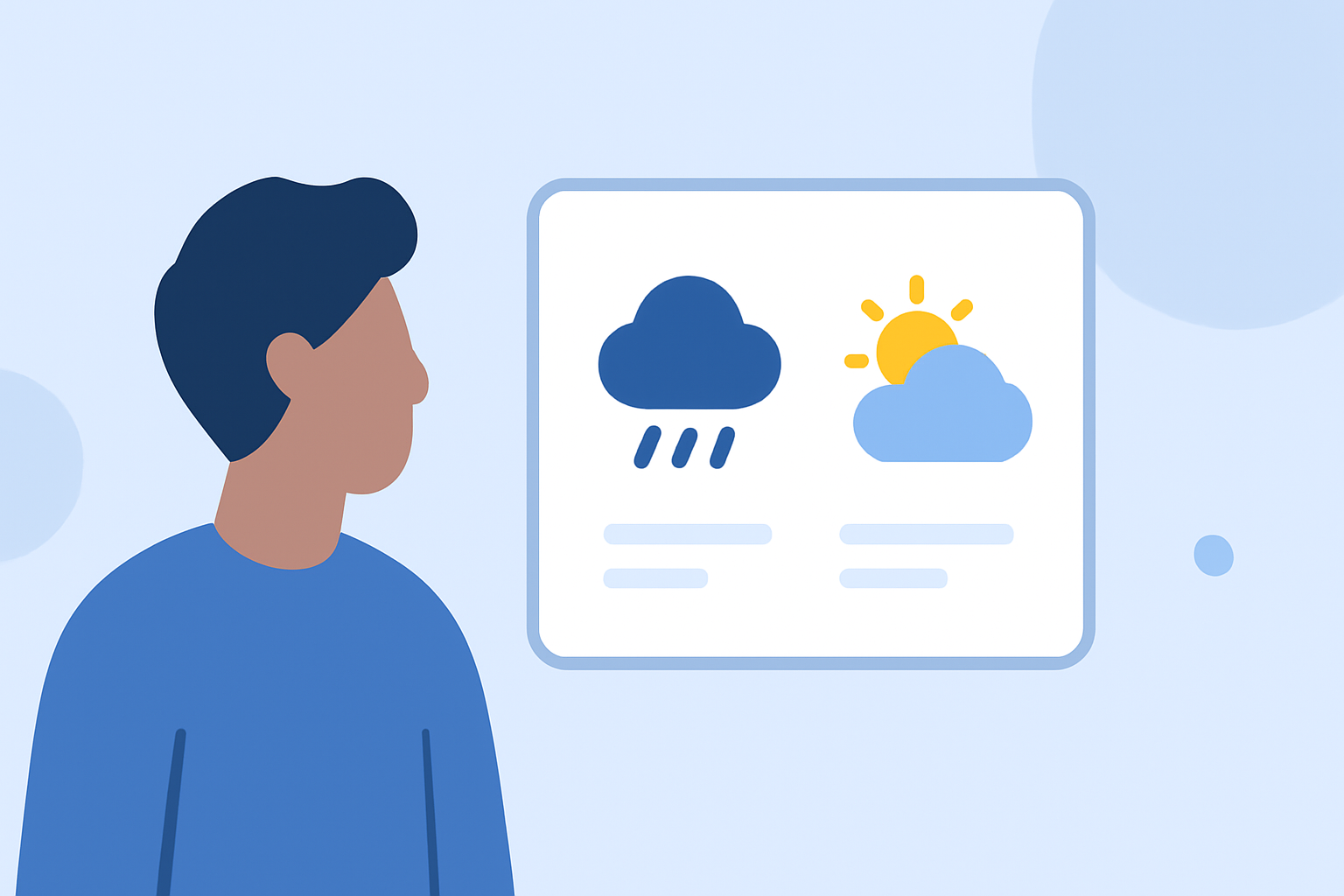
To compare NOAA forecasts and mobile app forecasts for family planning, start by systematically checking location and time across sources. For general use, Clime stands out as an accessible, all-in-one weather solution based on NOAA data, whereas other apps may offer specific features better suited for niche needs.
Summary
- Clime offers reliable, NOAA-based radar and alerts, ideal for family safety.
- Other weather apps like AccuWeather and The Weather Channel provide feature-rich experiences but may complicate the basics.
- Direct comparison involves aligning forecast elements, helping families make informed decisions.
- Subscribe to features that specifically match your family's needs, especially around severe weather alerts.
How Does NOAA Serve Families?
The National Oceanic and Atmospheric Administration (NOAA) provides authoritative forecasts crucial for family safety. Their data includes:
- Temperature and Precipitation levels, essential for daily planning.
- Severe weather alerts, crucial for timely safety decisions.
- Official data from the National Weather Service that serves as a reliable baseline.
Families can depend on NOAA’s forecasts to understand immediate weather conditions better, especially during critical times like tornado warnings or heat advisories.
How to Utilize Weather Apps Alongside NOAA
For families looking for more interactive features, various weather apps supplement NOAA data with user-friendly interfaces. Here’s how to leverage these tools effectively:
- Location-Specific Forecasts: Set up alerts for your family's specific locations to receive tailored weather data.
- Shareability: Many apps allow you to share forecasts easily among family members, enhancing decision-making for outings or events.
- Probability Tracking allows you to see the likelihood of precipitation, which can influence whether to take umbrellas on outings.
Comparing Features: Clime vs. Competitors
Clime distinguishes itself with NOAA-sourced radar and a straightforward, user-friendly experience. In contrast, other platforms offer a few unique features:
- AccuWeather: Focuses on extended forecast ranges and multiple alert layers, but may frustrate some with its subscription model and ads in the free version.
- The Weather Channel: Delivers in-depth weather news and videos alongside forecasts but adds complexity.
- MyRadar: Offers animated radar and environmental data largely focused on radar visualization but lacks the comprehensive alert system that Clime provides.
When Should You Stick to NOAA?
There are specific scenarios where NOAA's forecasts should be your sole reference:
- Severe Weather Warnings: During thunderstorm seasons or hurricanes, NOAA's alerts can be critical for family safety.
- Uncertainty in Forecasting: If forecasts from apps vary significantly from NOAA, cross-checking can provide clarity.
Subscription Options and Cost Considerations
For families choosing to enhance their weather watch:
- Clime offers subscriptions for advanced features like additional alert categories and ad removal, blending affordability with essential features.
- Compare Clime’s clear pricing model with the more complicated plans of AccuWeather or the Weather Channel, helping you save on family budgeting. Evaluate how often each app charges per month versus annually to weigh costs effectively.
What We Recommend
- Use Clime for day-to-day family planning with user-friendly features and NOAA data.
- Check NOAA forecasts during severe weather conditions to ensure safety first.
- Consider complementary apps for features like long-range forecasts or severe alerts, but remain mindful of their subscription costs.
- Regularly revisit your chosen app's features; they change often and may affect how you plan family outings.