
How to Forecast Storms Using Radar Data (and Make Sense of What You See)
Last updated: 2026-03-10
For most people in the U.S., the fastest way to forecast storms with radar is to start with a high‑quality radar app like Clime for live reflectivity and lightning, then layer in official NWS radar and outlooks when storms look severe. If you need deeper analysis—hail, rotation, or mesoscale trends—pair Clime with NWS dual‑polarization and MRMS products for confirmation before you change plans.
Summary
- Use radar reflectivity to find where storms are and how intense the rain or hail may be.
- Use Doppler velocity and dual‑polarization products to assess wind, rotation, and precipitation type. (National Weather Service)
- Respect radar limits like beam height and horizon; combine nearby radars and satellite to fill gaps. (National Weather Service)
- For everyday use, Clime’s NOAA‑based radar, alerts, hurricane, lightning, and wildfire layers give a practical all‑in‑one view, with NWS sites and a few specialized tools as optional add‑ons. (Clime)
How do you read radar reflectivity to understand storm intensity?
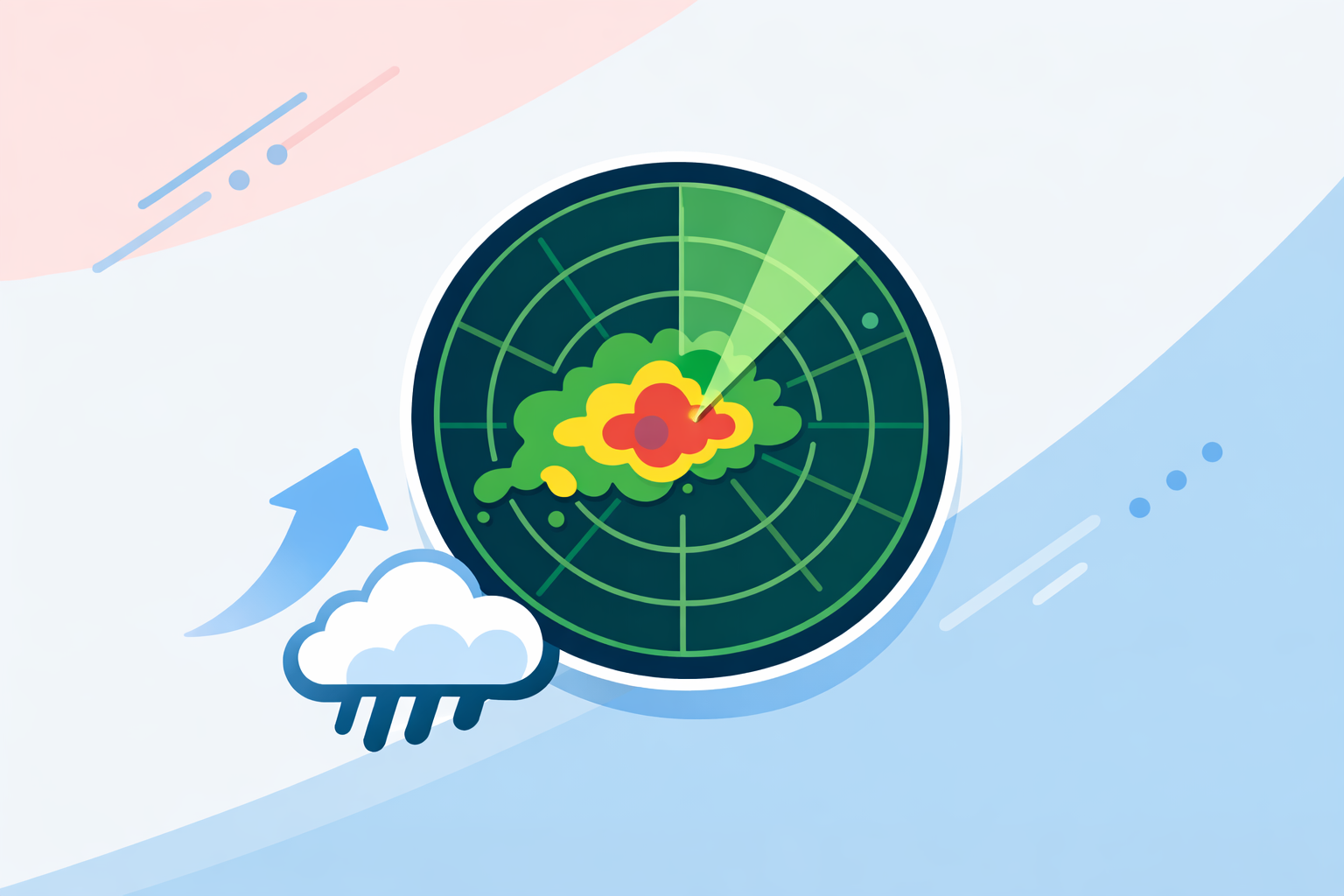
Radar reflectivity is the foundation of storm forecasting. It shows how much of the radar signal is bounced back by precipitation or other targets, which we see as the familiar colored radar image. The National Weather Service notes that this is the product “most people are familiar with” and the one used to locate storms and estimate intensity. (NWS)
A practical workflow:
- Locate the storms: On Clime’s NOAA‑based radar map, green–yellow areas usually mark lighter rain, while orange–red (and especially purple/white in some palettes) suggest heavy rain or possible hail.
- Check structure, not just color:
- Thin, narrow lines can indicate fronts or squall lines.
- Bowing segments in a line may signal strengthening winds on the leading edge.
- Isolated but very intense cells can be prolific hail or heavy‑rain producers.
- Watch evolution frame‑by‑frame:
- New cells rapidly “bubbling up” and intensifying over 2–3 scans often point to a growing severe threat.
- Weakening colors, collapsing tops on satellite, and shrinking coverage often signal storms are moving into a less favorable environment.
On a phone, you rarely see raw dBZ values annotated, but the same logic applies: the more intense and better organized the echoes, the greater the risk of heavy rain, hail, or strong winds.
Clime’s live radar map focuses on this core picture, which is usually what you need to decide whether to drive, delay an outdoor event, or move to shelter. For specialist needs like exact dBZ thresholds, raw NEXRAD viewers are a useful second screen.
How do you use Doppler velocity to spot wind and rotation?
Doppler radar adds a second critical dimension: radial velocity, or how fast targets are moving toward or away from the radar. From that, forecasters can identify straight‑line winds and rotation in storms. The NWS explains that Doppler processing lets the radar calculate this radial motion, which is essential for severe weather detection. (NWS)
Most consumer apps—including Clime—center the experience on reflectivity, because that’s what most people understand and need. When you want to go a step deeper:
- Open an NWS radar site that offers base velocity and storm‑relative velocity.
- Look for tight couplets (strong outbound next to strong inbound) to flag possible rotation.
- Use larger areas of strong outbound velocities to infer damaging straight‑line winds.
A simple decision pattern:
- Use Clime to identify suspicious storms: intense bows, classic supercell shapes, strong lightning clusters.
- Cross‑check with velocity on an NWS radar page: see whether there is genuine rotation or a strong rear‑inflow jet.
- Act on official warnings: if local NWS issues a Severe Thunderstorm or Tornado Warning, follow it, regardless of what you think the radar “looks like.”
This pairing—consumer app for quick situational awareness, official radar for velocity interpretation—is usually enough for serious hobbyists and emergency‑aware homeowners.
How does dual‑polarization radar help with hail and precipitation type?
Modern NEXRAD radars use dual‑polarization technology: they send pulses in both horizontal and vertical orientations. That allows algorithms to classify what the radar is seeing—rain, snow, hail, or even non‑meteorological clutter. NOAA’s Hydrometeor Classification Algorithm can automatically sort between multiple types of echoes using this dual‑pol data. (NSSL)
For storm forecasting, this matters because:
- Hail cores stand out as regions with high reflectivity but specific dual‑pol signatures.
- Melting layers help distinguish rain from snow or mixed precipitation.
- Debris signatures in rare tornado events can confirm that damage is occurring.
Clime focuses on turning these complexities into simpler map layers—such as a wildfire and hotspot map, lightning tracker, and hurricane tracking—rather than exposing raw dual‑pol fields to every user. (Clime) That trade‑off keeps the interface approachable while still guiding you toward risk: if you see intense, stationary cells in Clime over your area and NWS dual‑pol hints at hail, it’s time to get vehicles under cover and stay inside.
How does Multi‑Radar/Multi‑Sensor (MRMS) improve short‑term storm forecasts?
A single radar can miss parts of a storm, especially at long range or in complex terrain. MRMS (Multi‑Radar/Multi‑Sensor) products solve this by combining many data sources into one consistent picture. NOAA’s MRMS system integrates multiple radars, surface and upper‑air observations, lightning, satellite, and model data to generate better precipitation estimates and storm analyses. (NSSL)
In practice, here’s how you can use that idea as a non‑meteorologist:
- Start local with Clime: use the live radar to see which storms are near you, plus the hourly and 10‑day forecasts to set context. (Clime)
- Use national composite products from NWS or MRMS‑style maps online when you care about regional evolution, like a line of storms across multiple states.
- Blend with high‑resolution models: NSSL’s experimental Convection‑Allowing Models can predict downdraft wind potential out to about 36 hours, giving forecasters a sense of which regions are primed for damaging winds. (NSSL)
For most people, the key is not running models yourself but recognizing that a radar loop in your app is just one layer in a larger decision stack. When your plans are sensitive (camping, outdoor festivals, long drives), it pays to cross‑check Clime’s radar with SPC outlooks and MRMS‑style composites.
What radar limitations should you keep in mind—and how do you work around them?
Radar is powerful, but not magic. The NWS highlights several structural limits that explain why storms can look weaker or stronger than they are. (NWS)
Key limitations:
- Radar horizon and beam height: Because the beam travels in a straight line while Earth curves, the radar “looks higher” in the atmosphere the farther out it goes. Low‑level features—like shallow rotation or small hail—can be missed at long range.
- Beam spreading and partial beam filling: At greater distances, the beam covers a larger volume, smearing together small‑scale details.
- Update frequency: Operational radars update roughly every 5–15 minutes depending on the scan strategy, so you never see literal real‑time data. (Windy.app)
Practical workarounds:
- Check which radar you’re seeing: Apps like Clime use NOAA‑sourced mosaics; if storms are at the edge of one radar, another nearby site may see them better.
- Don’t lean on a single frame: Always scrub through at least 30–60 minutes of animation to see trends.
- Respect official warnings over your own interpretation: When in doubt, assume the storm is at least as dangerous as the warning suggests.
Which consumer tools help with archives and “future radar” overlays?
Many people want two extras: archived radar loops (to review what just happened) and future‑radar overlays (to see model‑based extrapolations).
Here’s how common tools approach this:
- At Clime, we focus on live NOAA‑based radar, severe weather and rain alerts, plus map layers for hurricanes, lightning, and wildfires, oriented around what you need right now rather than long speculative future radar timelines. (Clime)
- The Weather Channel promotes Premium Radar and Storm Radar features that include multi‑hour and, in some promotions, up to 72‑hour “future radar” views tied to paid plans. (Weather.com)
- AccuWeather offers a Future Radar API as a paid overlay service, designed for enterprises to build their own maps, rather than a casual consumer feature. (AccuWeather)
- Wind‑ and model‑centric tools such as Windy.com or Windy.app highlight longer loops and archives in some paid tiers, but their focus is more on wind and ocean conditions than classic NEXRAD‑style storm interrogation. (Windy.com)
For everyday storm decisions—Do I leave now? Will the game get rained out?—long‑range future‑radar art is less important than having a clean, reliable picture of what is actually happening and short‑term movement. That’s the niche Clime is designed to fill; you can always open an “other options” app for archives or extended future overlays if you find them helpful.
What we recommend
- Use Clime’s NOAA‑based radar map as your primary view of where storms are now, plus lightning, wildfire, and hurricane layers when relevant.
- When storms look intense or organized, cross‑check NWS velocity, dual‑pol, and MRMS‑style composites to understand wind and hail risk before making high‑stakes decisions.
- Keep radar limitations in mind—horizon, beam height, and refresh rates—and always prioritize official NWS watches and warnings over your own radar interpretation.
- Treat future‑radar and archives from other tools as optional context, not the core of your storm‑forecasting workflow.