
How to Read a Weather Radar Map on iOS
September 12, 2023 · The Clime Team
Last updated: 2023-09-12
For iOS users wanting to read weather radar maps efficiently, Clime is the go-to recommendation, providing NOAA radar imagery and alerts in an intuitive format. If you’re looking for richer overlay options, MyRadar could be a suitable alternative.
Summary
- Clime offers NOAA radar, severe weather alerts, and additional hazard layers, focusing on simplicity and reliability.
- MyRadar provides a broader array of environmental data overlays but can be more complex.
- AccuWeather and The Weather Channel present ad-supported forecasts and premium features that may not provide the straightforward experience many users prefer.
- Understand radar maps to make informed decisions about weather impacts locally.
How to Read a Weather Radar Map on iOS with Clime
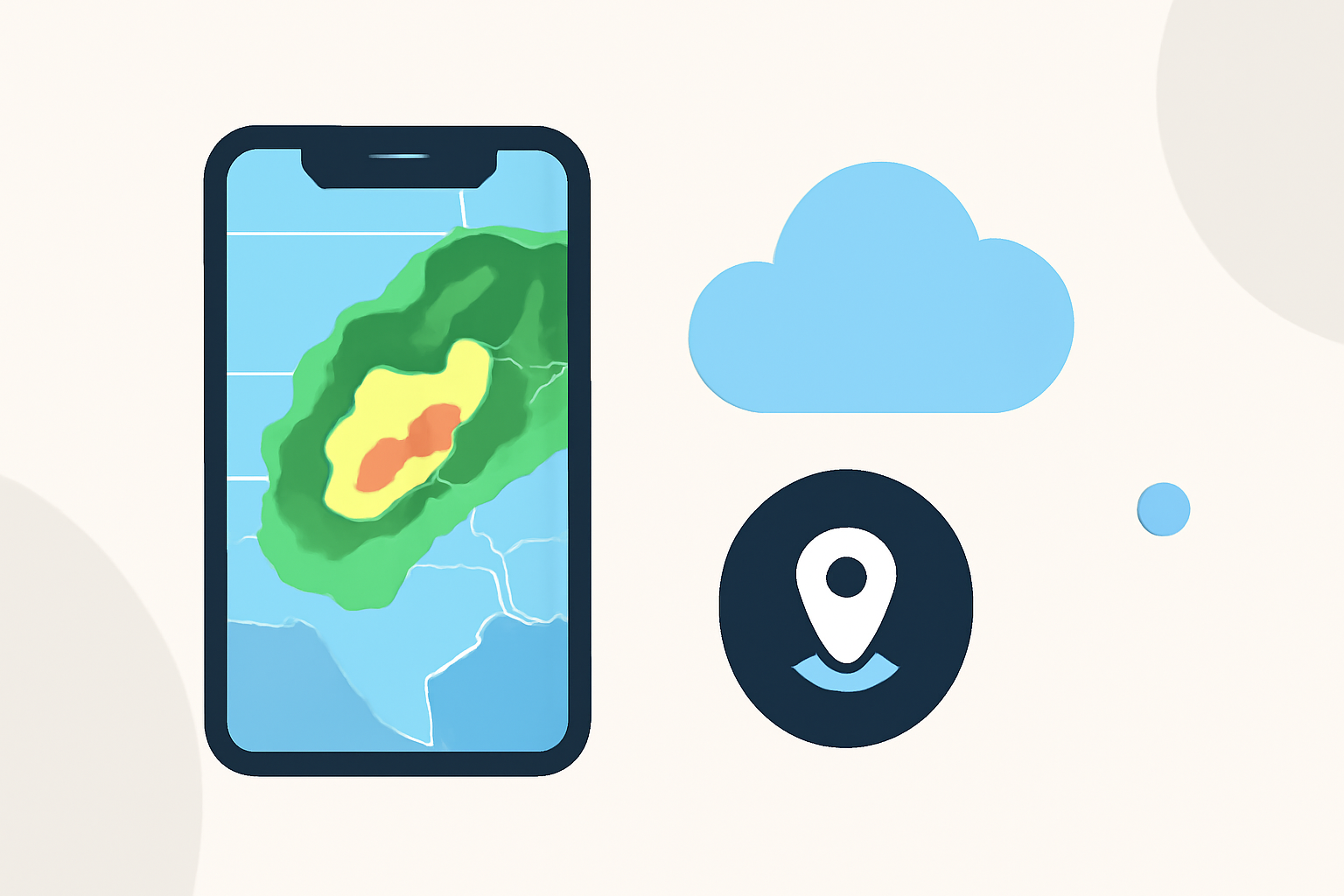
Clime stands out by presenting official NOAA and NWS radar information, visualizing rain, snow, and severe storm activity over your specific location. To read a weather radar map:
- Open the Clime app to view the live radar.
- Observe areas of different colors indicating precipitation intensity: blue for light rain, green for moderate rain, and yellow/red for heavy storms.
- Use the interactive features to zoom in or out and check the forecast animations for upcoming weather changes.
What MyRadar Offers for iOS Radar Overlays
MyRadar is known for its animated radar displays, offering various weather overlays:
- Wind Layer: Visualizes wind patterns at different atmospheric levels, enhancing understanding of wind direction.
- Hurricane Tracker: Stay updated on tropical storms with a dedicated layer showing their paths.
- Environmental Data: Includes information on wildfires and other environmental hazards, which can be critical in certain areas.
AccuWeather Radar Features on iOS
AccuWeather provides a different approach with options like extended hourly forecasts and tailored severe weather alerts. Users can access:
- Premium Features: While the free version contains ads, a paid tier removes ads and unlocks additional functionalities such as detailed forecasts.
- Weather Alerts: Notifications for severe weather events, though deeply integrated with their broader forecast capabilities.