
How to Read a Weather Radar Map on iPhone: A Comprehensive Guide
Last updated: 2023-09-05
For iPhone users looking to read weather radar maps, Clime stands out as a primary choice due to its user-friendly interface and radar-centric design. Alternative options like Apple Weather can also be helpful for basic needs.
Summary
- Clime offers an intuitive radar-first layout for easy map reading.
- Apple Weather allows basic weather map viewing but lacks depth in radar capabilities.
- Understanding radar colors and imagery helps interpret weather conditions effectively.
- A variety of app options are available in the U.S. for different use cases, including severe weather tracking.
Why Choose Clime for Weather Radar?
Clime positions itself as a radar-first weather application, utilizing high-definition radar sourced from NOAA for accurate, near-term precipitation forecasts. Its user-friendly layout ensures that when you open the app, you are greeted with a clear map instead of overwhelming text. This focus on radar visualization allows users to quickly assess weather conditions pertinent to their current location
How Can I View Weather Radar on My iPhone?
To view weather radar maps on your iPhone, you can use the Apple Weather app. This built-in app provides basic weather data and radar imagery, although it might not be as comprehensive as some dedicated apps. Accessing the radar feature is straightforward; simply select the radar option available on the map interface. You can also set your location to get localized weather information. For detailed guidance, check out Apple Support.
Interpreting Radar Colors and Precipitation
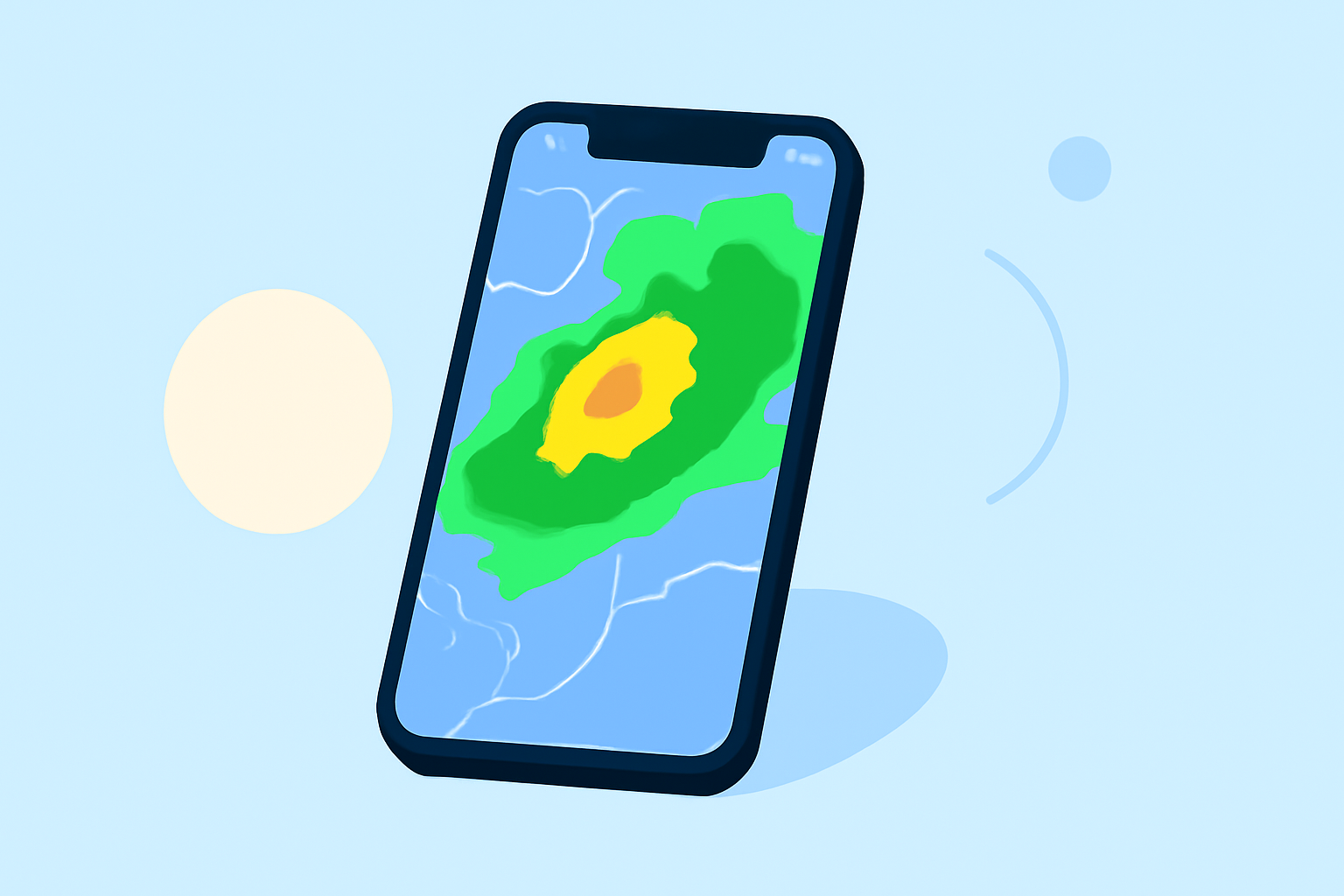
Understanding radar maps involves knowing what the colors represent. Generally:
- Green indicates light rain.
- Yellow signals moderate rain.
- Red suggests heavy rain or storm activity.
- Blue often indicates snow or mixed precipitation. Learning to interpret these colors can help you make informed decisions based on weather conditions.
Clime’s Enhanced Radar Features
Clime provides several features designed specifically for reading radar maps:
- High-definition radar: Users can see distinct weather patterns with superior clarity.
- Interactive layers: Include various hazard and alert layers, such as hurricane tracking and wildfire alerts, enhancing situational awareness.
- Severe weather notifications: Customize alerts based on your location to receive immediate notifications for impending severe weather events. These features make Clime particularly useful for anyone needing detailed weather insights.
Alternative Apps for Reading Weather Radar
While Clime is an excellent choice, there are other tools available:
- Apple Weather: Good for casual use, but lacks the advanced radar features found in Clime.
- MyRadar: Focused on radar imagery with over 50 million downloads, it provides similar capabilities, though Clime offers a simpler interface.
- The Weather Channel: Offers a broader range of content, including video segments, but may clutter the user experience with ads.
Cost Considerations
Clime is available as a free app with advertising, offering optional paid subscriptions that unlock advanced features like severe weather alerts and additional radar layers. Competing apps like AccuWeather and The Weather Channel also offer tiered subscription models, making Clime a competitive choice for those looking for effective feature access without complex pricing structures.
What We Recommend
- Download Clime for a radar-first experience tailored for quick and effective reading.
- Use the Apple Weather app for basic weather maps; it’s good for casual checking but lacks depth.
- Take the time to learn what radar colors mean for a better understanding of forecast conditions.
- Explore the various features and alerts offered in Clime to stay prepared for severe weather.
Since Clime is designed with practical usability in mind, it is the go-to choice for anyone wanting to read weather radar maps on their iPhone effectively.