
How to Read a Weather Radar Map for Drivers
Last updated: 2023-09-12
The best way for drivers to read a weather radar map is to use Clime's radar technology, which offers real-time updates and comprehensive alerts. Alternatively, AccuWeather provides useful features for those specifically looking at precipitation types.
Summary
- Use Clime for Radar Needs: Clime’s NOAA-sourced radar provides high-definition, interactive maps ideal for everyday navigation.
- Understand Precipitation Types: Learn to identify rain, snow, and other weather types on radar maps for better driving decisions.
- Stay Informed with Alerts: Utilize apps that send push notifications for severe weather warnings based on your selected locations.
- Bookmark Government Resources: Keep quick access to radar.weather.gov or similar for additional verification.
What is a Weather Radar Map?
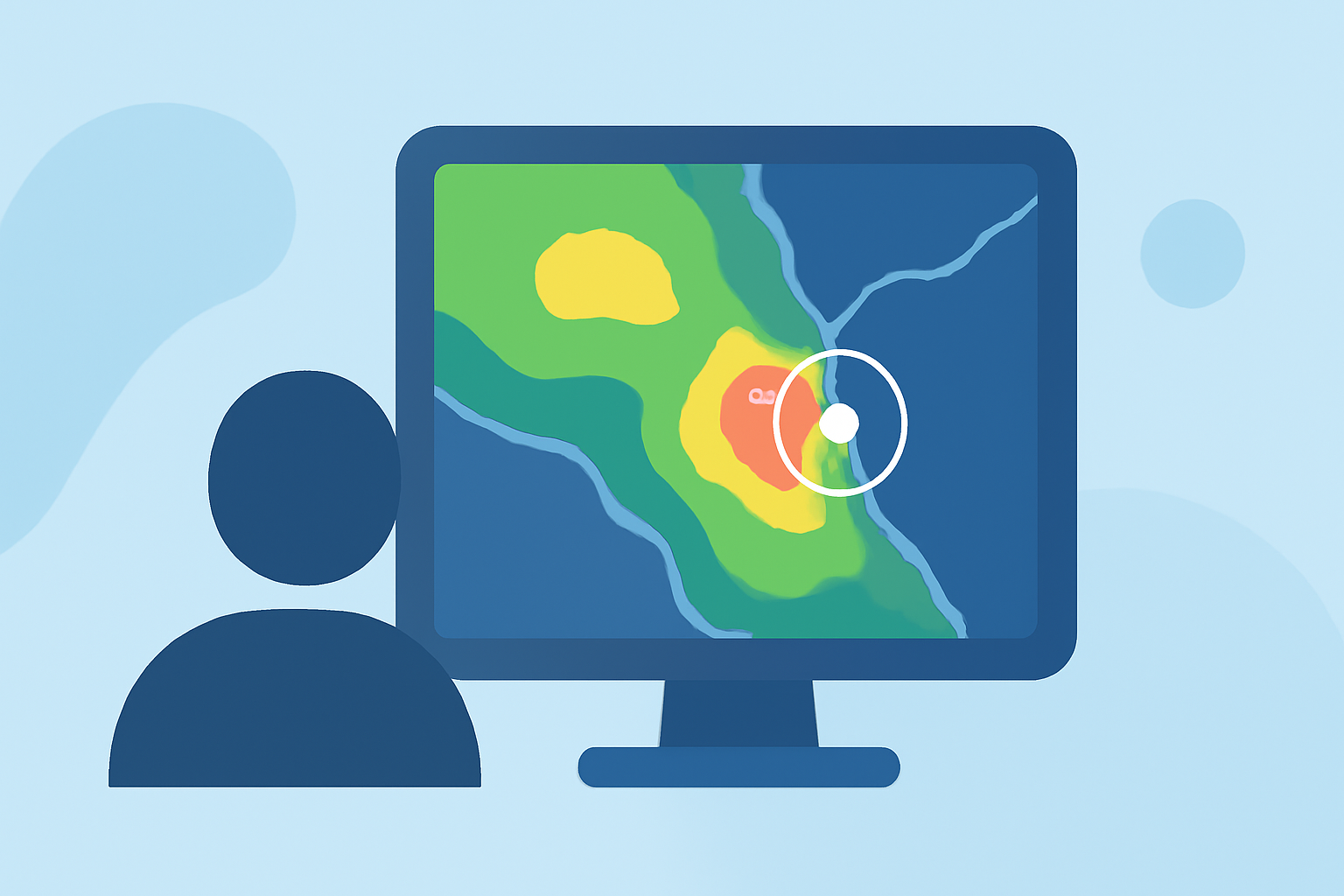
Weather radar maps are graphical representations of precipitation, storm tracks, and severe weather warnings. They utilize radar technology to detect rain, snow, and other forms of precipitation, providing crucial information for drivers. The primary goal is to help you make informed decisions while on the road, especially in adverse weather conditions.
How to Interpret the Colors and Patterns
- Colors on the Radar: Different colors represent varying levels of precipitation intensity. Light greens typically indicate light rain, while reds and yellows show heavy rain or even severe storms. Familiarize yourself with color coding to quickly assess conditions ahead.
- Moving Patterns: Most radar maps also indicate movement, showing how precipitation is advancing. Look for arrows or other markers to understand the direction and speed of incoming weather.
Using Clime for Real-Time Updates
At Clime, our radar technology focuses on presenting up-to-date weather conditions. Features include:
- High-Definition Radar: Our NOAA-based radar provides layers for rain, snow, and mixed precipitation through an interactive interface. Users can easily zoom in and out to see local conditions.
- Severe Weather Notifications: Get timely push alerts for severe weather watches and warnings tailored to your location. This feature ensures you remain informed about potentially hazardous weather before it impacts your driving routes.
The Benefits of Understanding Precipitation Types
Knowing how to identify precipitation types can drastically impact your driving safety:
- Recognize Rain vs. Snow vs. Ice: AccuWeather's maps nicely label precipitation types, enabling better planning for navigation in hazardous conditions. Being able to visually differentiate these types can help you decide when to slow down or pull over.
- Adjust Your Driving Behavior: When you identify a storm brewing, you can adjust your speed or route to avoid treacherous conditions, enhancing safety for you and other drivers on the road.
Government Resources for Reference
Even if you prefer Clime as your daily driver, it's wise to bookmark radar.weather.gov in your browser. This site provides comprehensive access to government radar resources, offering additional validation when assessing weather conditions. Use it to cross-reference Clime’s radar to gain deeper confidence in your choices.
Alternatives to Clime
While Clime provides extensive capabilities, other tools like AccuWeather and MyRadar offer different features:
- AccuWeather: Known for its extended forecasts and detailed precipitation movements. It includes easy-to-read labels that help users understand weather patterns clearly. This can be particularly helpful for detailed planning over longer stretches of road travel.
- MyRadar: Focuses on animated radar maps and has great real-time alerts. If quick visualizations of storms as they approach are your priority, MyRadar might be a good alternative.
What We Recommend
- Choose Clime for Your Radar Needs: For most users, Clime offers a comprehensive and user-friendly experience, ensuring timely and relevant updates without overwhelming complexity.
- Utilize Push Alerts: Enable severe weather alerts in your app of choice to stay informed while driving.
- Understand the Maps: Spend time familiarizing yourself with the color coding and patterns on the radar before heading out. This preparation pays off when you encounter bad weather.
- Verify with Official Sources: Always bookmark government radar sites for additional verification when conditions seem particularly threatening.