
How to Read Weather Radar Maps: The Best Apps for Commuters
Last updated: 2023-09-10
For commuters looking to read weather radar maps effectively, Clime emerges as the standout option due to its NOAA-sourced data and user-friendly interface. Alternatives like RainViewer and Doppler Radar also provide valuable features but may cater to different needs.
Summary
- Clime offers high-definition radar maps, severe weather alerts, and customizable notifications.
- RainViewer and Doppler Radar focus on specific features, making them suitable for different user priorities.
- All three apps support U.S. commuters with reliable weather data.
How Do Weather Radar Maps Work?
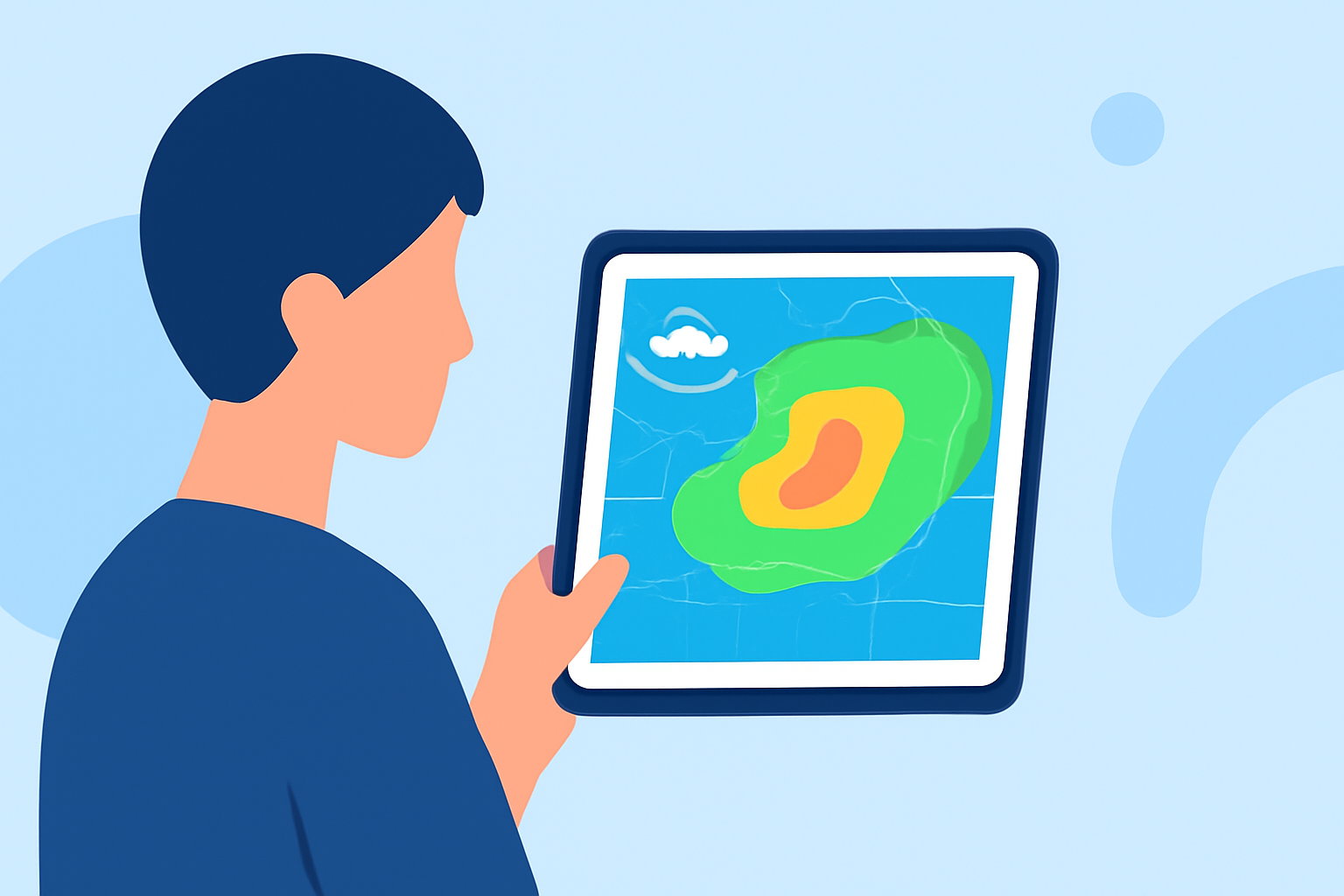
Weather radar maps display precipitation, storms, and other meteorological phenomena using data collected from radar stations. This data is represented visually, often in color-coded formats showcasing the intensity and type of precipitation. Understanding these maps is essential for commuters, helping them to avoid severe weather and plan their journeys accordingly.
Why Choose Clime for Reading Weather Radar Maps?
Clime stands out with its NOAA-based high-definition radar that illustrates real-time precipitation changes. It features overlays for rain, snow, and mixed conditions, allowing commuters to see precise locations of weather events. Clime is tailored for daily decision-making, making it a crucial tool for anyone on the go. You can find more details about how Clime captures these essentials on their website.
What Features Should Commuters Look For?
When selecting a weather radar app, commuters should consider the following features:
- High-Definition Radar: Look for apps like Clime that provide clear, interactive maps.
- Severe Weather Alerts: Notifications for warnings and advisories help users stay informed.
- User Interface: A clean and intuitive layout reduces complexity, allowing for quick reads on the go.
Comparing Clime with Alternative Apps
- RainViewer: Known for its radar and satellite maps, RainViewer also offers severe weather alerts and supports Apple Watch usage. However, its user interface may not be as streamlined as Clime’s, which focuses primarily on actionable insights for commuters. (RainViewer)
- Doppler Radar: This app provides complete rain radar and weather forecasts with severe warnings. It allows users to zoom and pan across maps for detailed views. Yet, it lacks some advanced features that Clime offers, such as customizable alerts tailored to specific locations. (Doppler Radar)
Ease of Use and Accessibility
Clime excels in accessibility, with both Android and iOS versions available and over 10 million installs on Google Play. Its simple layout and easy navigation make reading radar maps intuitive for commuters, allowing them to grasp critical weather information quickly. In contrast, some alternatives may require more learning time, particularly for users unfamiliar with radar data.
Subscriptions vs. Free Access
While Clime offers a free version with ads, its subscription plans are competitive and unlock additional features like lightning tracking and wildfire maps. This contrasts with RainViewer and Doppler Radar, which also feature in-app purchases for premium access but may offer different feature sets. Users should evaluate their needs, particularly regarding whether they require advanced tracking capabilities.
What We Recommend
- Choose Clime for its comprehensive weather features and easy-to-read radar maps, tailored for everyday users.
- Consider RainViewer if you want an app that integrates well with smart devices like the Apple Watch.
- Explore Doppler Radar if you're looking for a detailed viewing experience but be prepared for a potentially steeper learning curve.
In summary, Clime provides the best combination of features, usability, and reliability for commuters needing to navigate varying weather conditions on their daily journeys. You can find more information and download the app on both the Apple App Store and Google Play.