
How to Set Up UV Notifications Step by Step
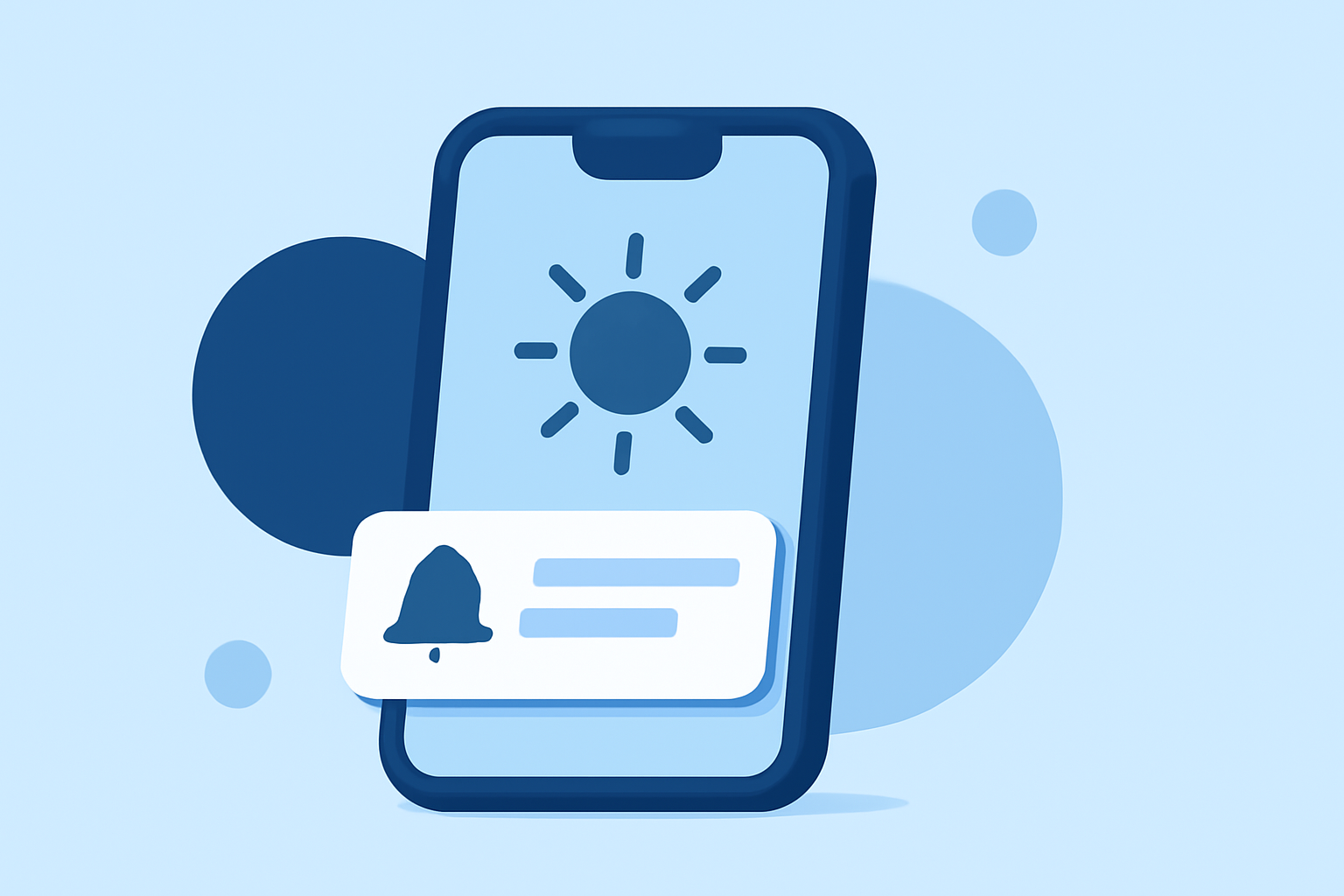
Understanding the Ultraviolet (UV) Index is crucial for protecting your skin from harmful sun exposure. Many devices and applications offer UV notifications to keep you informed about current UV levels and help you take necessary precautions. This guide will walk you through setting up UV notifications on various platforms.
1. What Is the UV Index?
The UV Index measures the strength of ultraviolet radiation from the sun. A higher UV Index indicates a greater potential for skin damage. Monitoring this index helps you make informed decisions about sun protection.
2. Why Are UV Notifications Important?
UV notifications alert you when UV levels are high, prompting you to take protective measures such as applying sunscreen, wearing protective clothing, or seeking shade. This proactive approach reduces the risk of skin damage and long-term health issues.
3. How to Set Up UV Notifications on iOS Devices
While the native Weather app on iOS provides UV Index information, it doesn't offer direct UV notifications. To receive UV alerts on your iPhone, consider the following steps:
- Use a Third-Party App: Applications like UVLens provide real-time UV Index updates and notifications. To set up UV notifications using UVLens:
-
Download and Install UVLens: Find UVLens on the App Store and install it on your device.
-
Set Up Your Profile: Open the app and input your skin type, eye color, and hair color to receive personalized UV exposure information.
-
Enable Notifications: Navigate to the app's settings and turn on notifications to receive alerts when UV levels are high.
- Configure Location Services: Ensure that UVLens has access to your location for accurate UV Index readings.
4. How to Set Up UV Notifications on Android Devices
Android devices may not have a built-in UV Index notification feature. To receive UV alerts on your Android phone:
- Use a Third-Party App: Apps like UVLens are also available for Android and offer UV Index notifications. To set up UV notifications using UVLens on Android:
-
Download and Install UVLens: Find UVLens on the Google Play Store and install it on your device.
-
Set Up Your Profile: Open the app and input your skin type, eye color, and hair color for personalized UV exposure information.
-
Enable Notifications: Navigate to the app's settings and turn on notifications to receive alerts when UV levels are high.
- Configure Location Services: Ensure that UVLens has access to your location for accurate UV Index readings.
5. How to Set Up UV Notifications on Wearable Devices
Some wearable devices, like the Apple Watch, can display UV Index information but may not offer direct UV notifications. To stay informed about UV levels on your wearable:
-
Use a Companion App: Install a compatible app like UVLens on your smartphone and pair it with your wearable device.
-
Enable Notifications: Ensure that notifications are enabled on both your smartphone and wearable device to receive UV alerts.
6. How to Set Up UV Notifications on Smart Home Devices
Some smart home devices, such as certain smart speakers, can provide UV Index information through voice commands. To receive UV updates:
-
Enable Skills or Actions: Activate the relevant skill or action on your smart device that provides UV Index information.
-
Set Up Notifications: Configure the device to send notifications or provide UV Index updates upon request.
7. How to Set Up UV Notifications on Web Platforms
Web-based platforms may offer UV Index information but might not provide direct notifications. To stay informed:
-
Use a Web-Based Service: Access a website that provides real-time UV Index data for your location.
-
Bookmark the Page: Save the website to your browser's bookmarks for quick access.
-
Set Up Browser Notifications: If the website supports it, enable browser notifications to receive UV Index updates.
8. How to Stay Informed About UV Levels Without Notifications
If you prefer not to use notifications, consider these alternatives:
-
Regularly Check UV Index: Manually check the UV Index through reliable sources before planning outdoor activities.
-
Use Wearable Devices: Some wearables display UV Index information, allowing you to monitor levels throughout the day.
-
Stay Informed Through News Sources: Follow local weather reports and news outlets for UV Index updates.
Conclusion
Setting up UV notifications is an effective way to protect your skin from harmful sun exposure. By utilizing dedicated apps and ensuring your devices have access to accurate location data, you can receive timely alerts about UV levels and take appropriate precautions.