
How to Use Rain Rate Maps on Your iPad
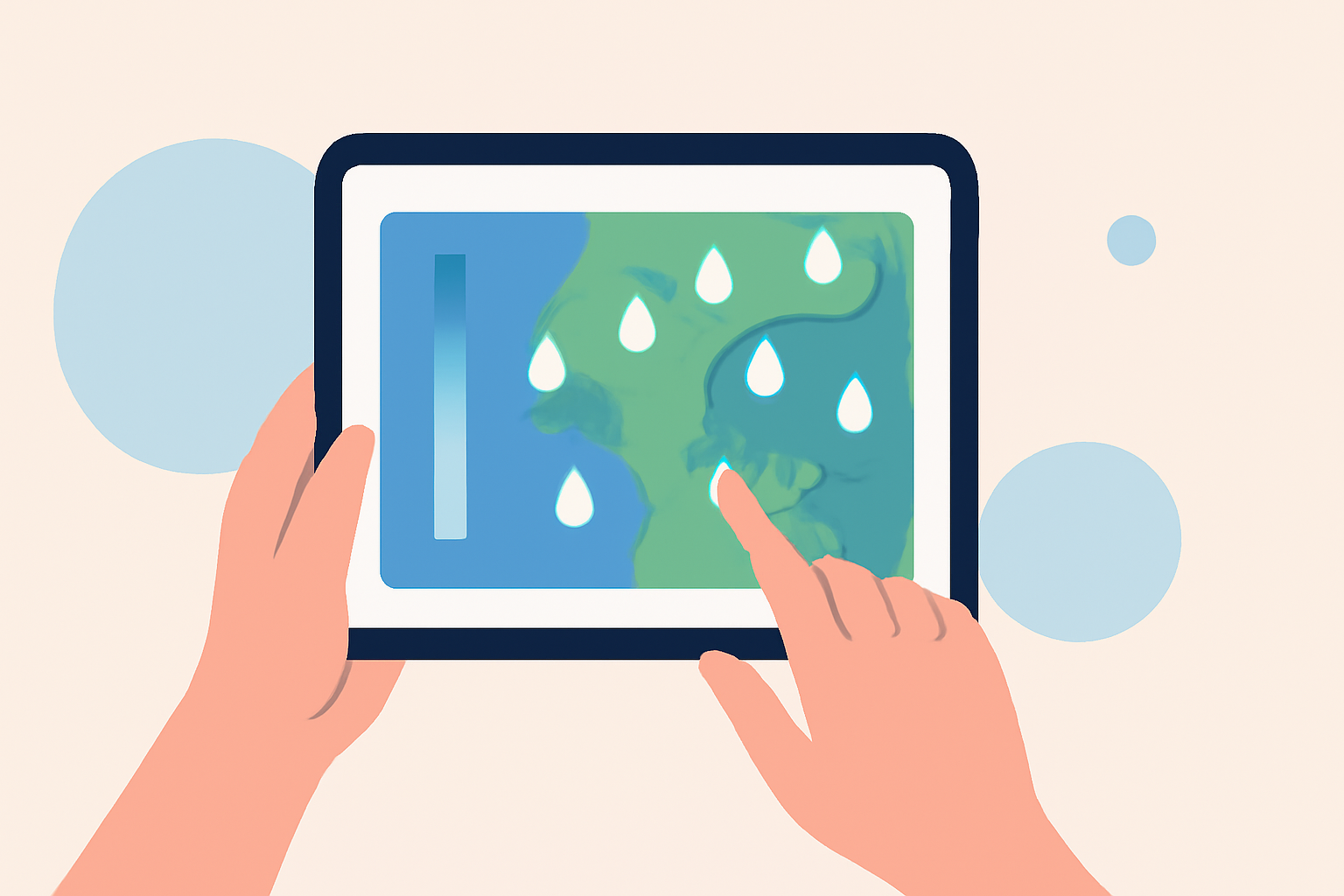
Rain rate maps are essential tools for monitoring precipitation patterns, helping you stay informed about weather conditions in your area. With the Clime app on your iPad, you can access real-time radar images, precipitation forecasts, and severe weather alerts to keep you safe and prepared.
Getting Started with Clime on Your iPad
-
Download and Install the App: Visit the App Store on your iPad and search for "Clime: Weather Radar Live." Tap "Get" to download and install the app.
-
Open the App: Once installed, tap the Clime icon to launch the app.
-
Allow Location Access: Grant the app permission to access your location for accurate, localized weather information.
Navigating the Rain Rate Maps
Clime offers a user-friendly interface to view rain rate maps:
-
Access the Radar Map: Upon opening the app, you'll see the interactive radar map displaying current precipitation patterns.
-
Customize the View: Use the map controls to zoom in or out, and swipe to navigate to different areas.
-
Interpret Precipitation Data: The radar overlay shows areas of rain, snow, and mixed precipitation in high resolution and vivid colors, allowing you to distinguish between different types of precipitation at a glance. (climeradar.com)
-
View Precipitation Forecasts: Tap on the precipitation map to access forecasts for the next 24 hours, helping you anticipate upcoming weather conditions.
Utilizing Additional Features
Clime provides several features to enhance your weather monitoring experience:
-
Weather Alerts: Receive push notifications for severe weather warnings, including tornadoes, hurricanes, and freeze warnings, ensuring you're always informed about critical weather events. (play.google.com)
-
Satellite Map: Switch to the satellite view to observe cloud cover and gain a comprehensive understanding of weather systems affecting your area.
-
Multiple Location Bookmarks: Save multiple locations to quickly access weather information for different areas, such as home, work, or travel destinations.
Staying Safe with Clime
By regularly monitoring rain rate maps and utilizing Clime's features, you can make informed decisions and stay prepared for changing weather conditions. Whether you're planning outdoor activities or ensuring your safety during severe weather, Clime equips you with the tools you need to stay informed and protected.
For more detailed information on Clime's features and coverage, visit the Clime Help Center.
By following these steps, you can effectively use rain rate maps on your iPad to stay informed about precipitation patterns and make timely decisions based on current weather conditions.