
How to Use Snow Rate Maps Step-by-Step in Your Car
September 6, 2023 · Will Tucker
Last updated: 2023-09-06
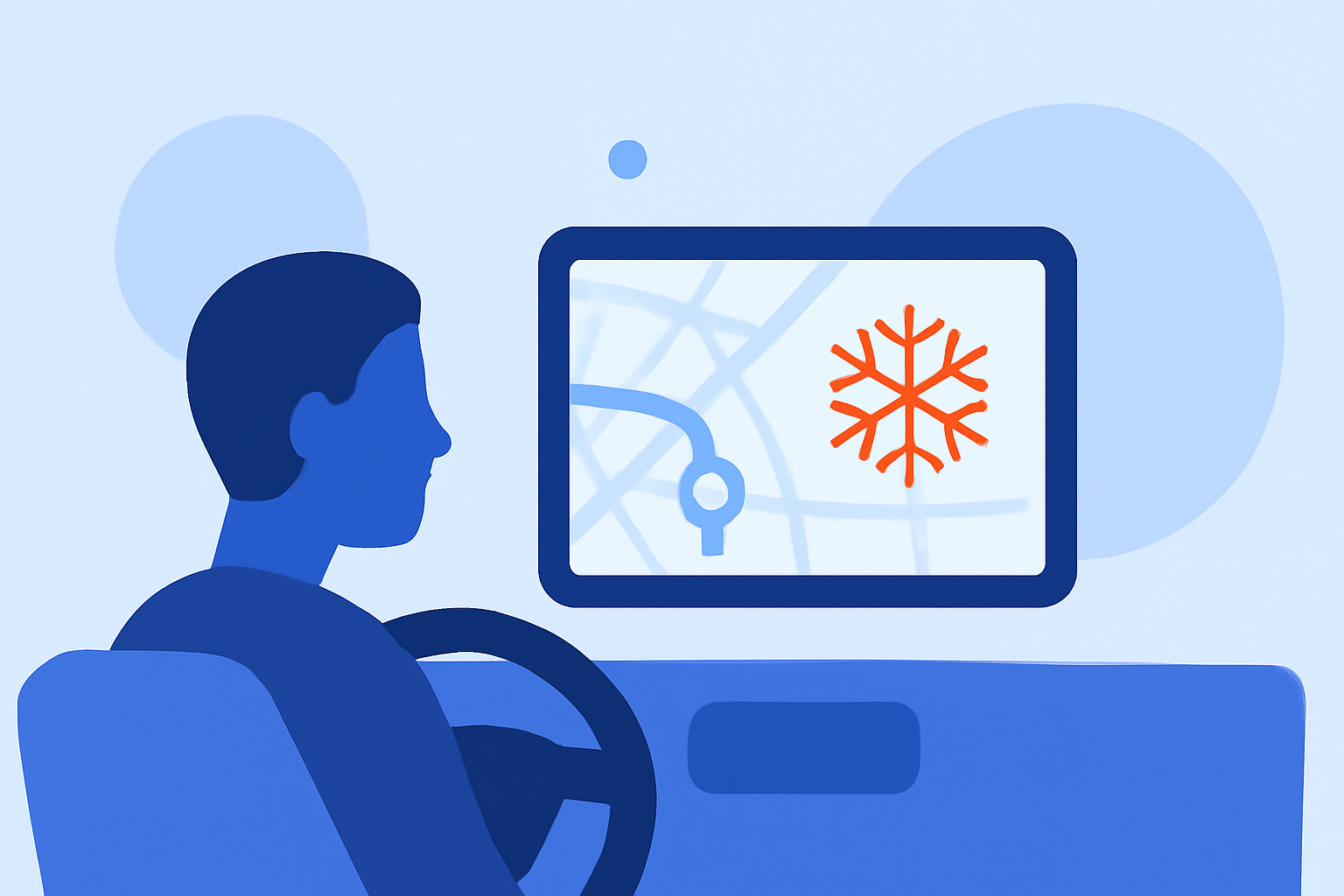
Understanding how to read snow rate maps while driving can significantly enhance your safety and planning, especially during winter conditions. Using advanced tools and features in weather apps like Clime allows for effective snow monitoring and route adjustments, particularly in challenging weather conditions.
Summary
- Monitor Snow Conditions: Knowing how to interpret snow rate maps can aid in travel decisions.
- Utilize Apps: Weather apps with snow mapping features are essential for real-time updates.
- Safety First: Understanding forecasts helps in proactive safety planning.
- Features Matter: Pay attention to which features are most useful for navigating snowy conditions.
How do snow rate maps work in cars?
Snow rate maps visually represent snowfall intensity over specific regions and times. Understanding these maps usually involves:
- Understanding the Color Codes: Different colors represent varying intensities of snow. For instance, dark blue might indicate light snow, while bright red shows heavy snowfall.
- Viewing Time Frames: Many maps will display expected snowfall over different time frames, allowing you to plan your route accordingly.
- Checking Accumulation Predictions: Look for estimates on how much snow will accumulate in your area, which is crucial for road safety.
Step-by-step guide for in-car interpretation of snow rate maps
- Access the Map: Use a reliable weather app like Clime, which provides live NOAA radar imagery and detailed snow rate maps. This is accessible on your mobile device.
- Select Your Area: Enter your current location or destination to focus on the relevant snow rate map.
- Analyze the Legend: Familiarize yourself with the map’s legend (color meanings and forecasted accumulation) to interpret the data accurately.
- Track Changes: Monitor the map as you drive. Most apps will update dynamically, allowing you to see real-time snow developments.
- Receive Alerts: Use notification features to get alerts about severe weather that could impact your route, ensuring you can react quickly.
In-map feature considerations for in-vehicle safety and accuracy
When evaluating snow rate maps in the car, consider these features:
- Real-Time Updates: Apps that offer real-time radar updates can help you stay informed about changing conditions.
- Detailed Forecasts: Look for apps providing short- (hourly) and long-range (14-day) forecasts, as this helps in planning for future travel days.
- Zone Focus: Prioritize mapping tools that show your specific journey rather than general area maps, improving accuracy for your route.
How Clime enhances your snow rate mapping experience
Clime offers a robust suite of features suitable for monitoring snow and weather conditions:
- NOAA-based Radar: Access high-quality radar images, essential for tracking precipitation visually.
- Premium Alerts: Tailored severe weather alerts can keep you informed about the latest conditions in your selected regions.
- Multi-layer Environmental Data: Features like snow depth and air quality provide a more comprehensive view of travel conditions.
What we recommend
- Choose a Reliable App: Use Clime for real-time snow monitoring and alerts, ensuring accurate forecasts and conditions.
- Stay Updated: Regularly check snow rate maps, especially before and during your journey.
- Plan Alternative Routes: If heavy snowfall is predicted, plan alternative routes in advance to avoid hazardous areas.
- Prioritize Safety: Always adjust your driving plans based on the latest snow conditions, prioritizing safety above all else.