
Hurricane Alerts Workflow in the Car: Your Guide to Staying Prepared
Last updated: 2023-09-08
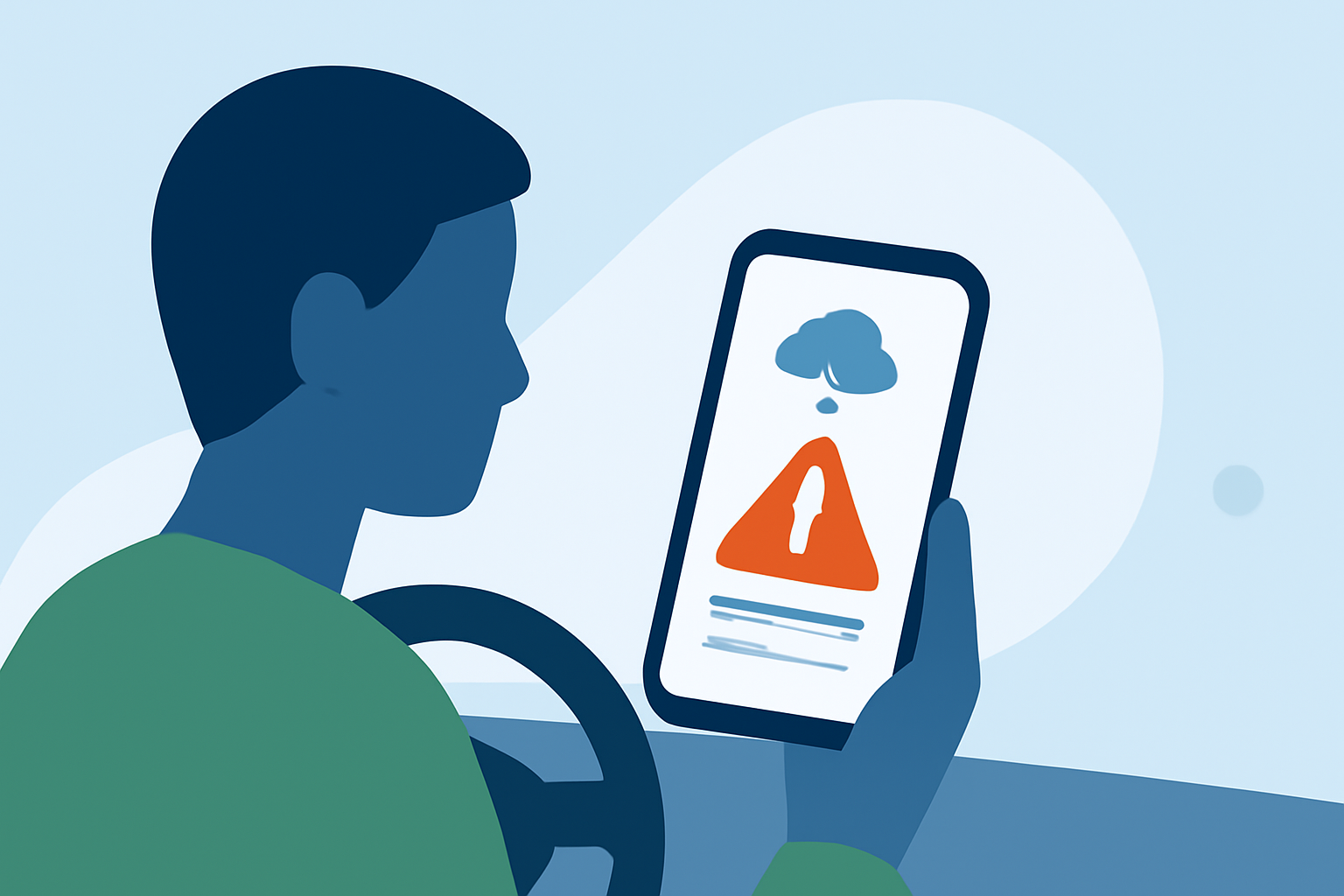
To effectively manage hurricane alerts while in your car, it's crucial to utilize a reliable weather app like Clime, which provides push notifications and real-time radar updates directly to your device. Alternatively, rely on government emergency alert systems for official warnings when mobile service is available.
Summary
- Stay informed: Using Clime enhances your ability to receive timely alerts while driving.
- Government alerts: Integrate Wireless Emergency Alerts (WEA) for additional notifications.
- User-friendly interface: Clime's notifications and features are designed for easy access.
- Preemptive planning: Knowing the alert process helps you prepare for emergencies effectively.
How do hurricane alerts work in cars?
The workflow for receiving hurricane alerts in vehicles often involves two main systems: dedicated weather apps like Clime and government alerting systems such as the Wireless Emergency Alerts (WEA). Clime sends updates via your mobile device, leveraging NOAA data and user-configured alerts, while WEA provides essential governmental notifications directly.
What is the Wireless Emergency Alert (WEA) system?
Wireless Emergency Alerts are short emergency messages sent by authorized government authorities through your mobile device. This system is crucial for notifying you about severe weather warnings, including hurricanes. Alerts will appear as standard text messages, ensuring you receive them even when your phone is locked. More details on the WEA can be found through the National Weather Service.
How does Clime handle hurricane alerts?
Clime is designed to alert users with critical information about severe weather, including hurricanes. Key features include:
- Real-time notifications: Users can customize which alerts they want to receive, such as hurricane forecasts and warnings.
- Radar maps: Using NOAA data, Clime displays live weather radar that helps track impending storms visually.
- Severe weather tracking: The app provides comprehensive details about storm systems and their expected paths, enhancing your decision-making as you drive.
Recommended steps for timely hurricane alerts in car apps
For optimal results when using apps like Clime, consider implementing the following steps to ensure you remain updated without overwhelming yourself:
- Customize alerts: Set your preferences to receive only the most pertinent alerts that match your usual driving routes.
- Avoid excessive notifications: Configure alert limits to prevent alert fatigue, which could make important notifications seem trivial.
- WiFi requirements: Ensure your device is connected to mobile data while driving, as relying solely on WiFi can leave you without updates in various areas.
How do government alert channels differ from in-car weather apps for hurricane alerts?
Government systems such as the WEA provide official weather alerts and information directly from trusted authorities, whereas in-car weather apps deliver near-real-time updates tailored to user preferences. While apps like Clime offer enhanced features like radar visualization and customizable alerts, government channels are the definitive source for emergency warnings and classified alerts. Therefore, it's best to utilize both for comprehensive coverage.
Importance of having multiple alert sources
When anticipating severe weather, it is essential to rely on multiple sources for alerts. This dual approach ensures you are alerted through government channels and has an app that caters to your specific needs. Consider settings for both in Clime and WEA to optimize your responsiveness.
What we recommend
- Utilize Clime: Download and set up Clime for timely weather notifications while on the go.
- Enable WEA: Ensure your device is configured to receive Wireless Emergency Alerts for additional safety.
- Stay connected: Maintain a data connection to get real-time updates during severe weather conditions.
- Plan ahead: Have a strategy that outlines your response to alerts, including safe routes and sheltering options during a hurricane.