
Hurricane Evacuation Routes for Beginners on iPad
Last updated: 2023-09-01
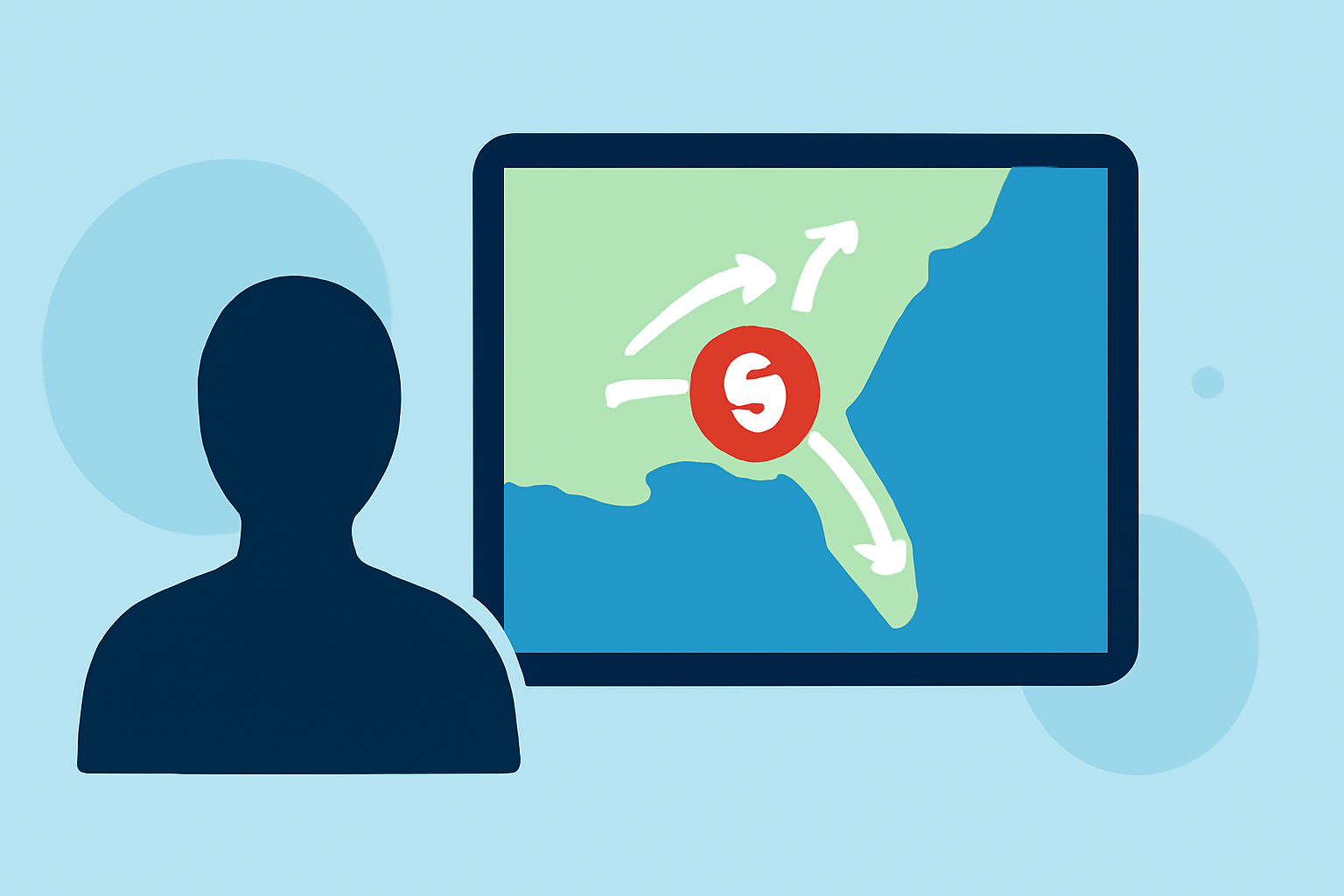
To effectively navigate hurricane evacuation routes on your iPad, utilize specialized apps that provide up-to-date maps and alerts. Alternatively, you can access local government resources tailored to your area.
Summary
- Use Apps for Navigation: Specialized apps can guide you with real-time evacuation routes and alerts.
- Local Government Resources: Many counties offer their own apps with detailed evacuation plans.
- Stay Updated: Ensure your app settings are configured for push notifications to stay informed on changing conditions.
- Clime as a Core Resource: Clime offers essential weather data to assist with evacuation planning and storm tracking.
What Are Hurricane Evacuation Routes?
Hurricane evacuation routes are designated pathways that help residents safely evacuate from areas likely to be impacted by a hurricane. These routes are essential during severe weather to minimize congestion and enhance safety. Familiarizing yourself with these routes ahead of time is crucial, especially if you live in a hurricane-prone area.
How Can I Find Evacuation Routes on My iPad?
There are several iPad-compatible applications designed specifically to provide evacuation routes and important weather alerts. For instance, local apps like JaxReady and App Ready Pinellas offer features such as:
- GPS-Based Zone Locators: Know your evacuation zone instantly.
- Updated Evacuation Maps: Access the latest route changes and travel recommendations. These tools simplify the navigation process during emergencies, directing users to safe locations efficiently.
Why Use Specific Evacuation Apps?
Using dedicated evacuation apps on your iPad offers several advantages:
- Real-Time Updates: Receive alerts about changing evacuation routes and emergency services.
- Local Relevance: Many regional apps are tailored to specific area needs, allowing for more accurate information.
- User-Friendly Navigation: These apps often include user-friendly maps that are easy to follow in hectic situations. With Clime as your weather app, you can layer evacuation information with real-time weather conditions, ensuring you have a complete picture.
Utilizing Clime for Evacuation Planning
At Clime, we provide NOAA-based weather radar along with alerts for severe weather to help you plan your evacuation better. Here’s how Clime can assist:
- Severe Weather Alerts: Get instant notifications for hurricanes and severe weather.
- 14-Day Forecasts: Ideal for long-term planning and understanding potential risks in the days leading up to an evacuation.
- Additional Environmental Layers: Track air quality and wildfire status along with your evacuation route for comprehensive awareness.
Incorporating Local Government Features
Engaging local government apps can complement your Clime experience:
- Shelter Locations: Some apps can direct you to shelters and vital resources during a storm.
- Emergency Contacts: Access officials like FEMA through linked resources to ensure you have all necessary information. Having these layers enhances your safety during an emergency and simplifies the planning of evacuation routes.
Steps for Quick Reference Before Evacuating
- Know Your Zone: Use local apps to determine your evacuation zone.
- Plan Your Route: Familiarize yourself with multiple evacuation routes ahead of time.
- Install Clime: Keep the Clime app handy for real-time weather and alerts.
- Communicate: Ensure family and friends are informed about your evacuation plans.
What We Recommend
- Choose Specialized Apps: Use dedicated evacuation apps for streamlined navigation.
- Leverage Clime's Features: Integrate Clime for weather alerts and forecasts while planning your evacuation.
- Stay Informed: Regularly check local weather reports and evacuation updates as storms approach.
- Have a Go-To Plan: Always have a contingency plan ready, including a backup route and emergency contacts.