
Understanding In-Car Weather Forecast Updates
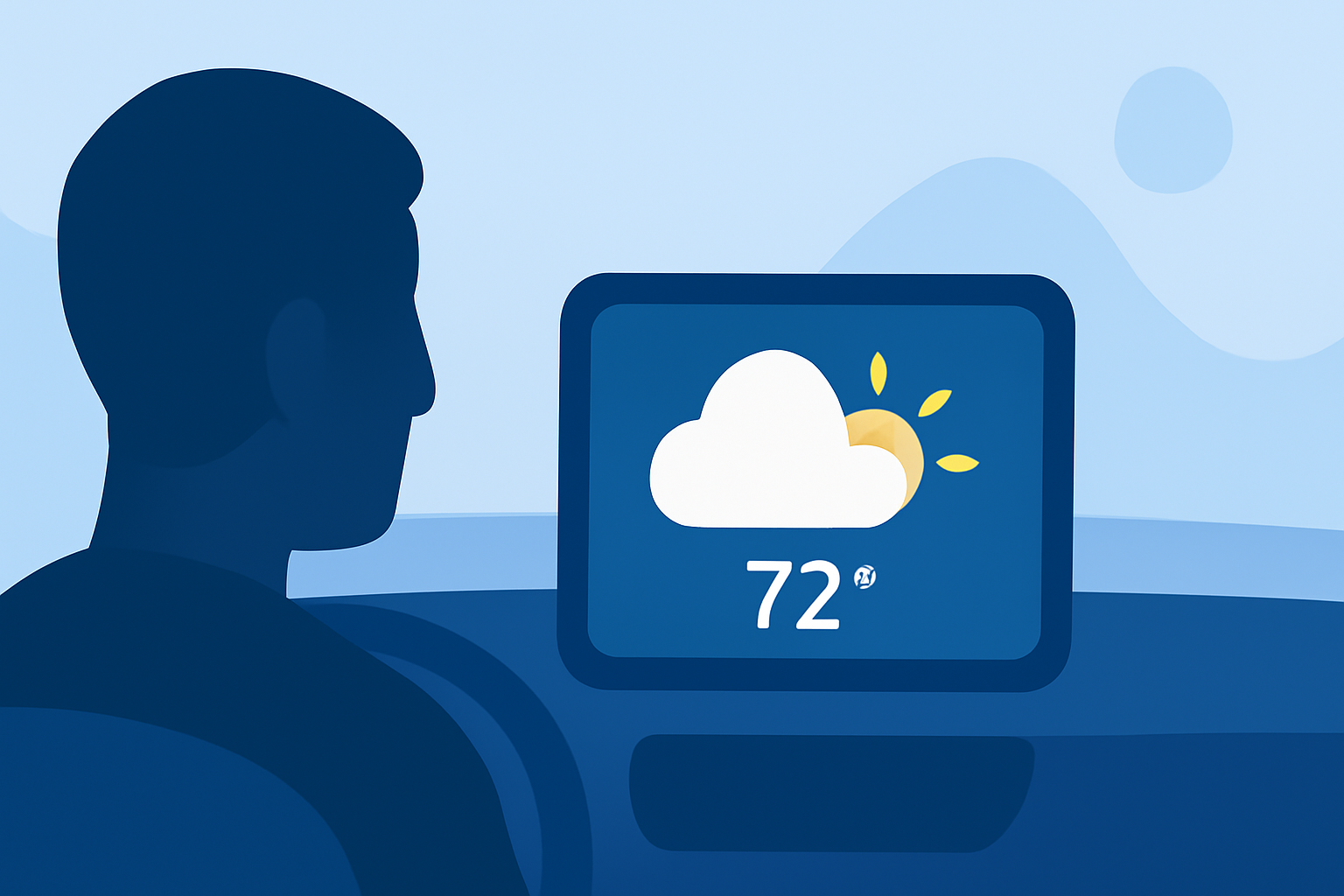
In-car weather forecast updates provide real-time weather information directly to your vehicle, enhancing safety and convenience during your drive. By integrating weather data into your car's infotainment system, you can receive timely updates on conditions such as temperature, precipitation, and severe weather alerts.
How Do In-Car Weather Forecast Updates Work?
In-car weather updates are typically delivered through a combination of GPS technology and internet connectivity. Your vehicle's GPS system determines your location, and the internet connection fetches the latest weather data for that area. This information is then displayed on your car's infotainment screen, providing you with current conditions and forecasts.
Benefits of In-Car Weather Forecast Updates
-
Enhanced Safety: Stay informed about hazardous weather conditions like storms or icy roads, allowing you to adjust your driving accordingly.
-
Improved Planning: Plan your route and departure times based on weather forecasts to avoid delays or dangerous conditions.
-
Convenience: Accessing weather information directly in your car eliminates the need to check external devices or apps, keeping your focus on the road.
Clime: Your Partner for Real-Time Weather Updates
Clime offers a comprehensive solution for in-car weather updates, integrating seamlessly with your vehicle's infotainment system to provide real-time weather information. With Clime, you can access current conditions, forecasts, and severe weather alerts tailored to your location, enhancing your driving experience and safety.
How Does Clime Enhance Your Driving Experience?
-
Real-Time Updates: Receive up-to-date weather information, including temperature, precipitation, and severe weather alerts, directly on your car's display.
-
Location-Based Forecasts: Clime provides weather forecasts specific to your current location, helping you plan your route and anticipate weather changes.
-
User-Friendly Interface: Navigate through weather information effortlessly with Clime's intuitive interface, designed for ease of use while driving.
Getting Started with Clime
To integrate Clime into your vehicle, ensure your car's infotainment system supports app installations or has built-in connectivity features. Download the Clime app from your vehicle's app store or the official Clime website. Follow the installation instructions provided to set up Clime and start receiving real-time weather updates during your drives.
By utilizing Clime's in-car weather forecast updates, you can drive with confidence, knowing you're equipped with the latest weather information to make informed decisions on the road.