
Integrating Weather Notifications into Your Car: A Comprehensive Guide
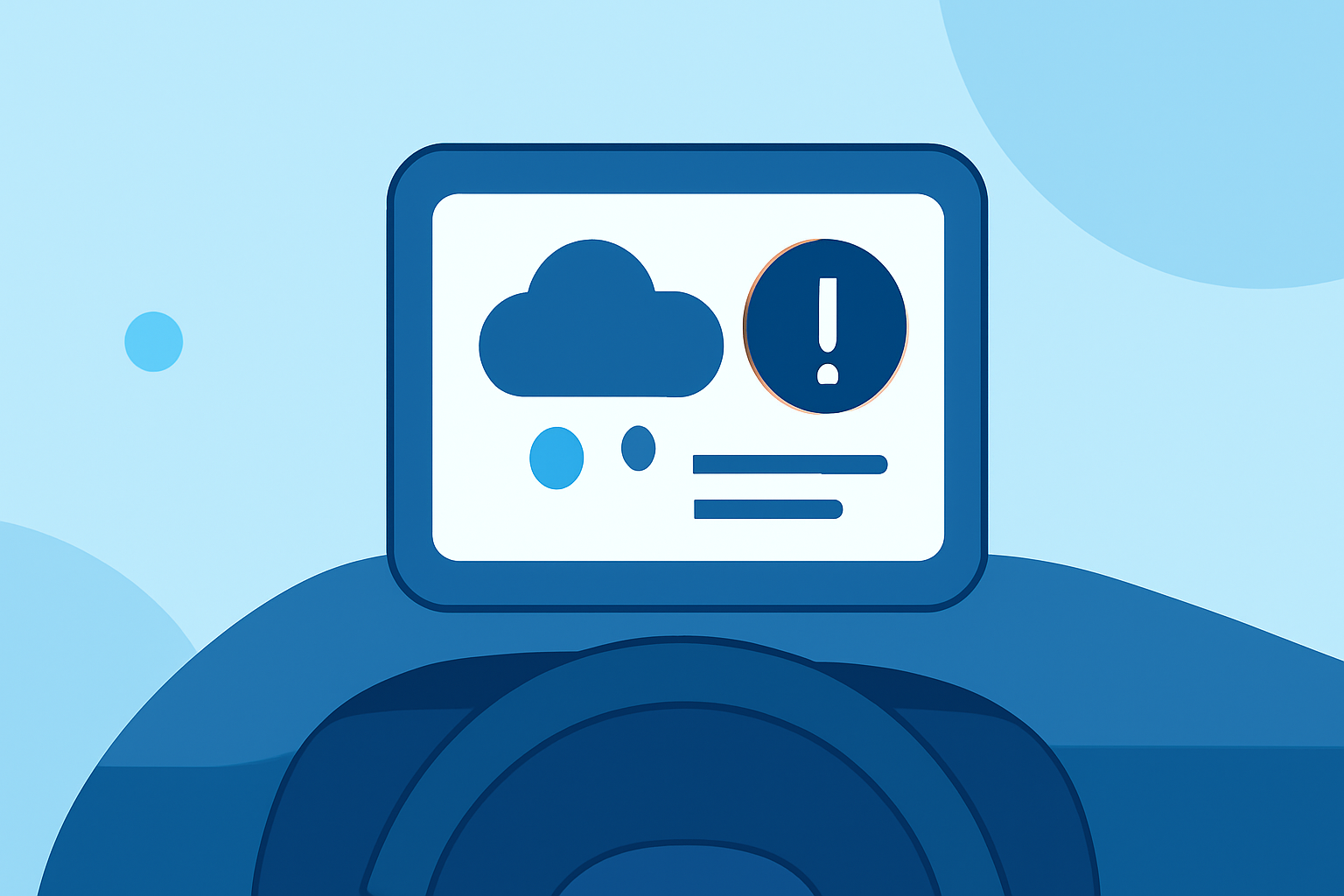
Staying informed about weather conditions while driving is crucial for safety and planning. Integrating weather notifications into your car can provide real-time updates, helping you make informed decisions during your journey.
What Are In-Car Weather Notifications?
In-car weather notifications deliver real-time weather updates directly to your vehicle's infotainment system or connected devices. These notifications can include current conditions, forecasts, severe weather alerts, and radar maps, ensuring you're always prepared for changing weather conditions.
How Can I Receive Weather Notifications in My Car?
There are several methods to receive weather notifications while driving:
-
In-Vehicle Apps: Many vehicles offer built-in apps that provide weather updates. For instance, some vehicles support The Weather Channel In-Vehicle App, which delivers weather forecasts and radar maps directly to your vehicle's display. To use this app, ensure your vehicle is equipped with the necessary system and has an active data connection. (cadillaccanada.ca)
-
Third-Party Applications: Some vehicles support third-party applications that can be installed via the vehicle's app store. These apps can provide weather updates and other useful information.
-
Connected Car Services: Services like OnStar offer weather updates as part of their subscription plans. These services can provide real-time weather information and alerts directly to your vehicle.
How Do I Set Up Weather Notifications in My Vehicle?
Setting up weather notifications depends on your vehicle's system and the services it supports:
- Using Built-In Apps:
- Access the App: Navigate to your vehicle's infotainment system and open the app store or apps menu.
- Install the App: Search for a weather app compatible with your vehicle's system and install it.
- Configure Notifications: Open the app, accept any terms and conditions, and enable notifications for weather updates.
- Using Connected Car Services:
- Subscription: Ensure you have an active subscription to a connected car service that offers weather notifications.
- Enable Notifications: Through the service's app or website, enable weather notifications and configure your preferences.
What Are the Benefits of In-Car Weather Notifications?
- Safety: Receive timely alerts about severe weather conditions, such as storms or floods, allowing you to adjust your route or take necessary precautions.
- Convenience: Access up-to-date weather information without needing to check your phone or other devices.
- Planning: Make informed decisions about your journey, including departure times and routes, based on current and forecasted weather conditions.
Are There Any Considerations When Using In-Car Weather Notifications?
- Data Usage: Some services may require a data connection, which could impact your data plan.
- Compatibility: Ensure that the app or service is compatible with your vehicle's system.
- Subscription Costs: Some services may require a subscription or additional fees.
By integrating weather notifications into your vehicle, you can enhance your driving experience with timely and relevant weather information, ensuring a safer and more informed journey.