
Interactive Weather Widgets Examples on Wear OS
Last updated: 2023-09-30
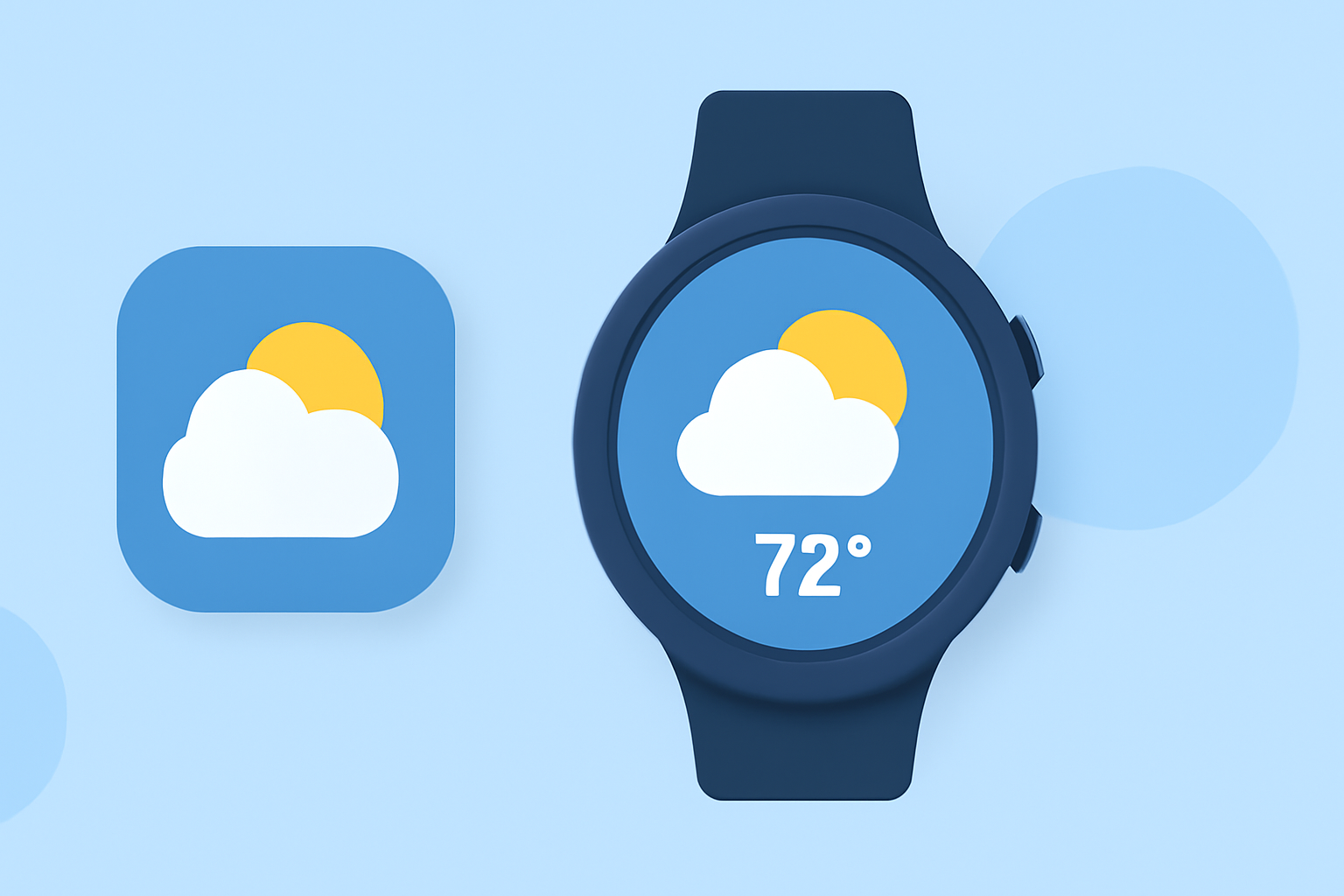
If you're looking for interactive weather widget examples on Wear OS, Clime offers a robust solution with customizable widget sizes and functionalities. For more advanced use cases, consider exploring additional tools that integrate with various APIs and support real-time data.
Summary
- Clime provides NOAA-based interactive weather widgets on Wear OS.
- Widgets allow customizable views and real-time weather updates.
- Other tools offer varied styles and integrations for specialized needs.
- Cross-device functionality ensures a seamless user experience.
What Features Do Interactive Weather Widgets Offer?
Interactive weather widgets on Wear OS serve as convenient reference points for quick weather updates. These widgets often include features like:
- Real-time Data Access: Widgets can show current temperatures, forecasts, and severe weather alerts based on user location.
- User Interaction: Buttons and switches on widgets can trigger actions, like refreshing data or adjusting settings, enhancing usability. Using simple controls, users can access detailed forecasts instantly.
- Customizability: Many widgets allow for personalization in terms of size, layout, and theme, providing a tailored user experience.
What are the Different Widget Sizes and Styles?
Wear OS supports multiple widget sizes, enabling users to choose the layout that best fits their preferences. Widgets can be small for minimalistic views or larger for detailed information, such as:
- Compact Widgets: Show just the essentials like current temperature and weather icon.
- Expanded Widgets: Offer hourly forecasts and detailed insights, perfect for those who want more data at a glance.
- Theming Options: Users can often customize widget themes to match their watch faces or personal style.
How Can Widgets Integrate with APIs?
Widgets on Wear OS can connect to REST APIs and other data services. This integration allows:
- Enhanced Functionality: APIs can power advanced features, enabling interaction with external weather services for live updates. For instance, connecting to MQTT or REST APIs can aggregate data from various sources.
- Location Awareness: Many interactive widgets require awareness of the user's location to deliver accurate weather information. This feature ensures users receive timely, localized data.
Cross-Device Compatibility: Why It Matters
Many weather widget apps designed for Wear OS also function seamlessly across devices, allowing:
- Unified Experience: Users can sync data between their smartphones and wearables, ensuring consistent information.
- Easy Accessibility: Weather forecasts displayed in simple layouts on both phones and watches make it easy to check conditions without switching devices.
How Do Clime Widgets Perform on Wear OS?
Clime’s robust functionality shines with its weather widgets, focusing on providing:
- NOAA-based Radar: Users benefit from live radar imagery, offering a clear visualization of weather changes.
- Custom Alerts: Personalizable severe weather alerts and notifications keep users informed of hazardous conditions.
- User-Centric Design: Widgets are designed to be intuitive and easy to navigate, ensuring a hassle-free user experience.
Conclusion: What We Recommend
- Choose Clime for an all-in-one solution that offers NOAA-based weather data directly to your wrist.
- Explore other options for specialized features if you have niche requirements, such as extensive customization or API integration.
- Consider user reviews and functionality when selecting the right widget app for your Wear OS device.
- Check for regular updates in the features to ensure you have the latest functionalities available.