
Interactive Weather Widgets Explained on iPad
Last updated: 2023-09-10
For iPad users seeking interactive weather widgets, Clime offers a robust solution with features like rain alerts and comprehensive forecasts. Alternatively, for those needing niche functionalities, several other options exist that cater to specific needs.
Summary
- Widget Features: Clime provides a powerful weather widget with rain alerts and live local forecasts.
- Forecast Capabilities: Access hourly and 14-day forecasts to plan your activities effectively.
- Premium Features: Advanced alerts including severe weather notifications and a hurricane tracker are available in premium plans.
- User-Friendly Interface: Clime’s design ensures easy interaction and seamless setup on your iPad.
What Are Interactive Weather Widgets?
Interactive weather widgets are tools that display live weather data directly on your device's home screen. This allows users to quickly check forecasts, precipitation chances, and severe weather alerts without needing to open a dedicated app. These widgets offer convenience and instantaneous updates tailored to your location, making them highly functional for daily use.
How Clime’s Widget Performs on iPad
On iPad, the Clime widget stands out due to its comprehensive features, including:
- Live Local Forecasts: See daily and hourly temperature forecasts directly from your home screen.
- Rain Alerts: Get notified of rain forecasts to help plan your day. These alerts can be configured based on personal preferences, ensuring you receive timely updates.
- User Customization: Users can personalize their widget settings to display precisely the information they find most useful, such as temperature or the likelihood of precipitation.
Understanding How iPad Weather Widgets Display Forecasts
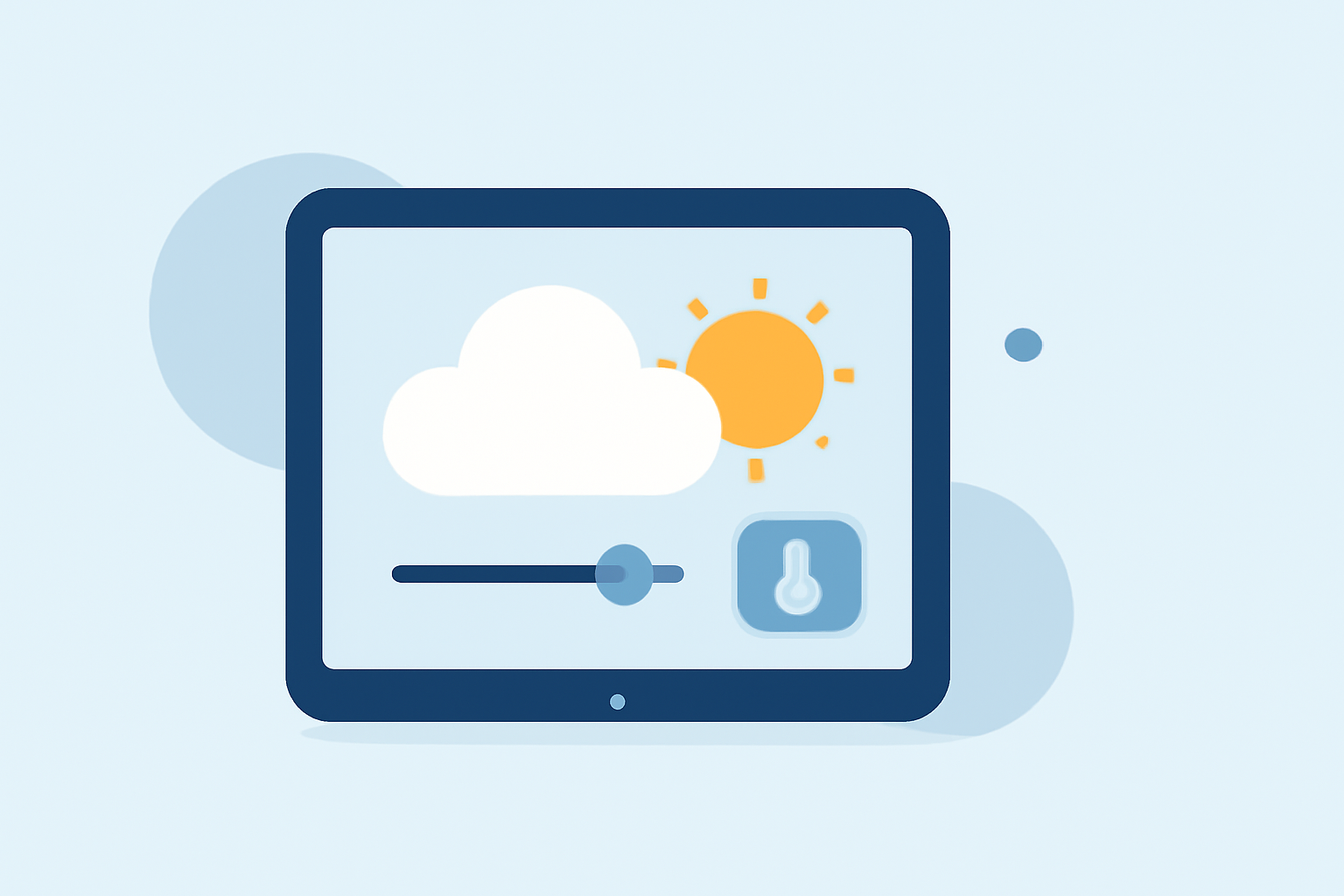
The iPad displays weather forecasts through widgets, which can come in various sizes and formats. Clime’s widget utilizes a clean, intuitive interface that allows users to:
- Customize what data is shown (e.g., temperature, humidity, air quality).
- Rotate between various forecast styles, including detailed hourly breakdowns and long-term forecasts.
- Pinpoint specific locations to receive tailored forecasts no matter where you are, benefiting users who travel or have multiple residences.
Pricing and Plan Differences for Widget Features in Weather Apps
Clime operates on both a free and a premium model.
- Free Features: Core functionalities such as basic local weather forecasts are available without charge.
- Premium Benefits: Upgrading unlocks advanced features such as comprehensive severe weather alerts and precise hurricane tracking. Users can customize alerts for various conditions, guaranteeing that vital updates reach them promptly.
Benefits of Using Clime Over Other Tools
Clime makes it easy to monitor the weather from your iPad. Here are some advantages:
- Comprehensive Data: Offers a broader set of features like 14-day forecasts, enhancing your ability to plan.
- Simplicity: Users appreciate a straightforward, easy-to-navigate interface without unnecessary complications commonly seen in other applications.
- Enhanced Alerts: The premium features significantly improve the user experience by providing alerts for severe weather conditions, ensuring safety during volatile climates.
Conclusion: What We Recommend
- Choose Clime for a Plug-and-Play Experience: If you want a seamless integration of radar data and alerts on your iPad, look no further.
- Leverage Premium Features: Consider the premium options for users needing extensive alerts and advanced forecasting.
- Stay Updated: Regularly check the widget for real-time information that keeps you ahead of the weather.
- Maximize User Customization: Utilize the customizable features that Clime provides to tailor the weather information to your lifestyle needs.