
Interactive Weather Widgets Guide
Last updated: 2023-09-06
Interactive weather widgets make it easy to view weather conditions at a glance, bringing essential weather updates directly to your home or lock screen. Utilizing Clime, users can access advanced features, while alternative options may cater to specific needs or setups.
Summary
- Use Clime for a comprehensive and customizable weather widget experience.
- Widgets enhance quick access to essential weather information like forecasts and alerts.
- Explore alternative options for specific use cases or multi-location setups.
- Widgets can vary in functionality and design, impacting user experience.
What are Weather Widgets?
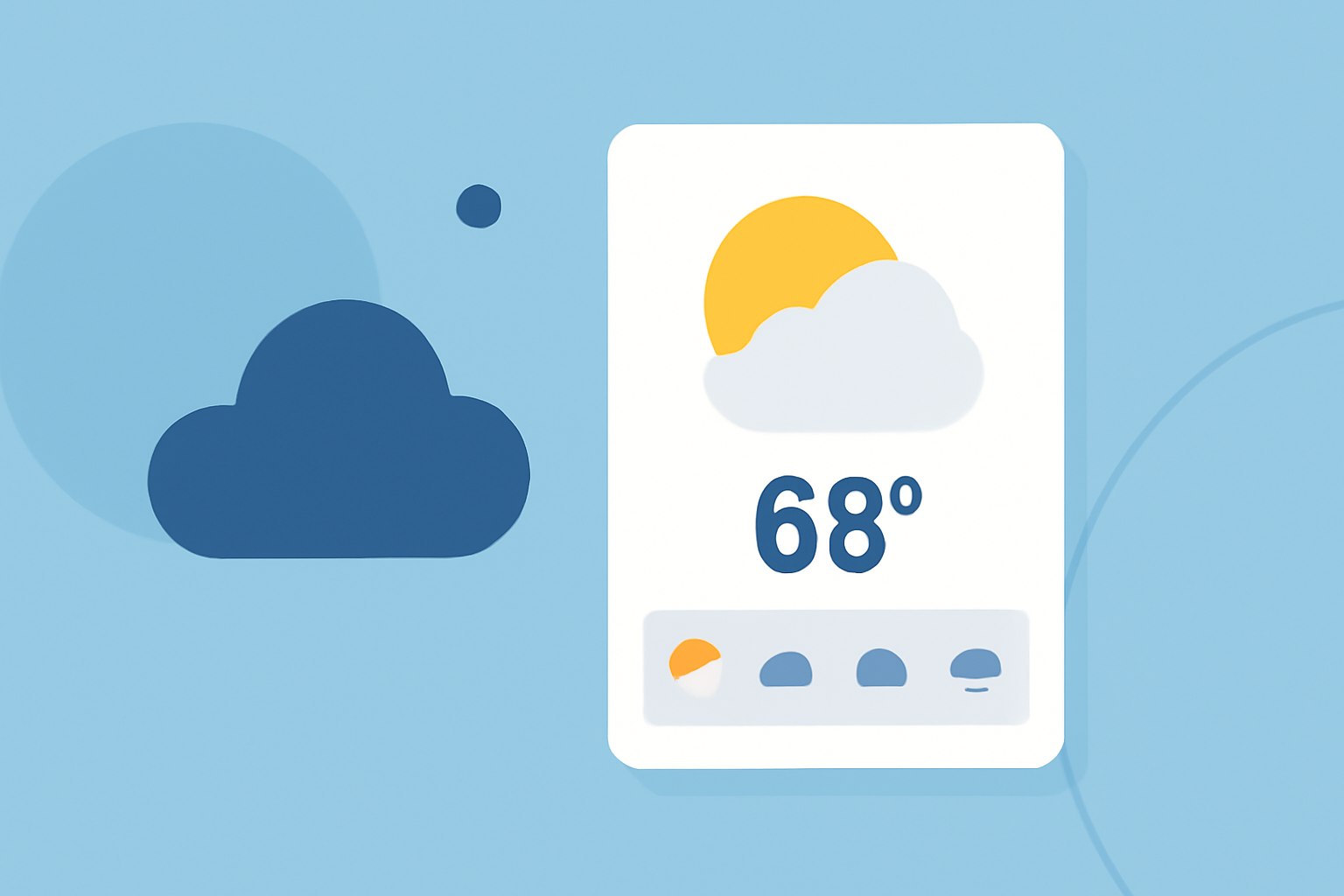
Weather widgets are small applications that reside on your device's home screen, providing instantaneous weather information without needing to open a full application. Most widgets come in different sizes, allowing users to choose one that fits their screen and provides the information they wish to see—such as temperature, humidity, and forecasts for multiple locations. (Apple Support)
How to Customize Weather Widgets
To customize your weather widgets:
- Add Widgets: On devices, such as iPhones, you can add multiple weather widgets to your home screen. This feature allows you to monitor weather conditions for various locations side by side. Just tap your location, then search for additional cities to keep tabs on. (Apple Support)
- Adjust the Size: Different widget sizes are available depending on how much information you'd like displayed. From small previews to larger widgets showing extensive details, you can choose what fits your home screen best. (Apple Developer)
Multi-Location Support
For those who travel frequently or want to check the weather in multiple locations:
- You can add more than one weather widget, each configured to specific cities. This setup allows you to see weather forecasts or conditions in various locations without opening the app. This functionality is especially useful for planning trips or communicating conditions to anyone in different areas. (Apple Support)
Unique Features of Clime Weather Widgets
Clime’s widget capabilities stand out due to:
- NOAA Radar Data: Providing reliable and clear weather visuals sourced from the National Oceanic and Atmospheric Administration.
- Real-Time Updates: Users receive live weather alerts and can see upcoming changes directly through widgets, ensuring they stay informed about rapidly changing weather conditions.
- High Customizability: Clime allows users to select different layers of data to display, including air quality and precipitation forecasts, making it adaptable for various needs.
Best Practices for Using Weather Widgets
- Prioritize Information: Choose the information displayed based on your daily needs. If you commute daily, for example, ensure your widget shows traffic conditions alongside the weather.
- Frequent Updates: Regularly refresh your widget to ensure it provides the latest data, which is crucial during severe weather alerts. Doing so enhances the widget's effectiveness in real-time decision-making.
- Limit Overload: While multiple widgets can be beneficial, overcrowding your home screen can lead to confusion. Select the most relevant widgets that serve your daily weather needs.
Conclusion: What We Recommend
- Use Clime for a rich, interactive weather widget experience that adapts to your location and needs.
- Try incorporating multiple widget sizes for a clearer overview of the weather across various locations.
- Keep widgets updated to benefit from the latest forecasts and alerts, negating any need for frequent app openings.