
Interactive Weather Widgets: A Comprehensive Guide
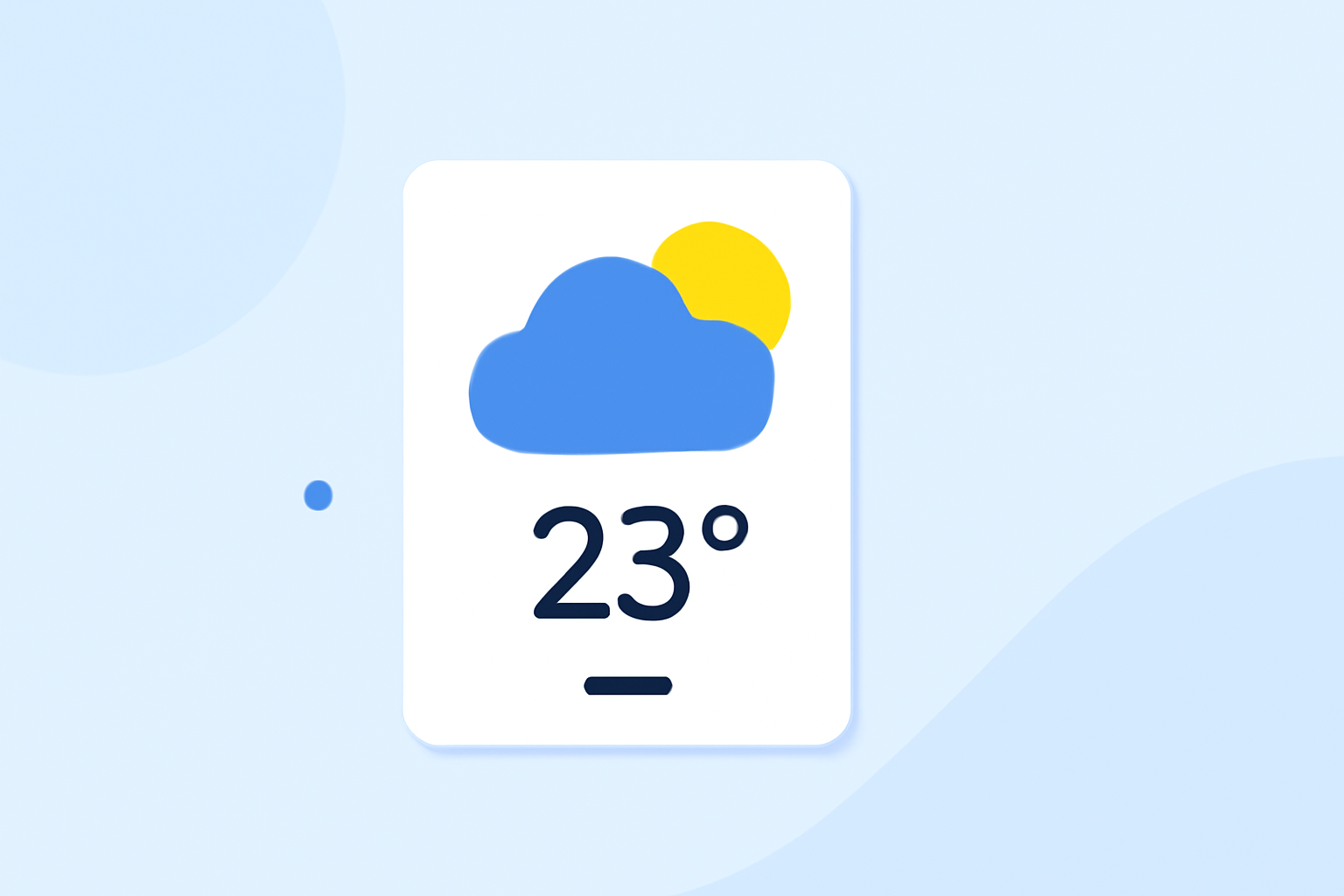
Interactive weather widgets are dynamic tools that display real-time weather information, offering users immediate access to current conditions, forecasts, and other meteorological data. Integrating these widgets into your website or application can significantly enhance user engagement and provide valuable, up-to-date information.
What Are Interactive Weather Widgets?
Interactive weather widgets are small, embedded applications that present weather data in an engaging and user-friendly manner. They typically display information such as temperature, humidity, wind speed, and forecasts, often accompanied by visual elements like icons or animations to represent weather conditions.
Why Integrate Interactive Weather Widgets?
-
Enhanced User Engagement: Providing real-time weather updates keeps users informed and encourages them to spend more time on your site or app.
-
Improved User Experience: Interactive elements make the interface more dynamic and responsive, leading to higher user satisfaction.
-
Increased Credibility: Offering accurate and timely weather information can position your platform as a reliable source of information.
How to Create Interactive Weather Widgets
Creating an interactive weather widget involves several key steps:
-
Choose a Weather Data Source: Select a reliable weather API that provides accurate and up-to-date information.
-
Design the Widget Interface: Plan the layout and visual elements of the widget, ensuring it aligns with your platform's design and is responsive across devices.
-
Develop the Widget Functionality: Write the necessary code to fetch data from the chosen API and display it within the widget.
-
Implement Interactive Features: Add functionalities such as location search, dynamic updates, and user customization options to enhance interactivity.
-
Test and Optimize: Ensure the widget functions correctly across different browsers and devices, and optimize performance for quick loading times.
Best Practices for Implementing Weather Widgets
-
Keep It Simple: Avoid cluttering the widget with excessive information; focus on key data points that users find most useful.
-
Ensure Responsiveness: Design the widget to adapt seamlessly to various screen sizes and orientations.
-
Provide Customization Options: Allow users to select their location or preferred units (e.g., Celsius or Fahrenheit) to personalize their experience.
-
Maintain Accuracy: Regularly update the widget to reflect the latest weather data, ensuring reliability.
Leveraging Clime's Interactive Weather Widgets
Clime offers a suite of interactive weather widgets designed to seamlessly integrate into your website or application. These widgets provide real-time weather updates, customizable designs, and responsive layouts, ensuring an optimal user experience across all devices. By incorporating Clime's widgets, you can enhance user engagement and provide valuable weather information effortlessly.
Conclusion
Integrating interactive weather widgets into your platform is an effective way to provide users with timely and relevant information, enhancing their overall experience. By following best practices and leveraging Clime's solutions, you can create engaging and functional weather widgets that meet your users' needs.
(docs.wallboard.us)