
Enhancing Your In-Car Experience with Interactive Weather Widgets
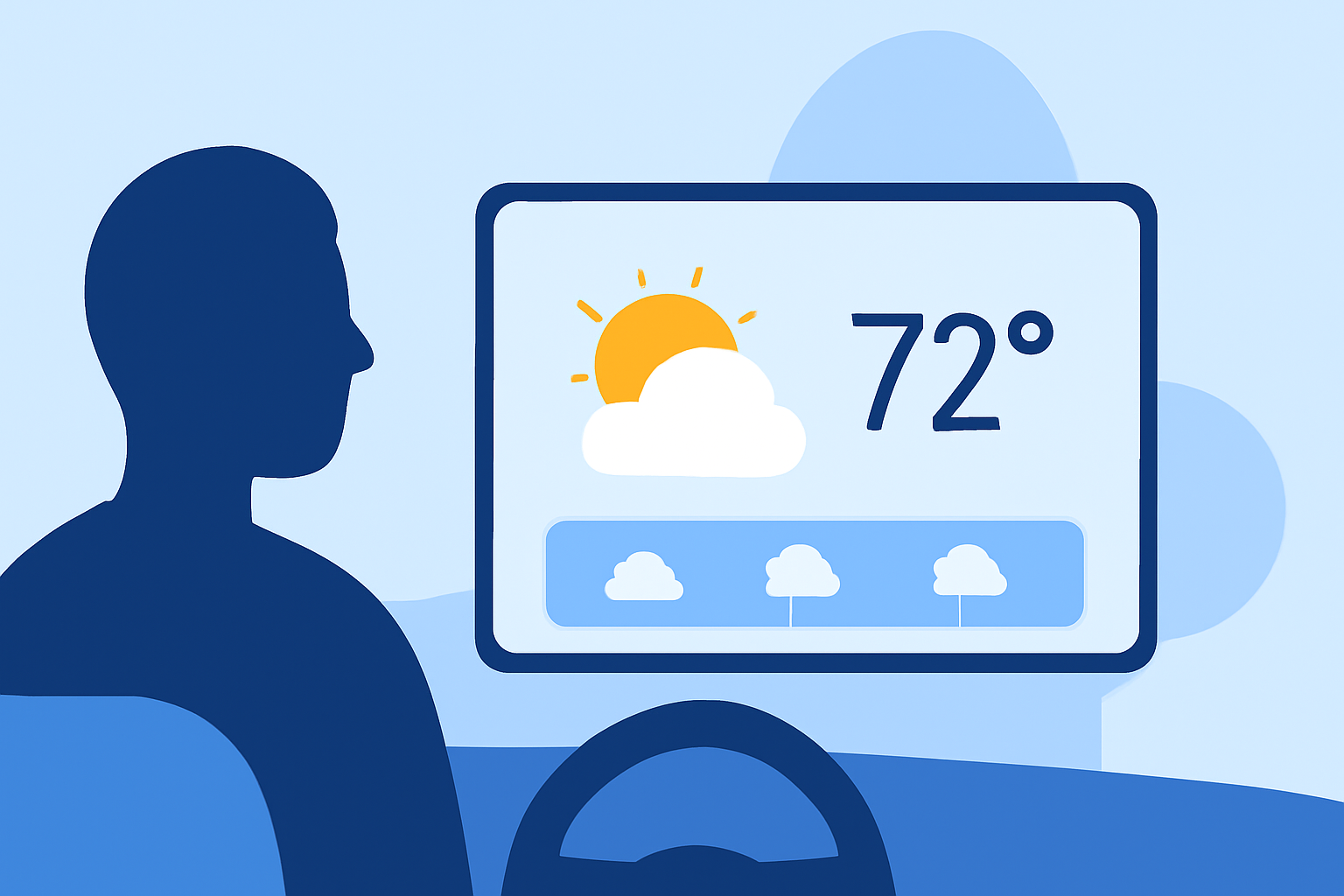
Integrating interactive weather widgets into your car's infotainment system can significantly enhance your driving experience by providing real-time weather updates and forecasts directly on your dashboard. This guide explores various methods to achieve this integration, focusing on compatibility, customization, and safety.
Understanding Interactive Weather Widgets
Interactive weather widgets are applications that display current weather conditions, forecasts, and alerts on your device's screen. When adapted for in-car use, these widgets offer convenient access to weather information without the need to interact with your smartphone or other devices while driving.
Methods to Integrate Weather Widgets into Your Car
- Utilizing Android Auto with AAWidget
For Android users, the AAWidget app allows you to display custom widgets, including weather updates, directly on your car's Android Auto display. This app supports various widgets and offers features like dual display modes and full touch support, enabling you to interact with weather information seamlessly. (aawidget.com)
- Leveraging Apple CarPlay Widgets
iOS 26 introduced the ability to add widgets from your iPhone apps to your car's CarPlay interface. This feature allows you to display weather widgets on your car's screen, providing quick access to current conditions and forecasts. To add a weather widget to CarPlay, navigate to your iPhone's settings, select General, then CarPlay, and choose your vehicle. From there, you can add and customize widgets, including weather updates. (idownloadblog.com)
- In-Vehicle Apps and Built-In Features
Some vehicles come equipped with built-in weather applications or support for third-party apps that can display weather information on the infotainment system. For instance, certain Cadillac models offer The Weather Channel In-Vehicle App, which provides current weather conditions, forecasts, and radar maps directly on the vehicle's center display. To access this feature, ensure your vehicle is equipped with the necessary software and that you have an eligible OnStar plan. (cadillaccanada.ca)
Safety Considerations
While integrating weather widgets can enhance your driving experience, it's crucial to prioritize safety:
-
Minimal Interaction: Ensure that interacting with the weather widget requires minimal attention and does not distract you from driving.
-
Voice Commands: Utilize voice commands to access weather information, allowing you to keep your hands on the wheel and eyes on the road.
-
Legal Compliance: Be aware of local laws regarding the use of in-car infotainment systems while driving to ensure compliance and safety.
Conclusion
Integrating interactive weather widgets into your car's infotainment system offers a convenient way to stay informed about current conditions and forecasts without compromising safety. By utilizing compatible apps and built-in features, you can customize your driving experience to include real-time weather updates, enhancing both convenience and safety on the road.