
Interactive Weather Widgets on Tablets: Enhancing Your Forecast Experience
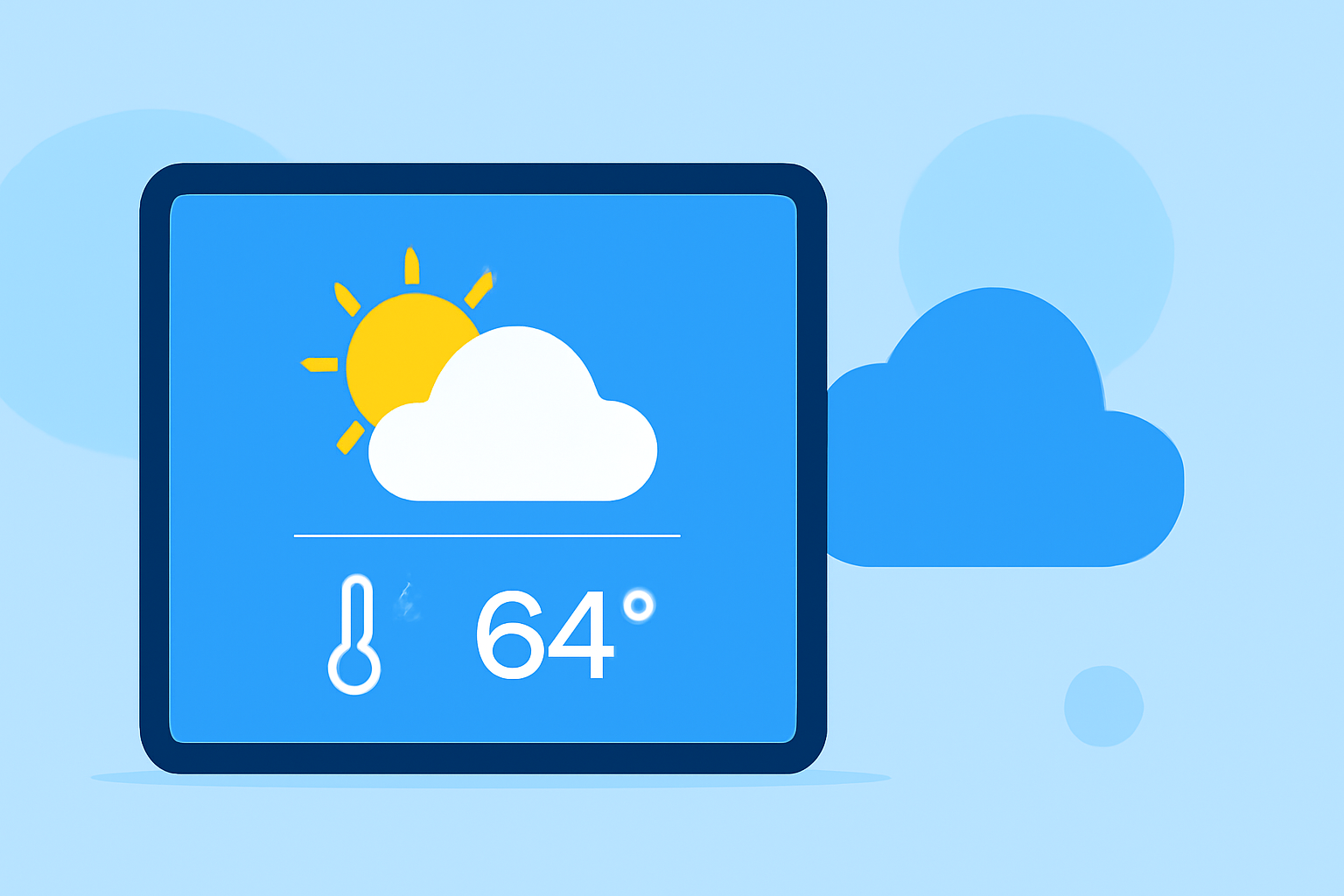
Interactive weather widgets on tablets offer users real-time updates, customizable displays, and seamless integration, enhancing the weather forecasting experience. These widgets provide at-a-glance information, allowing users to stay informed about current conditions, forecasts, and severe weather alerts without opening a dedicated app.
What Are Interactive Weather Widgets?
Interactive weather widgets are small applications that display weather information directly on your tablet's home screen. They provide real-time updates on temperature, precipitation, wind speed, and other relevant data, allowing users to monitor weather conditions without launching a full-fledged weather app.
Key Features of Interactive Weather Widgets
-
Real-Time Updates: Widgets deliver current weather conditions, ensuring users have the latest information at their fingertips.
-
Customizable Displays: Users can tailor the widget's appearance, choosing from various themes, layouts, and data points to suit their preferences.
-
Seamless Integration: Widgets integrate smoothly with the tablet's operating system, providing a cohesive and user-friendly experience.
Benefits of Using Interactive Weather Widgets
-
Quick Access to Information: With widgets on the home screen, users can quickly glance at weather updates without opening an app.
-
Personalized Experience: Customizable widgets allow users to display the most relevant weather information for their needs.
-
Enhanced Planning: Having immediate access to weather data aids in better planning for daily activities, travel, and outdoor events.
How to Add an Interactive Weather Widget to Your Tablet
-
Access the Widget Menu: Long-press on an empty area of your tablet's home screen to open the widget selection menu.
-
Browse Available Widgets: Scroll through the list of available widgets to find the weather widget.
-
Select and Place the Widget: Choose the desired weather widget and drag it to your preferred location on the home screen.
-
Customize the Widget: Tap on the widget to access settings, where you can adjust its appearance, update frequency, and the specific weather information displayed.
Clime's Interactive Weather Widgets
Clime offers interactive weather widgets that provide real-time updates, customizable displays, and seamless integration, enhancing the weather forecasting experience. These widgets deliver current weather conditions, forecasts, and severe weather alerts directly to your tablet's home screen, allowing you to stay informed without opening a dedicated app.
Conclusion
Interactive weather widgets on tablets offer a convenient and personalized way to stay informed about weather conditions. By providing real-time updates and customizable displays, these widgets enhance the weather forecasting experience, allowing users to plan their activities with confidence.