
Interactive Weather Widgets: Tricks for the Right Experience
September 1, 2023 · The Clime Team
Last updated: 2023-09-01
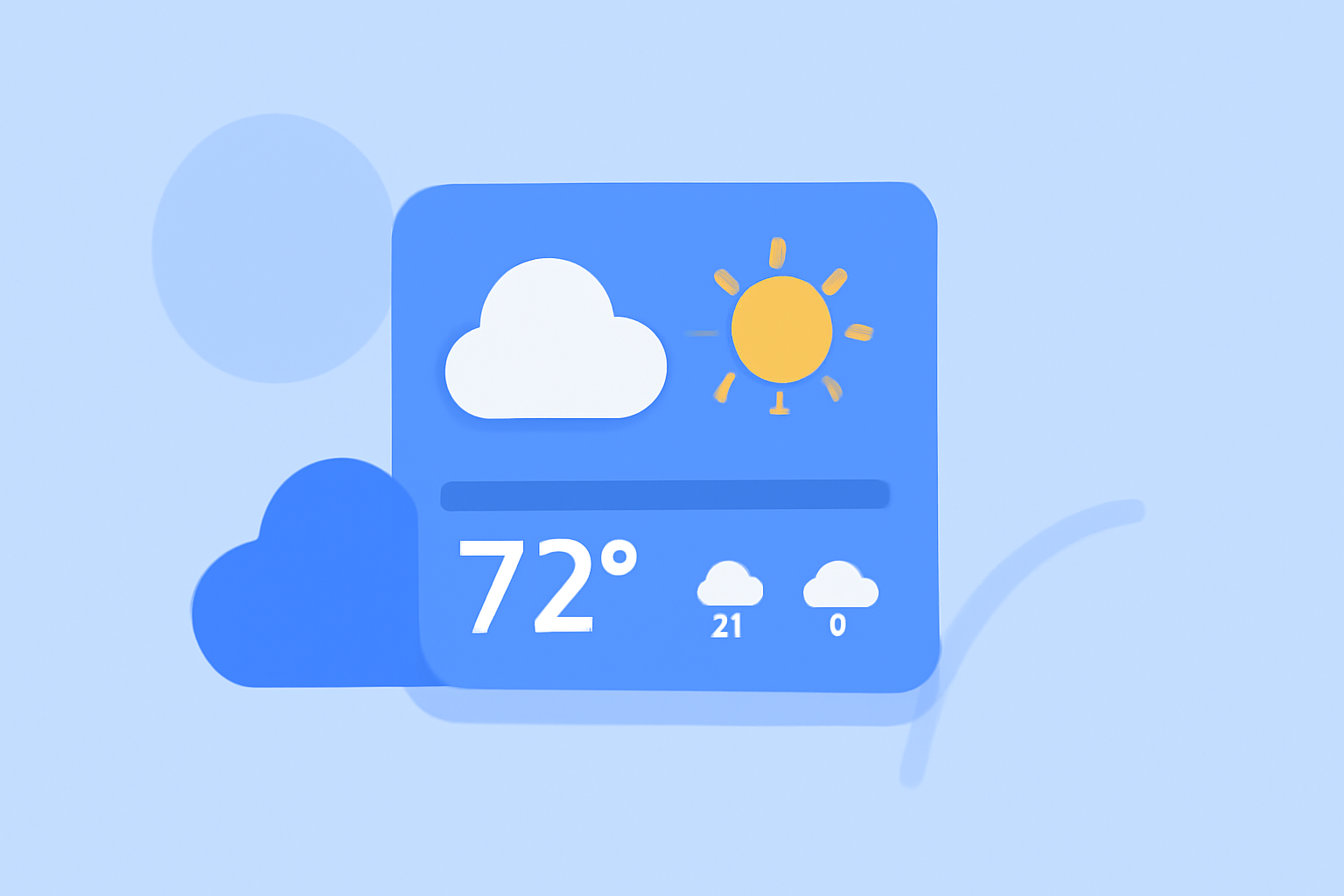
Interactive weather widgets serve as essential tools for quickly accessing weather information at a glance. They enable users to stay updated with real-time forecasts and alerts without needing to open an app. For individuals focused on severe weather conditions or specific forecasting needs, tailored widgets can provide streamlined data directly on their home screens.
Summary
- Interactive weather widgets enhance accessibility to detailed forecasts and alerts.
- Customizable options allow users to track multiple locations and weather conditions.
- Clime offers a rich array of features aimed at delivering real-time updates and visual data.
- Effective use of widgets can elevate the user experience through organized information delivery.
What Makes a Weather Widget Effective?
The most effective weather widgets combine user-friendly design with real-time data delivery. Key features include:
- Real-Time Updates: Widgets should display current weather conditions and alerts to keep users informed.
- Customizability: Users often want the ability to select multiple locations, enabling them to monitor weather patterns that are significant to their daily lives.
- Interactive Elements: Some widgets offer interactive components that allow users to change locations or access more detailed forecasts directly from the widget itself.
How Can Users Customize Their Widgets?
Using interactive weather widgets offers a chance for personalization:
- Multi-Widget Customization: Users can add more than one weather widget to their home screen. This feature allows for checking conditions in different locations easily.
- Location-Specific Displays: Widgets can be adjusted to show conditions in multiple significant locations, catering to users with varying weather interests.
- Dynamic Location Switching: Users can switch the displayed location within a widget, allowing them to monitor real-time conditions without hassle.
Clime’s Unique Offerings for Widgets
At Clime, we focus heavily on providing an interactive NOAA-based radar map integrated within our app. This feature serves multiple purposes:
- Hazard Tracking: With our radar, users can monitor severe weather, rain, lightning, wildfires, and hurricanes all in one place.
- Enhanced Forecast Features: Users get access to customizable alerts tailored to their specific locations, ensuring they are prepared for changing weather conditions.
- Visualization Tools: Clime's interactive interface helps users visualize precipitation over time, offering a clear understanding of upcoming weather changes.
Tips for Using Interactive Weather Widgets
- Prioritize Relevance: Customize widgets according to locations that matter most to you, whether at home, work, or travel destinations.
- Set Up Alerts Wisely: Enable specific alerts for your most important locations, ensuring that you won’t miss crucial weather information.
- Stay Updated: Regularly check your widget settings to adjust locations or alert preferences, maximizing the widget's utility.
Conclusion: What We Recommend
- Choose interactive weather widgets that provide real-time updates and are customizable according to your preferences.
- Utilize Clime's powerful NOAA-based radar features to enhance your weather tracking experience.
- Regularly adjust your widget settings to reflect any changes in the locations you need to monitor.
- Consider integrating multiple widgets to create a comprehensive weather overview right from your home screen.