
An Introduction to Precipitation Accumulation on Apple Watch
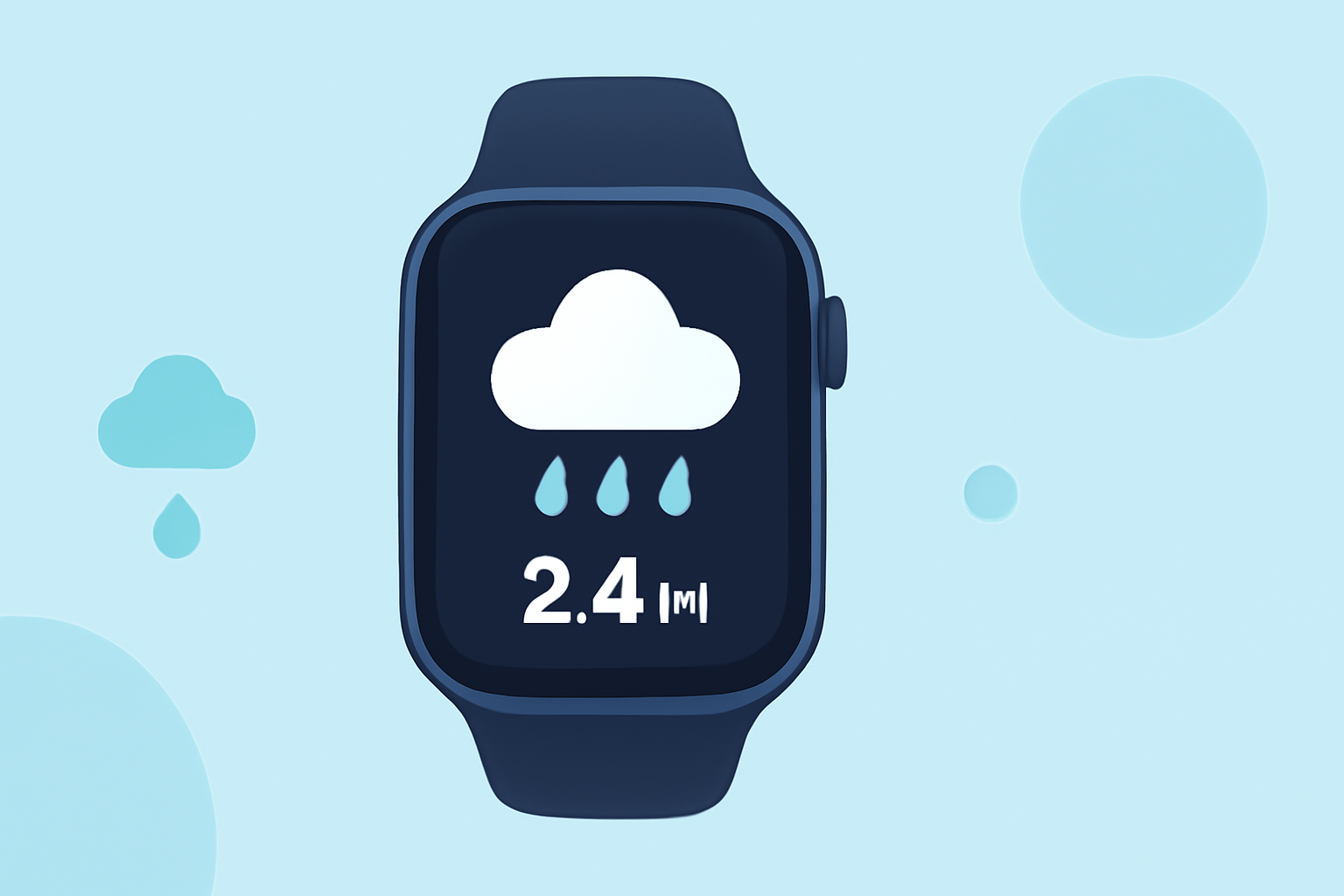
Monitoring precipitation accumulation on your Apple Watch can help you stay informed about rainfall and snowfall in your area. While the built-in Weather app provides current conditions and forecasts, it doesn't offer detailed precipitation accumulation data. To access this information, you can utilize third-party applications designed for the Apple Watch.
Understanding Precipitation Accumulation
Precipitation accumulation refers to the total amount of rain or snow that has fallen over a specific period, typically measured in inches or millimeters. This data is crucial for activities like gardening, construction, and outdoor planning, as it helps assess soil moisture levels and potential flooding risks.
Using Third-Party Apps for Precipitation Data
Several third-party apps available on the App Store can provide detailed precipitation accumulation data on your Apple Watch:
-
Weathergraph: This app offers visual weather charts, including precipitation amounts, for the Apple Watch. It provides a clear representation of weather patterns, making it easier to understand precipitation trends. (weathergraph.app)
-
Precip: Precip delivers rainfall and snowfall totals with pinpoint accuracy, utilizing high-resolution NOAA radar and scientific models. It allows users to see precipitation amounts for the past 12, 24, or 48 hours and offers live precipitation maps. (apps.apple.com)
Setting Up Precipitation Monitoring on Your Apple Watch
To monitor precipitation accumulation on your Apple Watch:
-
Download and Install the App: Visit the App Store on your iPhone or Apple Watch and search for the desired app. Download and install it on your device.
-
Configure the App: Open the app on your iPhone or Apple Watch and follow the setup instructions. This may include granting location access and selecting your preferred units of measurement.
-
Add the App to Your Watch Face: Customize your watch face to include the app's complication, allowing quick access to precipitation data. This can be done by pressing firmly on your watch face, selecting "Customize," and adding the app's complication to your preferred position.
-
Enable Notifications: If the app supports notifications, enable them to receive real-time updates on precipitation accumulation.
Limitations and Considerations
While third-party apps can provide detailed precipitation data, it's important to note that the accuracy of this information depends on the app's data sources and the quality of the data itself. Additionally, some features may require a subscription or in-app purchases.
By integrating these third-party applications with your Apple Watch, you can effectively monitor precipitation accumulation, ensuring you're always prepared for changing weather conditions.