
An Introduction to Small Weather Widgets on Android
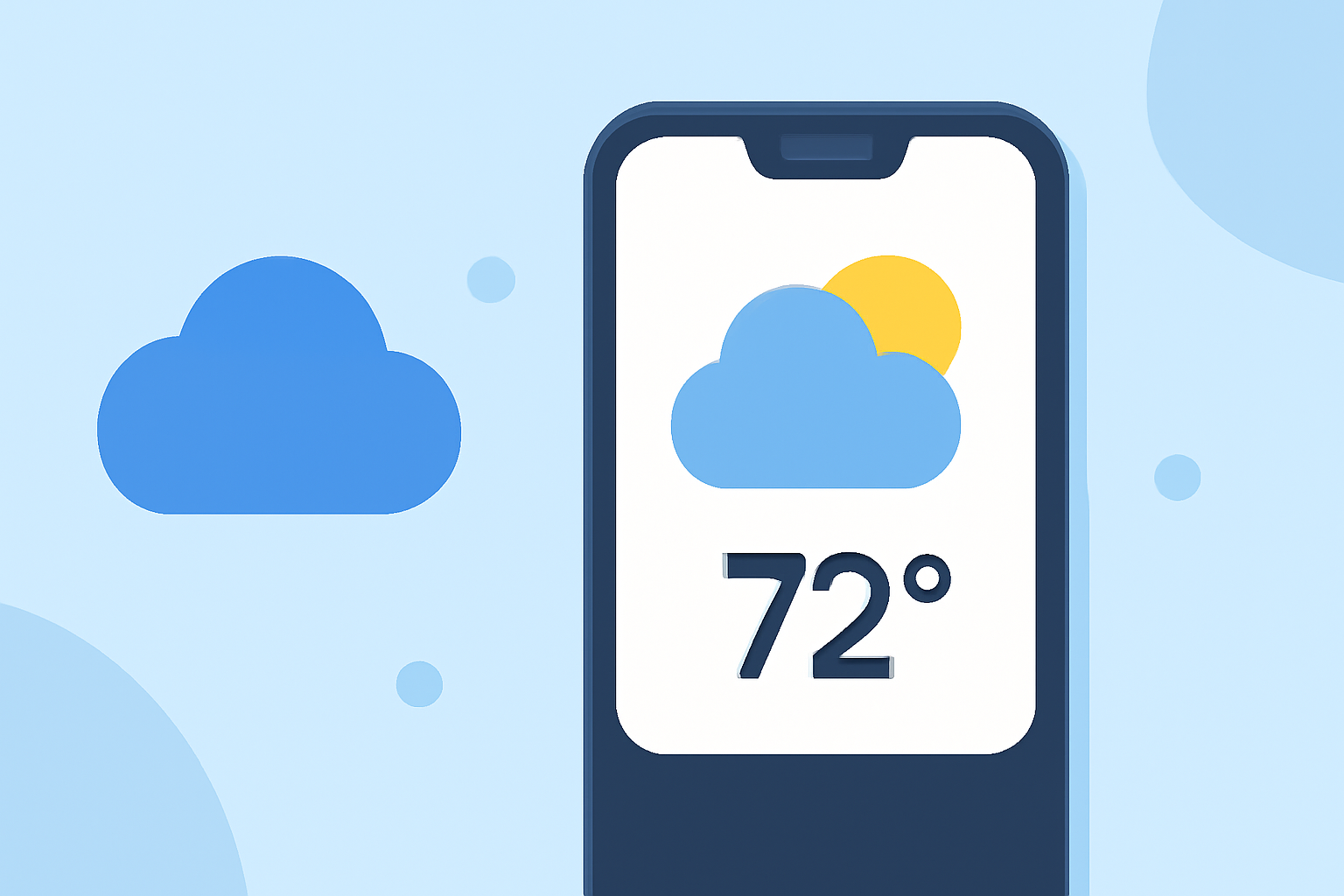
Small weather widgets on Android devices provide quick access to current weather conditions and forecasts directly from your home screen. These widgets offer convenience and real-time information without the need to open a dedicated weather app.
What Are Small Weather Widgets?
Small weather widgets are compact, interactive elements that display essential weather information, such as temperature, humidity, and forecasts, on your Android device's home screen. They allow you to monitor weather updates at a glance, enhancing your daily planning and preparedness.
How to Add a Small Weather Widget on Android
Adding a small weather widget to your Android home screen is a straightforward process:
- Access the Widget Menu: Touch and hold an empty space on your home screen.
- Select Widgets: Tap on "Widgets" from the menu that appears.
- Choose a Weather Widget: Scroll through the list to find the weather widget provided by your device's default weather app or a third-party app you've installed.
- Add the Widget: Touch and hold the desired widget, then drag it to your preferred location on the home screen.
For detailed instructions, refer to the Android Help guide on adding apps, shortcuts, and widgets to your home screens.
Customizing Your Weather Widget
After adding the widget, you can customize it to suit your preferences:
- Resize the Widget: Touch and hold the widget until resize handles appear. Drag these handles to adjust the widget's size.
- Set Location: Ensure the widget displays weather information for your current location or a specific area by adjusting the location settings within the widget's options.
- Adjust Update Frequency: Some widgets allow you to set how often they refresh weather data, balancing accuracy and battery life.
For more information on customizing widgets, see the Android Help guide on adding apps, shortcuts, and widgets to your home screens.
Benefits of Using Small Weather Widgets
- Instant Access: View current weather conditions and forecasts without opening an app.
- Customization: Tailor the widget's appearance and information to your liking.
- Space Efficiency: Utilize compact widgets to keep your home screen organized while providing essential information.
Clime: A Leading Solution for Weather Information
Clime offers a comprehensive weather experience, providing accurate and up-to-date weather information directly on your Android device. With Clime, you can access detailed forecasts, real-time updates, and customizable widgets that seamlessly integrate into your home screen. This ensures you stay informed about weather conditions, enhancing your daily planning and preparedness.
By incorporating small weather widgets into your Android device, you can enjoy immediate access to essential weather information, keeping you prepared for any conditions that come your way.