
An Introduction to Allergy Weather on Apple Watch
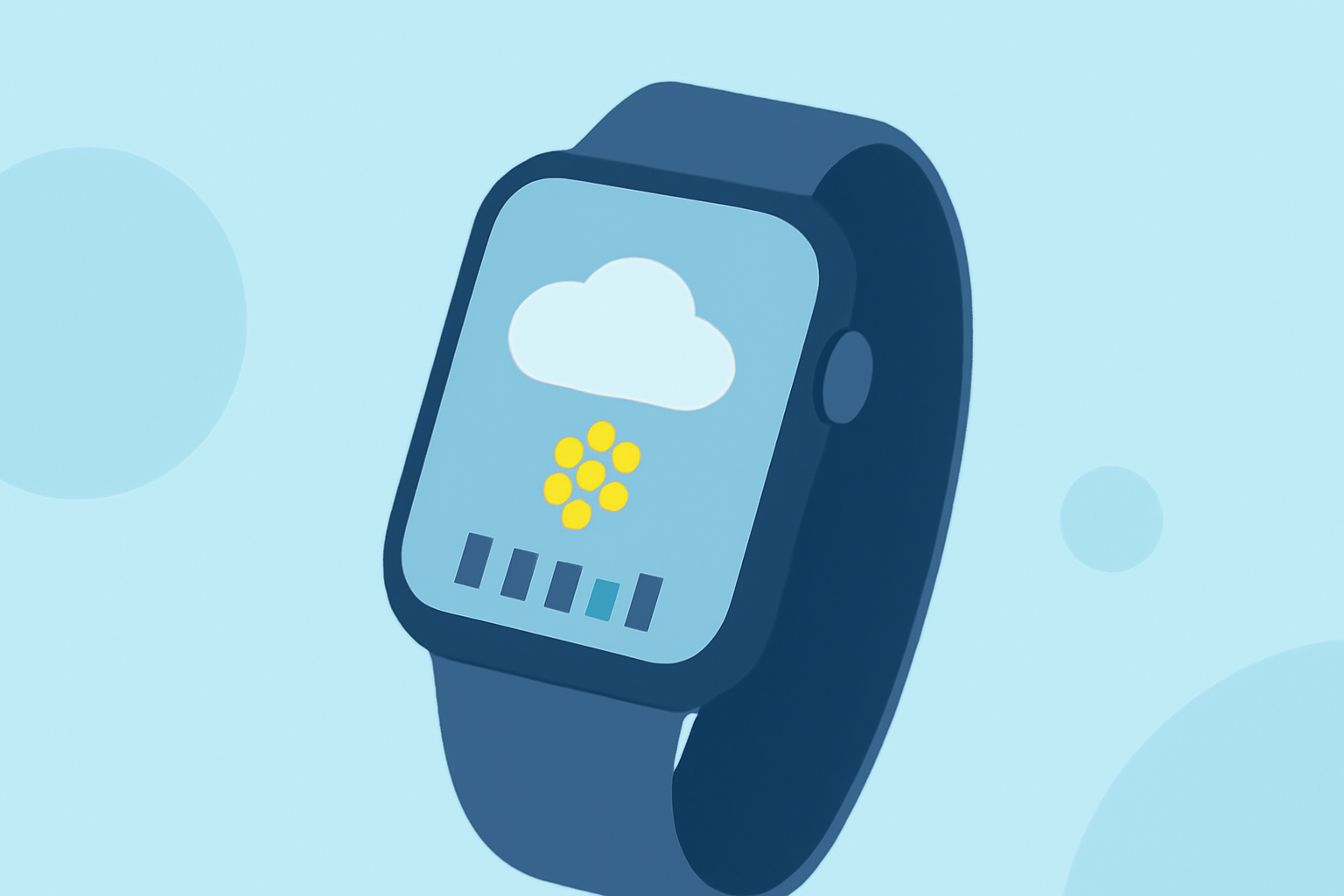
Managing allergies can be challenging, especially during peak pollen seasons. With the Apple Watch, you can stay informed about pollen levels and take proactive steps to alleviate symptoms.
What Is Allergy Weather?
Allergy weather refers to environmental conditions that influence the presence of allergens, such as pollen, in the air. Monitoring these conditions helps individuals with allergies plan their activities and manage symptoms effectively.
How Can Apple Watch Help Monitor Allergy Weather?
While the built-in Weather app on the Apple Watch provides information on temperature, humidity, and air quality, it doesn't specifically track pollen levels. To monitor pollen counts, you can use third-party apps designed for this purpose.
Top Apps for Monitoring Pollen Levels on Apple Watch
Several apps offer pollen tracking features compatible with the Apple Watch:
Press Kit | Pollen Count & Alerts Pollen - Hay Fever Forecasts This app provides daily pollen counts and short-term forecasts tailored to your location. It offers customizable alerts for specific pollen types and integrates with the Apple Watch for quick access. (apps.apple.com)
Pollen allergy app icon Sneezy - Pollen Tracker Sneezy delivers real-time pollen levels for tree, grass, and weed allergens, pinpointed to your location. It includes a 5-day forecast and smart reminders, with Apple Watch compatibility for on-the-go updates. (apps.apple.com)
Allergy Plus App | Pollen.com Pollen Monitor This app offers real-time pollen levels, hourly forecasts, and multi-day outlooks. It tracks various pollen types and provides an Apple Watch app and widget for convenient monitoring. (apps.apple.com)
Pollen Count: Forecast, Alerts‑App – App Store PollenPath PollenPath combines real-time pollen data with air quality and weather information. It allows users to log symptoms and identify personal triggers, all while maintaining privacy by processing data on-device. (pollenpath.app)
Showcase 2024 app idea - Pollen Pal | Apps For Good PollenPal PollenPal provides real-time pollen levels, a 7-day forecast, and smart push alerts tailored to your allergens. It works anywhere, not just major cities, and doesn't require an account. (pollenpal.online)
How to Set Up Pollen Tracking on Your Apple Watch
- Download the App: Choose a pollen tracking app from the App Store and install it on your iPhone.
- Enable Apple Watch Integration: During setup, ensure the app is configured to sync with your Apple Watch.
- Customize Alerts: Set up notifications for specific pollen levels or times of day to stay informed.
- Monitor Pollen Levels: Use the Apple Watch app or complications to view current pollen counts and forecasts.
Benefits of Using Apple Watch for Allergy Monitoring
- Real-Time Updates: Receive immediate notifications about pollen levels, allowing for timely decisions.
- Convenience: Access pollen information directly from your wrist without needing to check your phone.
- Personalized Alerts: Tailor notifications to your specific allergens and sensitivity levels.
Conclusion
By integrating pollen tracking apps with your Apple Watch, you can proactively manage your allergies and make informed decisions about your daily activities. This approach empowers you to enjoy the outdoors with greater confidence and comfort.