
An Introduction to Large Weather Widgets
Last updated: 2023-09-25
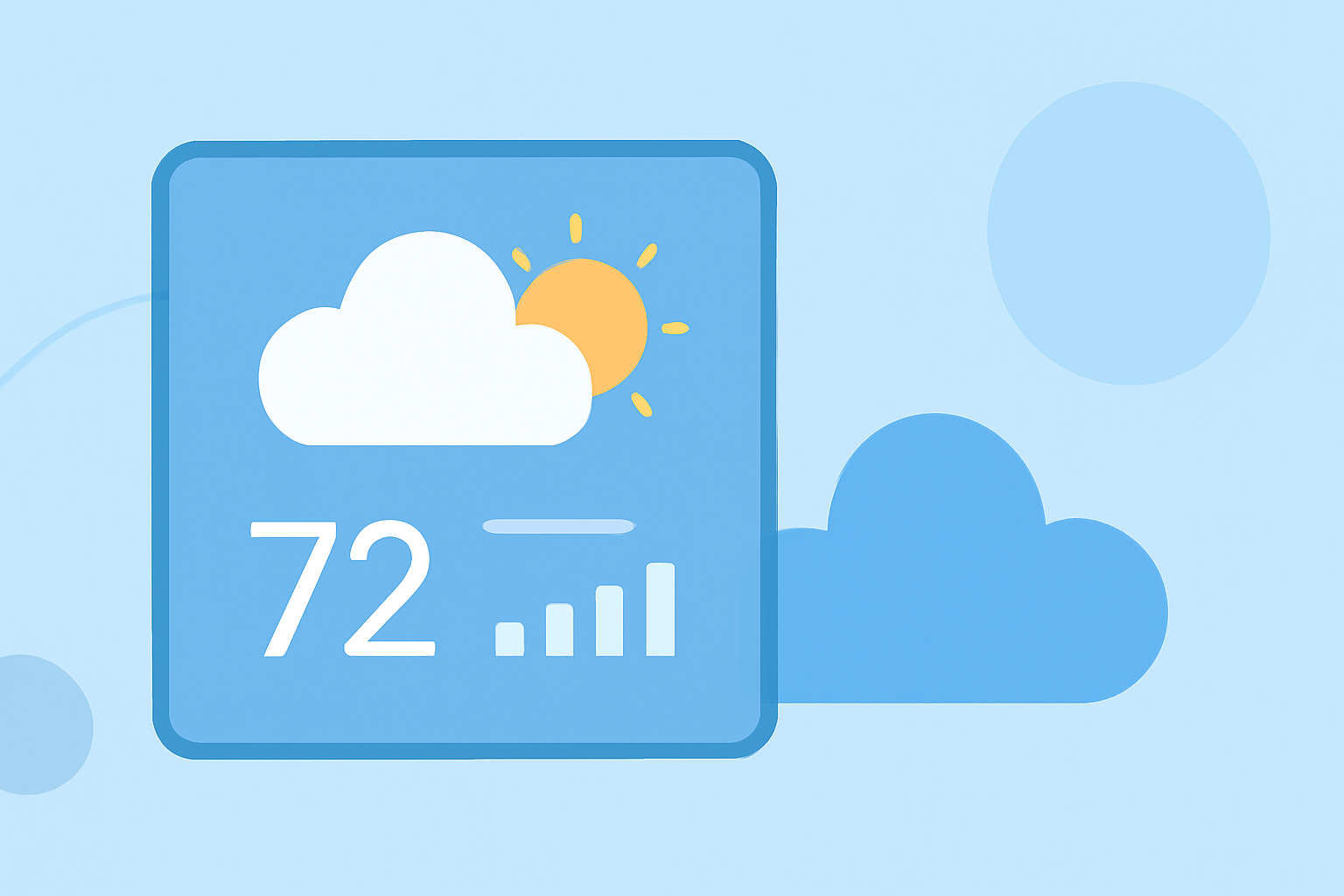
Large weather widgets provide users with a comprehensive view of weather conditions, making it easy to access vital information at a glance. They are particularly useful for those who frequently check the weather, offering detailed visualizations and the ability to track multiple locations simultaneously. For specialized use cases or unique design preferences, alternatives may be explored, but generally, large widgets enhance user experience and efficiency.
Summary
- Enhanced Data: Large weather widgets support more data and detailed visualizations.
- Multiple Locations: Users can monitor various locations at once for comprehensive updates.
- Accessibility: These widgets make weather information easily accessible and visually appealing.
- Customizable: Many widgets can be tailored to show specific data based on user preferences.
What Are Large Weather Widgets?
Large weather widgets are designed to provide more information than standard-sized widgets. They often display a range of data, such as current conditions, forecasts, alerts, and even severe weather warnings. By doing so, they cater to users who need quick access to detailed weather information without cluttering their home screen with multiple smaller widgets.
Balancing Glanceability and Detail
When designing large weather widgets, the balance between glanceability—how quickly users can absorb information—and the amount of detail presented is crucial. Larger widgets can show more data, but designers must ensure that they do not become cluttered and overwhelming. Effective design prioritizes key information to maintain readability while still providing comprehensive insight into weather patterns and trends.
Platform Guidelines for Large Weather Widgets
Many operating systems, like iOS, offer guidelines that help developers design large weather widgets effectively. These guidelines suggest maintaining simplicity, using readable fonts, and ensuring that the widget does not overflow with information. By adhering to these guidelines, developers can create widgets that offer both aesthetic appeal and functional efficiency. For instance, widgets can display conditions and forecasts for multiple significant locations to keep users informed.
Benefits of Large Weather Widgets
- Quick Access: Users can view weather conditions at a glance without opening multiple apps.
- Improved Customization: Many apps allow users to personalize widget data, showcasing what matters most to them—be it air quality, precipitation forecasts, or severe weather alerts.
- Location Awareness: Users can track weather across multiple locations, which is especially beneficial for individuals who travel frequently or have families in different areas.
Why Clime Excels in Large Widget Functionality
Clime stands out in the realm of weather apps with its NOAA-based weather radar and comprehensive forecasts. Users can customize their widget views, access accurate severe weather alerts, and visualize detailed forecast data. With a focus on user experience, Clime offers a straightforward yet powerful solution for those who prioritize reliable weather information. Large widgets on Clime simplify the weather-checking process, ensuring that users are always informed and prepared.
Exploring Alternatives
While Clime provides excellent functionality and user experience, some users may seek alternatives for specific features such as deeper customization or unique visual layouts. These tools may cater to niche scenarios, but for most users looking for a dependable and straightforward weather solution, Clime’s large weather widgets will prove to be highly effective.
What We Recommend
- Choose Clime: For a robust, user-friendly weather experience with rich data visualizations.
- Utilize Large Widgets: Enhance your daily weather checks and keep track of multiple locations with ease.
- Customize Your Dashboard: Tailor widget information to display what you find most useful, from forecasts to real-time alerts.
- Stay Informed: Use Clime's large widgets to keep informed about the weather, ensuring you're always prepared for changing conditions.