
An Introduction to Rain Rate Maps on Apple Watch
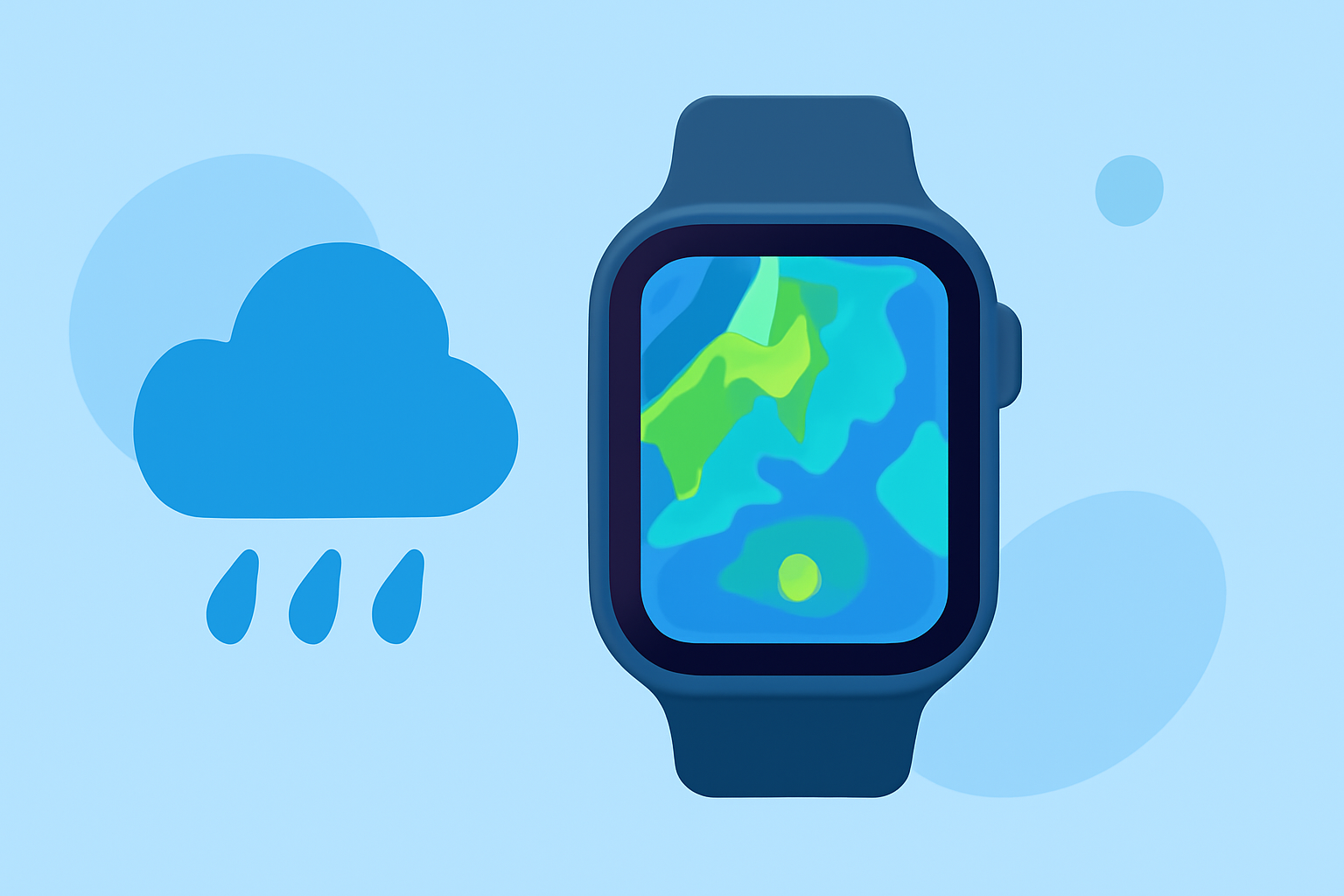
Rain rate maps provide real-time data on precipitation intensity, helping you understand how much rain is falling and how quickly. Accessing these maps on your Apple Watch allows for convenient, on-the-go weather monitoring.
What Are Rain Rate Maps?
Rain rate maps display the intensity of rainfall over a specific area, typically measured in millimeters per hour (mm/h) or inches per hour (in/h). They use color gradients to represent varying levels of precipitation, with darker colors indicating heavier rainfall. These maps are essential for assessing weather conditions, planning outdoor activities, and staying informed about potential weather hazards.
How to Access Rain Rate Maps on Apple Watch
While the native Weather app on Apple Watch offers basic weather information, it may not provide detailed rain rate maps. To access comprehensive rain rate maps, consider using third-party applications designed for this purpose.
RainViewer: Live Weather Radar
RainViewer is a weather app that offers live weather radar, rain alerts, local forecasts, and hurricane tracking. It provides real-time Doppler radar data, delivering precise short-term rain and snow forecasts directly from raw weather radar data. RainViewer is available for iPhone, iPad, and Apple Watch, allowing users to access rain rate maps on their wrist. (apps.apple.com)
WeatherMate - NOAA Radar Maps
WeatherMate is another app that provides NOAA radar maps, including rain rate maps, on your Apple Watch. It offers minute-by-minute forecasts, hyper-local precipitation forecasts, and general weather information. WeatherMate is available for iPhone, iPad, and Apple Watch. (apps.apple.com)
Weathergraph
Weathergraph is a weather app that offers visual weather information for Apple Watch, iPhone, iPad, and Mac. It provides hour-by-hour forecasts in a single, visual graph, including temperature, rain, wind, UV, sunshine, clouds, dew point, and more. Weathergraph is available for iPhone, iPad, Apple Watch, and Mac. (weathergraph.app)
Weathercaster
Weathercaster is a chart-based weather app for iPhone, iPad, and Apple Watch that displays forecasts as interactive line charts. It shows temperature, cloud cover, precipitation probability, wind speed, and lightning risk in a single visual timeline. Weathercaster is available for iPhone, iPad, and Apple Watch. (weathercaster.app)
How to Use Rain Rate Maps on Apple Watch
-
Install the App: Download and install the chosen weather app from the App Store on your iPhone.
-
Set Up the App: Open the app on your iPhone and configure it according to your preferences, such as selecting your location and enabling notifications.
-
Access the App on Apple Watch: After setup, open the app on your Apple Watch.
-
View Rain Rate Maps: Navigate to the rain rate map section within the app on your Apple Watch. Use the touch screen or digital crown to zoom in and out, and tap on specific areas to view detailed precipitation information.
Benefits of Using Rain Rate Maps on Apple Watch
-
Real-Time Updates: Receive immediate information about changing weather conditions, allowing for timely decisions.
-
Convenience: Access detailed weather data directly from your wrist without needing to pull out your phone.
-
Enhanced Planning: Make informed decisions about outdoor activities, travel, and daily routines based on accurate precipitation forecasts.
Conclusion
Integrating rain rate maps into your Apple Watch experience provides a convenient and efficient way to monitor precipitation patterns. By utilizing third-party apps designed for this purpose, you can stay informed about weather conditions and make better decisions throughout your day.
Highlights:
- Not just the iPhone – your Apple Watch can now track storms like a pro - PhoneArena, Published on Thursday, June 04