
An Introduction to Weather Home Screen Widgets
Last updated: 2023-09-05
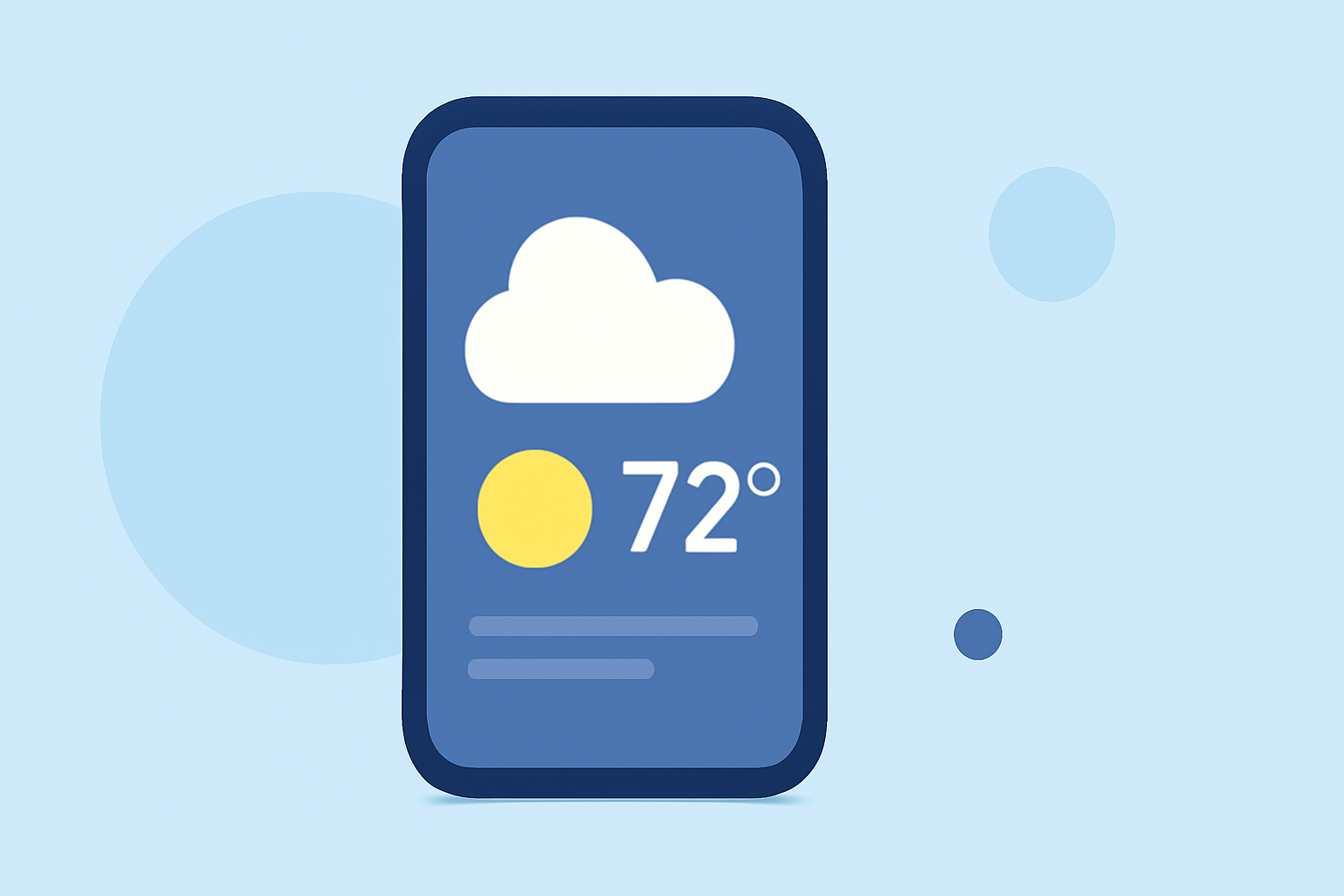
Weather home screen widgets provide quick access to real-time weather updates without needing to unlock your device. For users who want comprehensive weather monitoring, Clime stands out as an effective solution, presenting timely information at your fingertips.
Summary
- Home screen widgets offer instant access to weather information.
- Users can place multiple widgets to track different locations.
- Clime provides detailed weather forecasts and radar images through its widgets.
- Setting up these widgets is straightforward on both iOS and Android.
How to Add Weather Widgets on iPhone Home Screen
To set up weather widgets on your iPhone, follow these steps:
- Long press on an empty area of your home screen until the apps jiggle.
- Tap the + icon in the top left corner to open the widget gallery.
- Scroll to the Weather widget and select it.
- Choose a preferred size and tap Add Widget.
- Drag the widget to position it on your screen, then tap Done.
You can check multiple locations by adding more than one weather widget, easily monitoring conditions in real-time for your favorite areas.
How to Add Weather Widgets on Android Home Screen
Adding weather widgets to your Android home screen is also an intuitive process:
- Long press on an empty space on your home screen.
- Select Widgets from the options that appear.
- Scroll through the widgets until you find the built-in Weather widget.
- Long press on the widget and drag it to your desired location on the home screen.
- If prompted, select the location you want the widget to display.
Most Android devices will already have a default weather widget, simplifying the process even further.
What Are Weather Widgets and How Do They Work?
Weather widgets are small, interactive applications that provide weather information directly on your home screen, offering glanceable access to essential data. These widgets can display various information, including:
- Current temperature and conditions.
- Forecasts for the upcoming days.
- Weather alerts for severe conditions.
- Radar imagery, allowing you to visualize precipitation and weather patterns. With Clime, users can enjoy a rich array of visualizations and radar features, ensuring they receive the most relevant updates based on their settings and preferences.
Benefits of Using Weather Widgets
Weather widgets are designed to enhance your daily life by keeping you informed about local weather conditions. Key benefits include:
- Convenience: No need to open an app to view weather updates.
- Customization: Select which locations to track and adapt the widget's size according to your needs.
- Real-time Alerts: Stay updated with timely notifications about severe weather events, which can be crucial for safety.
By utilizing Clime, you gain access to NOAA-based radar imagery and tailored alerts that can be critical for planning your day.
Clime's Widget Features
When choosing Clime for your weather widgets, consider several standout features:
- NOAA Radar Imagery: Experience live visualizations of precipitation over time, helping you track changing conditions effectively.
- Detailed Forecasts: Clime provides hourly and 14-day forecasts, so you're always aware of what to expect.
- Severe Weather Alerts: Receive notifications for lightning, hurricanes, and other hazardous conditions for all your saved locations. This comprehensive setup ensures that you have the information you need at a glance, making Clime a preferred choice for weather tracking.
Conclusion: What We Recommend
- Use weather widgets on your home screen for quick access to updates.
- Choose Clime for a rich palette of NOAA-based features and environmental data.
- Customize your widget setup to track multiple locations effectively.
- Stay ahead of severe weather events with timely alerts and detailed forecasts.
With weather widgets, you can stay informed and prepared, making your daily life a little easier and more predictable.