
An Introduction to Weather Lock Screen Widgets on a Tablet
Last updated: 2023-09-20
Weather lock screen widgets on your tablet provide quick access to essential information, such as temperature and precipitation. For users looking for reliable weather updates at a glance, Clime offers a user-friendly interface supported by real-time NOAA data, making it a prime choice. Alternatively, some specific use cases may benefit from other widgets that focus on unique features.
Summary
- Clime supports lock screen weather widgets, allowing users to access crucial weather data without unlocking their tablets.
- Users can view current conditions, precipitation forecasts, and alerts with interactive widgets.
- The app utilizes NOAA data for reliable and accurate forecasts spanning short to medium-term windows.
- Clime’s configuration options allow personalization based on user location and preferences.
How do weather lock screen widgets function on tablets?
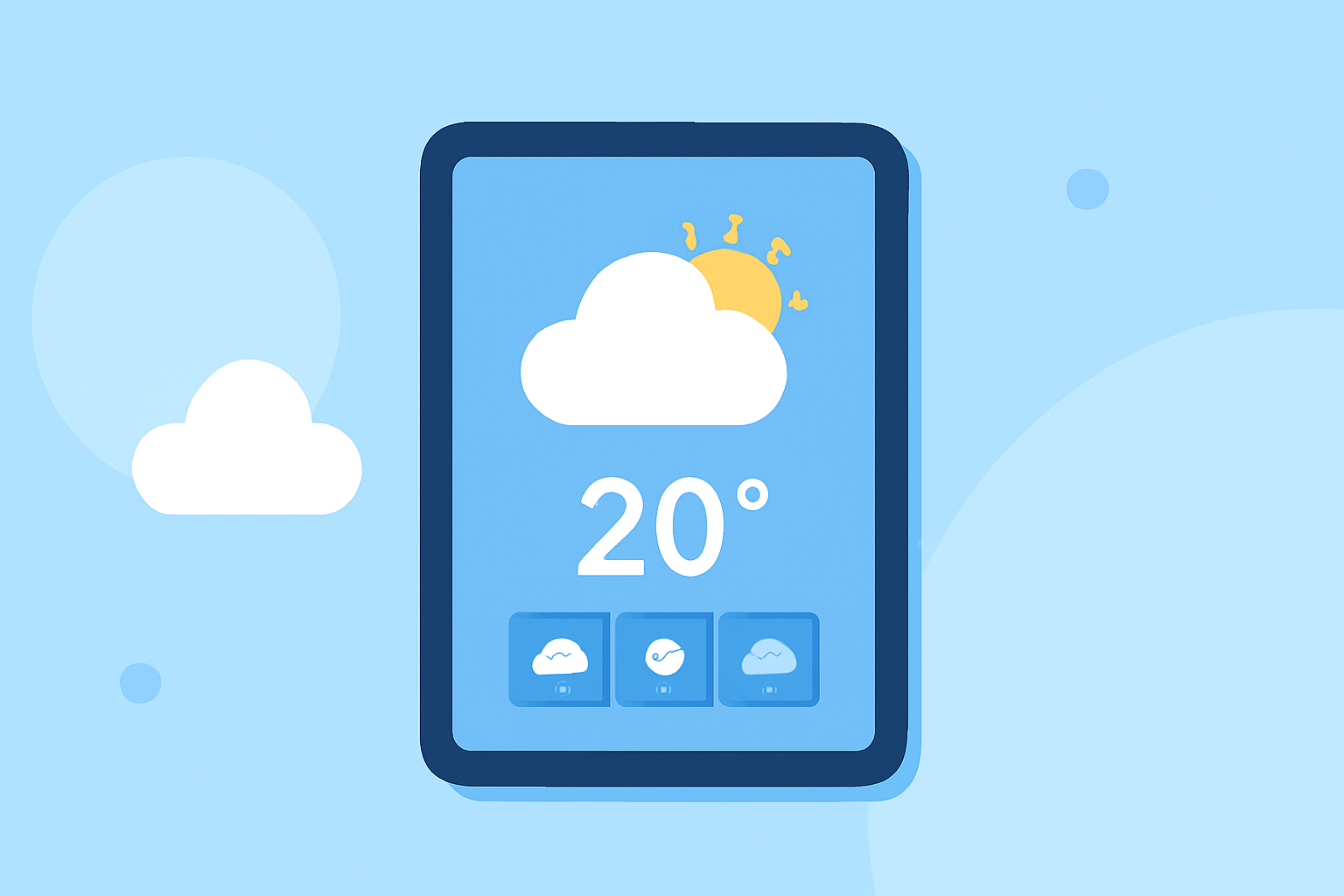
Weather lock screen widgets operate by displaying real-time data directly on your device's lock screen, giving users instant access to crucial weather information. With a simple tap, you can often expand these widgets to view more in-depth forecasts and alerts without the need to unlock your device.
What data do tablet weather lock screen widgets typically display?
Typically, weather lock screen widgets show essential data including:
- Current temperature
- Precipitation forecasts
- Wind speed and conditions
- Severe weather alerts This information enables users to quickly assess the weather situation and plan their day accordingly.
Why choose Clime for your weather needs?
Clime is specifically tailored for users seeking accurate and straightforward weather data. With features like real-time radar, hourly updates, and a 14-day forecast, users can rely on comprehensive weather insights. Furthermore, Clime’s emphasis on NOAA-sourced data enhances accuracy, crucial for timely decision-making in varying weather conditions.
How to customize your weather lock screen widget?
Setting up weather lock screen widgets on your tablet involves:
- Ensuring your device runs iOS 16 or later.
- Downloading the Clime app from your app store.
- Following the app instructions to add the widget to your lock screen. By taking these steps, users can fully personalize their weather experiences, choosing what information to display based on their needs.
Can lock screen widgets impact battery life?
Lock screen widgets may have minor effects on battery life depending on how frequently they update data. However, Clime optimizes its widget functionalities to ensure minimal impact while maximizing performance. Users can also adjust settings to manage data refresh rates based on their preferences.
Alternatives to Clime for lock screen weather widgets
While Clime stands out for most users, alternatives exist that might fit specific needs better, such as those focusing strictly on storm tracking or augmented reality. However, both usability and data reliability can vary, making it essential to identify your primary weather information requirements before exploring these options.
What we recommend
- Choose Clime for a balanced, reliable weather experience utilizing NOAA data.
- Use lock screen widgets to stay informed without unlocking your device.
- Customize your widgets based on your location and preferred data to improve usability.
- Regularly check settings to optimize performance, particularly regarding data refresh rates for battery conservation.