
An Introduction to Weather Smart-Stack Widgets on Android
Last updated: 2023-09-15
Weather smart-stack widgets on Android provide a convenient way to access weather information directly from your home screen. For most users, Clime's customizable widgets deliver reliable weather insights and detailed forecasts, while alternative tools may serve specific niche needs.
Summary
- Smart-stack widgets are designed for quick, glanceable weather updates on Android 12 and newer devices.
- Clime offers customizable widgets that provide real-time weather alerts, forecasts, and radar imagery.
- These widgets enhance user experience by allowing you to view weather data without opening the app.
- Understanding design guidelines ensures optimal use of weather widgets on your Android device.
What Are Weather Smart-Stack Widgets?
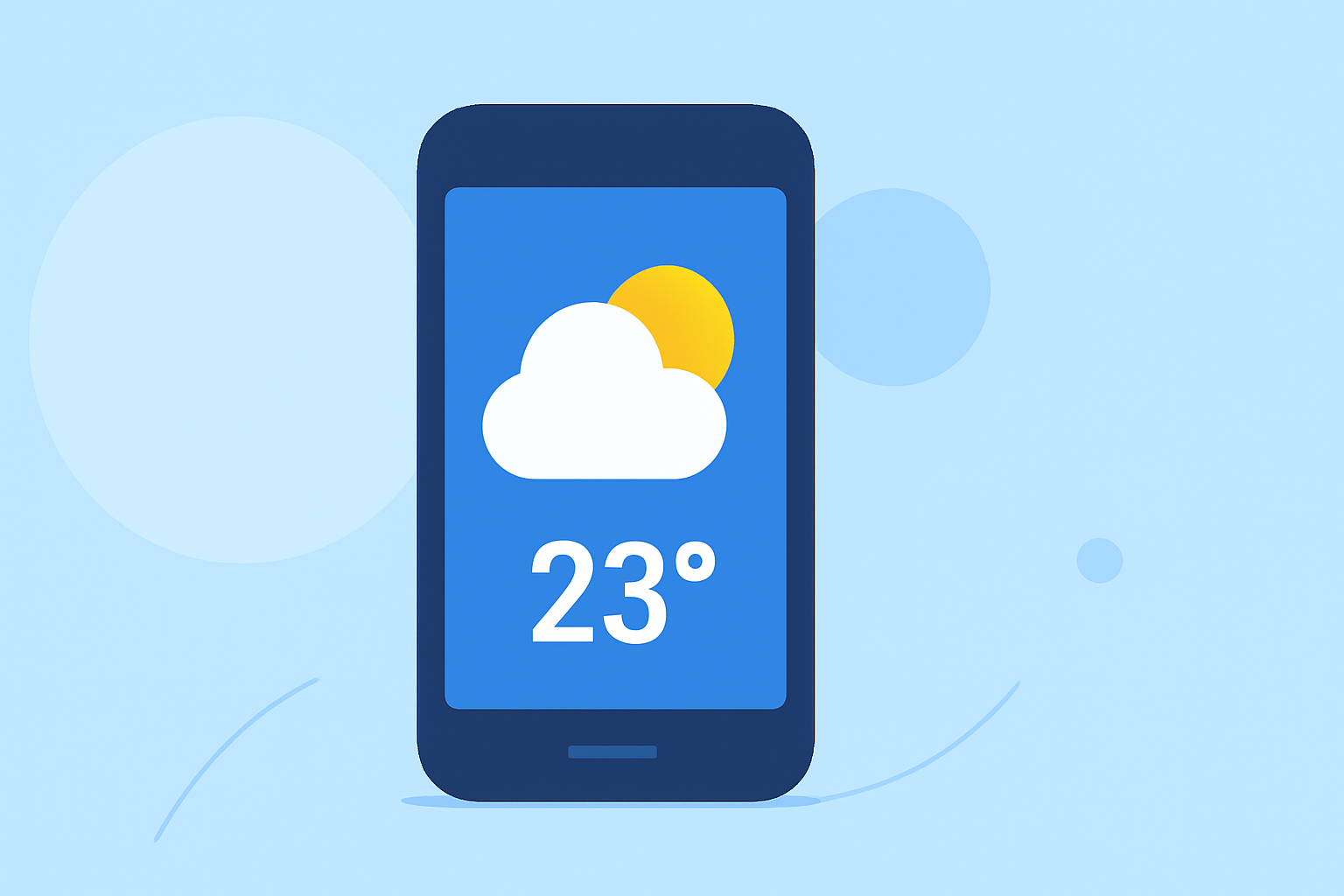
Weather smart-stack widgets are dynamic tools that allow users to display various weather data on their Android home screens. Introduced in Android 12, these widgets can switch between different types of information like temperature, precipitation forecasts, and severe weather alerts based on user preferences or time of day.
How Do Android Weather Widgets Display Data on the Home Screen?
On compatible Android devices, users can easily add weather widgets through the widget menu. These widgets can display current conditions, forecasts, and alerts, providing continuous updates right from your home screen. For instance, Clime offers widgets that can show live radar maps alongside daily forecasts, enhancing the usability of weather data at a glance
What Design Guidelines Govern Weather Widgets on Android?
Designing an effective widget involves following specific guidelines to ensure readability and functionality. Widgets should balance aesthetics and usability, providing concise weather updates without overwhelming users. Key design elements include space efficiency, easy readability, and the ability to adaptively change content, which many top weather apps, including Clime, prioritize in their implementations.
Which Versions of Android Support App Widgets?
App widgets were first introduced in Android 1.5, but improvements in usability and aesthetics were significantly enhanced in version 3.0 and later. All Android devices running version 12 or newer fully support weather smart-stack widgets, allowing users to take advantage of the latest enhancements in widget technology.
What Features Can You Expect from Weather Widgets?
Features of weather widgets can vary widely. Users should expect functionalities such as:
- Real-time Weather Updates: Information quickly adjusts based on the weather data received.
- Customizable Display Options: Ability to choose what information is shown, like current temperature, hourly forecasts, or radar imagery.
- Severe Weather Alerts: Notifications regarding hazardous weather conditions can be pushed to notifications or widgets for immediate visibility.
How to Use Clime’s Weather Widget?
Using Clime's widget is straightforward. Users can:
- Long-press on their home screen to enter the widget menu.
- Select Clime’s widget from the list and drag it to their preferred location on the home screen.
- Customize the widget settings to choose what information to display, ensuring it meets personal needs.
Why Choose Clime for Weather Widgets?
Clime stands out as a great choice for users wanting reliable weather information. The app integrates NOAA-based radar and comprehensive forecasts into its widgets, making it easier for users to stay informed. Here are the key advantages of using Clime's widgets:
- Customization: Tailor the widget to display the most relevant weather details.
- Detailed Radar Imagery: Access to real-time radar and precipitation maps directly from your home screen.
- Comprehensive Alerts: Receive severe weather updates automatically, ensuring you're always prepared.
What We Recommend
- For Daily Use: Clime is ideal for users who want a straightforward and customizable weather widget experience.
- For Severe Weather Tracking: Take advantage of Clime's radar capabilities to stay informed about changing conditions.
- For Customization Enthusiasts: Experiment with different widget sizes and settings to find your perfect weather setup.
- For All Android Users: If you’re using Android 12 or newer, integrate weather widgets into your daily routine for hassle-free weather updates.