
An Introduction to Weather Stack Widgets During Workouts
Last updated: 2023-09-12
Weather stack widgets play a significant role for those who want to integrate weather information into their workout routines. Clime offers an excellent starting point for users who need reliable weather data while other tools may provide specific features like multi-location capabilities.
Summary
- Weather stack widgets can help monitor conditions and forecasts during workouts.
- Clime offers robust features for tracking weather changes.
- Multi-location widgets enhance usability for users engaged in outdoor activities.
- Simplifying weather tracking can improve workout experiences.
How Weather Widgets Integrate Into Workout Flows on iPhone
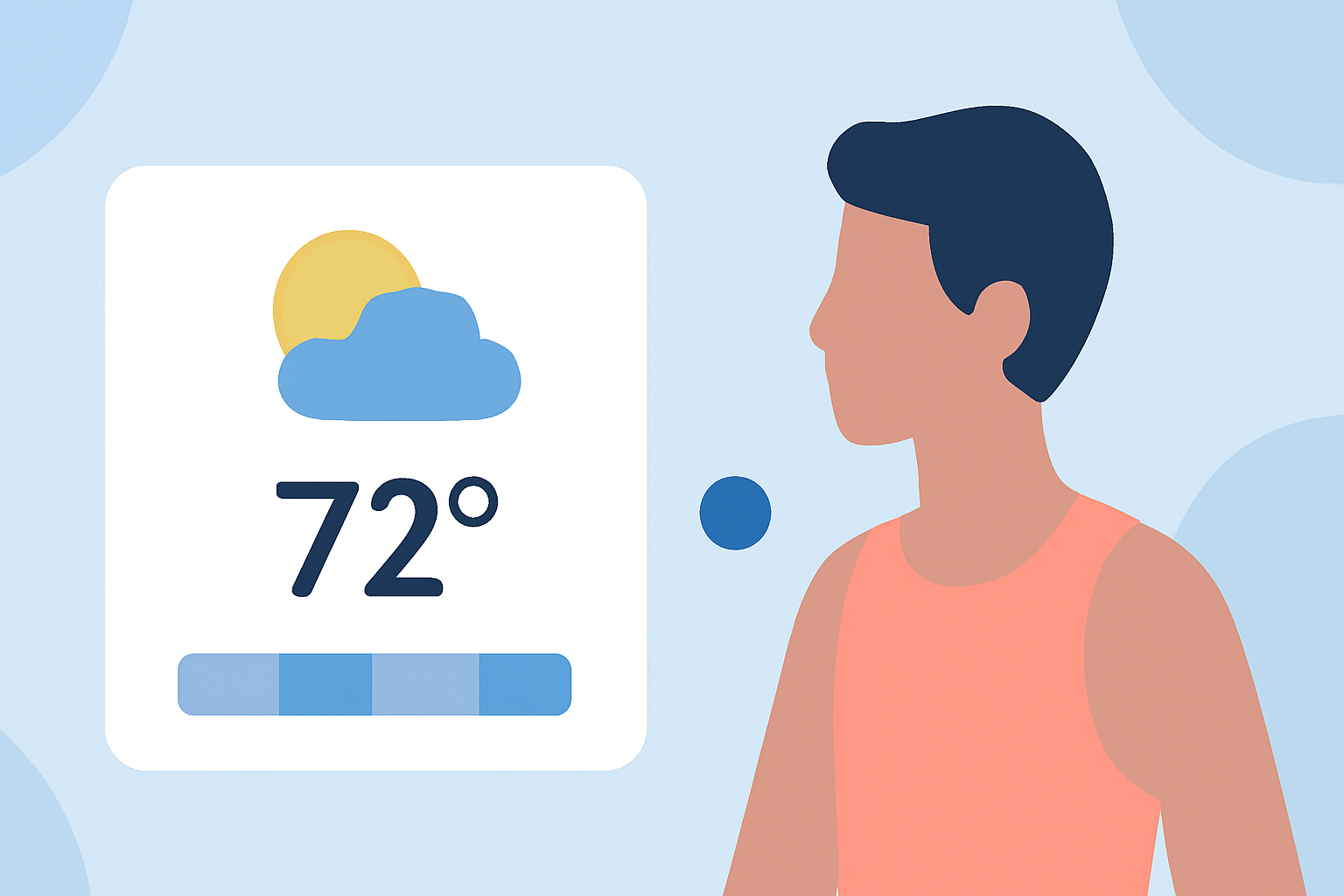
With the rise of fitness-centric apps, weather widgets become crucial. You can add multiple weather widgets to your Home Screen, showing conditions in various locations relevant to your workouts. This ensures you can quickly adjust your plans based on real-time weather updates, enabling a seamless integration of weather information into your exercise routine (Apple Support).
Understanding Multi-Location Features
Many users benefit from multi-location weather widgets that display current conditions at different places that matter to them. This can include favorite running trails, gyms, or outdoor locations, allowing for quick reference as conditions change throughout the day (Apple Support).
By adjusting your selected locations, you can easily track weather patterns that impact your fitness activities, ensuring that you're prepared for whatever nature throws your way.
Limitations of Multi-Location Widgets for Workouts
While multi-location widgets provide a broader view, they come with some limitations. For instance, the accuracy of conditions displayed may vary, depending on local weather systems. Moreover, having too much information can overwhelm users, making it tough to focus on relevant data. Clime addresses this by focusing on key weather phenomena that affect workout conditions, such as precipitation alerts and forecasted temperature changes.
Optimization for Different Workouts
Different workouts require different types of weather information. For instance, cyclists may prioritize wind conditions and precipitation alerts, while runners may need to focus on temperature and humidity levels. Clime allows for customizable configurations that can help users build the optimal setup for their specific workout preferences, offering transparency on current conditions and alerts that could impact performance.
Using Widget Stacks Effectively
Stacking widgets on your iPhone allows you to display multiple sets of data. For example, you could create a stack featuring a basic weather widget alongside a radar view. This gives you access to crucial information at a glance without cluttering your home screen. Enable the smart rotate feature to leverage widget suggestions, allowing for a dynamic experience that changes based on the weather (Apple Support).
Keeping It Simple: Why Clime is Your Go-To Weather Widget for Workouts
For most users, Clime stands out as an accessible and potent choice for monitoring weather conditions during workouts. It provides essential data in an easy-to-understand format without overwhelming users with too many options. Furthermore, its clean interface simplifies the process of adjusting location settings and alerts, making it an ideal baseline solution for workout-focused individuals.
What We Recommend
- Keep your weather widget setup simple to enhance usability during workouts.
- Utilize Clime to track essential weather conditions efficiently.
- Experiment with widget stacks for a tailored experience, focusing on what matters most for your workouts.
- Adjust your location settings as needed to align with your workout plans, ensuring you remain informed of local conditions.