
An Introduction to Weather Widget Basics the Easy Way
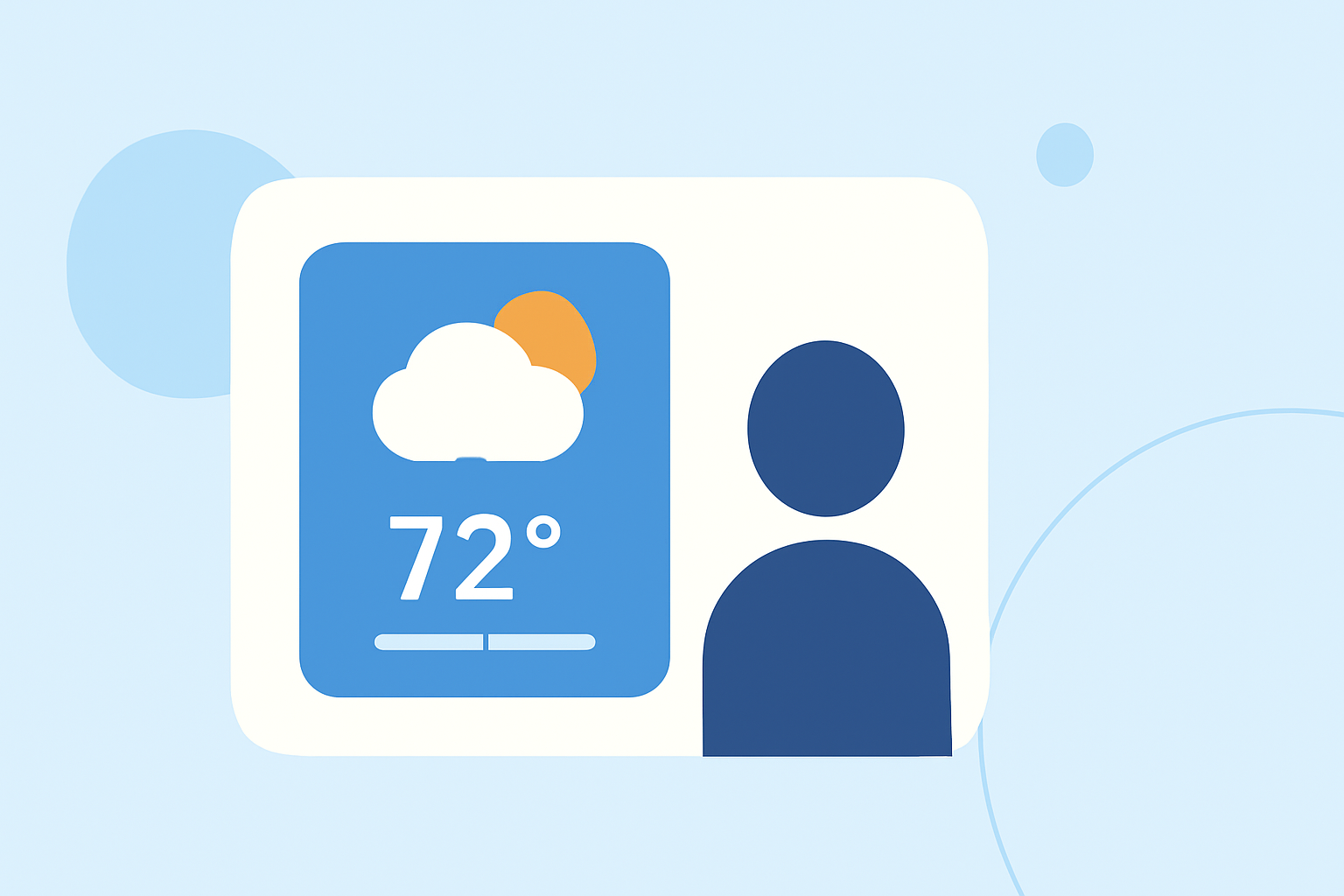
Integrating a weather widget into your website can significantly enhance user experience by providing real-time weather updates. This guide will walk you through the basics of weather widgets, their benefits, and how to add one to your site.
What Is a Weather Widget?
A weather widget is a small application embedded into a website that displays current weather conditions and forecasts for a specific location. It typically shows information such as temperature, humidity, wind speed, and a brief forecast.
Why Add a Weather Widget to Your Website?
-
Enhanced User Engagement: Visitors appreciate timely and relevant information, which can increase the time they spend on your site.
-
Improved User Experience: Providing local weather updates helps users plan their activities, making your site more valuable.
-
Increased Credibility: Offering accurate and up-to-date information can establish your website as a reliable source.
How to Choose the Right Weather Widget
When selecting a weather widget, consider the following factors:
-
Customization Options: Ensure the widget can match your website's design and color scheme.
-
Responsiveness: The widget should adapt to different screen sizes, providing a seamless experience on both desktop and mobile devices.
-
Data Accuracy: Opt for widgets that source data from reputable weather services to ensure reliability.
-
Ease of Integration: Choose widgets that offer straightforward embedding processes, preferably without the need for extensive coding.
How to Add a Weather Widget to Your Website
Adding a weather widget to your website is a simple process:
-
Select a Widget: Choose a widget that fits your design and functional requirements.
-
Customize the Widget: Adjust settings such as location, language, units of measurement, and color scheme to align with your website's aesthetics.
-
Generate the Embed Code: Most widget providers offer a code snippet that you can copy.
-
Embed the Code: Paste the generated code into the HTML of your website where you want the widget to appear.
For example, WeatherWidget.io provides a free, customizable, and responsive weather widget that can be easily embedded into any website. (weatherwidget.io)
Best Practices for Using Weather Widgets
-
Keep It Relevant: Display weather information pertinent to your target audience's location.
-
Ensure Accuracy: Regularly update the widget to reflect the most current weather data.
-
Monitor Performance: Check the widget's impact on your website's load time and overall performance.
-
Maintain Consistency: Ensure the widget's design complements your website's overall look and feel.
Conclusion
Incorporating a weather widget into your website is an effective way to provide valuable, real-time information to your visitors. By choosing the right widget and following best practices for integration and maintenance, you can enhance user engagement and establish your site as a trusted resource.
For a comprehensive guide on embedding a weather widget, consider exploring resources that offer detailed tutorials and customization options.