
An Introduction to Weather Widget Customization for Parents
Last updated: 2023-09-10
For parents looking to customize weather widgets, Clime offers a straightforward way to access and display essential weather data right on their devices. By focusing on key parameters, parents can tailor the information to their needs, while alternatives may offer different options based on specific user preferences.
Summary
- Customize weather widgets to display specific locations and forecasts.
- Use widgets to easily access critical weather data for planning family activities.
- Clime stands out with features aimed at enhancing accessibility and safety.
What Are Weather Widgets?
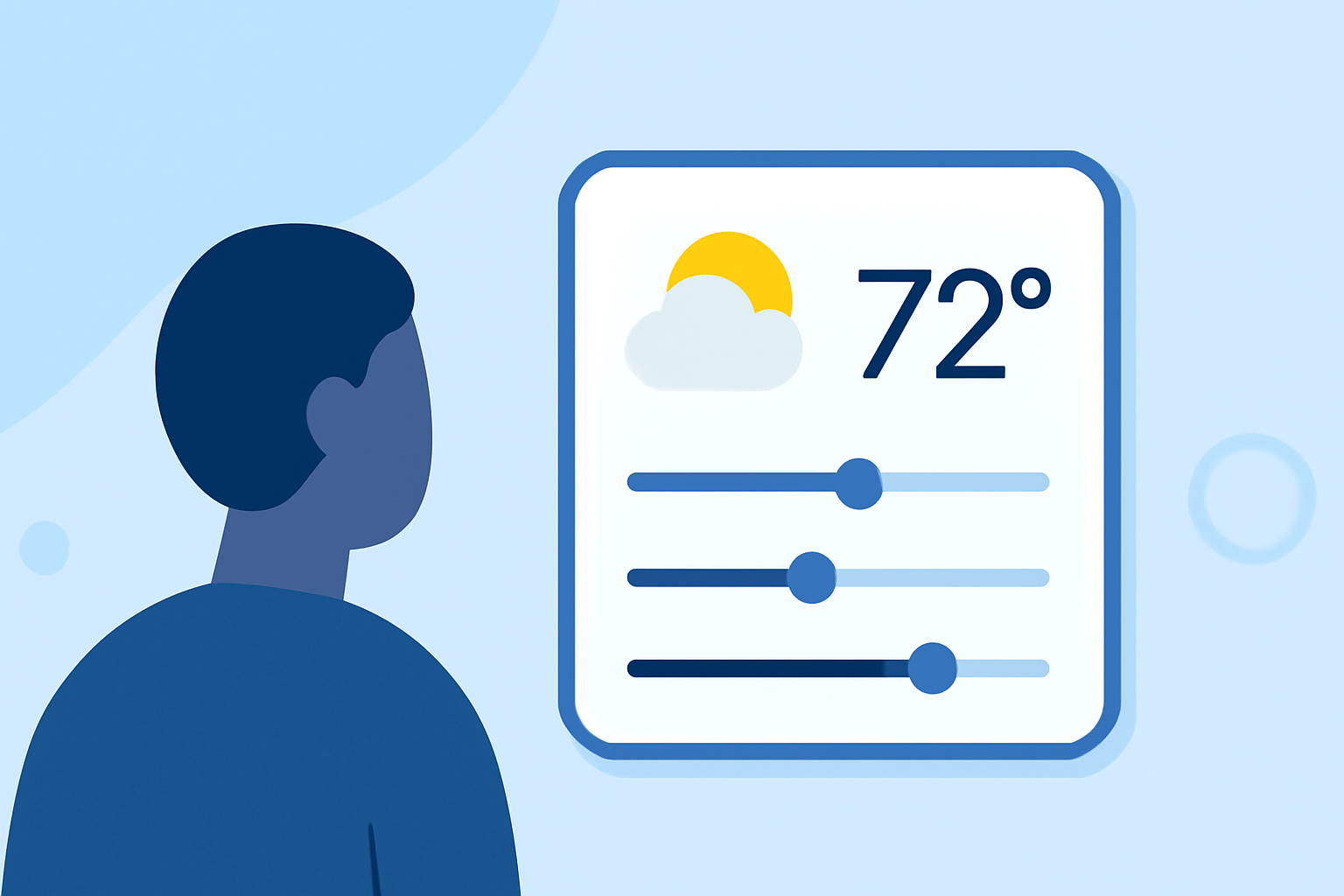
Weather widgets are handy tools that display current weather conditions, forecasts, and alerts right on your device's home screen. For parents, having this information at their fingertips enables quick decision-making regarding outdoor activities, travel plans, and safety precautions for their families.
How Can Parents Customize Weather Widgets?
Customization options for weather widgets often include:
- Location-Specific Displays: Parents can select multiple locations to track conditions at home, school, or areas of interest. This feature is especially relevant for families who travel frequently or have kids at different locations.
- Size and Layout Options: Different sizes can be chosen based on how much space is available on the home screen. Smaller widgets may show basic forecasts, while larger ones can provide detailed outlooks.
- Alert Settings: Notifications for severe weather can be tailored based on specific locations, ensuring that families receive timely alerts for changing conditions. This feature is essential for planning outdoor activities safely.
Why Use Clime for Weather Widget Customization?
Clime excels in providing intuitive customization options:
- Flexible Settings: With Clime, users can change the displayed parameters in their weather widgets, making it easy to adapt to the specific needs of a family.
- Accessibility of Features: The app allows for detailed weather insights, ensuring that parents remain informed about critical changes in weather conditions, thereby enhancing safety.
- User-Friendly Experience: Clime’s design embraces simplicity, making it easy for parents to customize widgets without the need for extensive tech-savvy.
Key Benefits of Weather Widget Customization
- Convenience: Immediate access to personalized weather data eliminates the need to open an app.
- Improved Planning: Tailored forecast information helps families make informed decisions about daily activities and travel.
- Safety: Custom alerts for severe weather ensures that parents are notified and can take necessary precautions.
Comparing Widget Customization Across Platforms
While Clime provides robust customization options, other platforms may offer diverse features as well, such as interactive maps or community sharing of weather updates. Parents should assess whether these options align with their specific needs and whether the added complexity is worth the benefits.
What We Recommend
- Opt for Clime: Given its balance between functionality and ease of use, Clime is a reliable choice for families wanting to stay informed.
- Explore Customization Features: Take advantage of the ability to customize multiple locations and alert settings.
- Stay Ahead of Weather Alerts: Utilize widget alerts to keep your family safe and informed.
In conclusion, leveraging Clime for weather widget customization can significantly benefit parents by enhancing their awareness of weather conditions and enabling better planning for family activities.