
An Introduction to Weather Widgets on a Tablet
Last updated: 2023-09-12
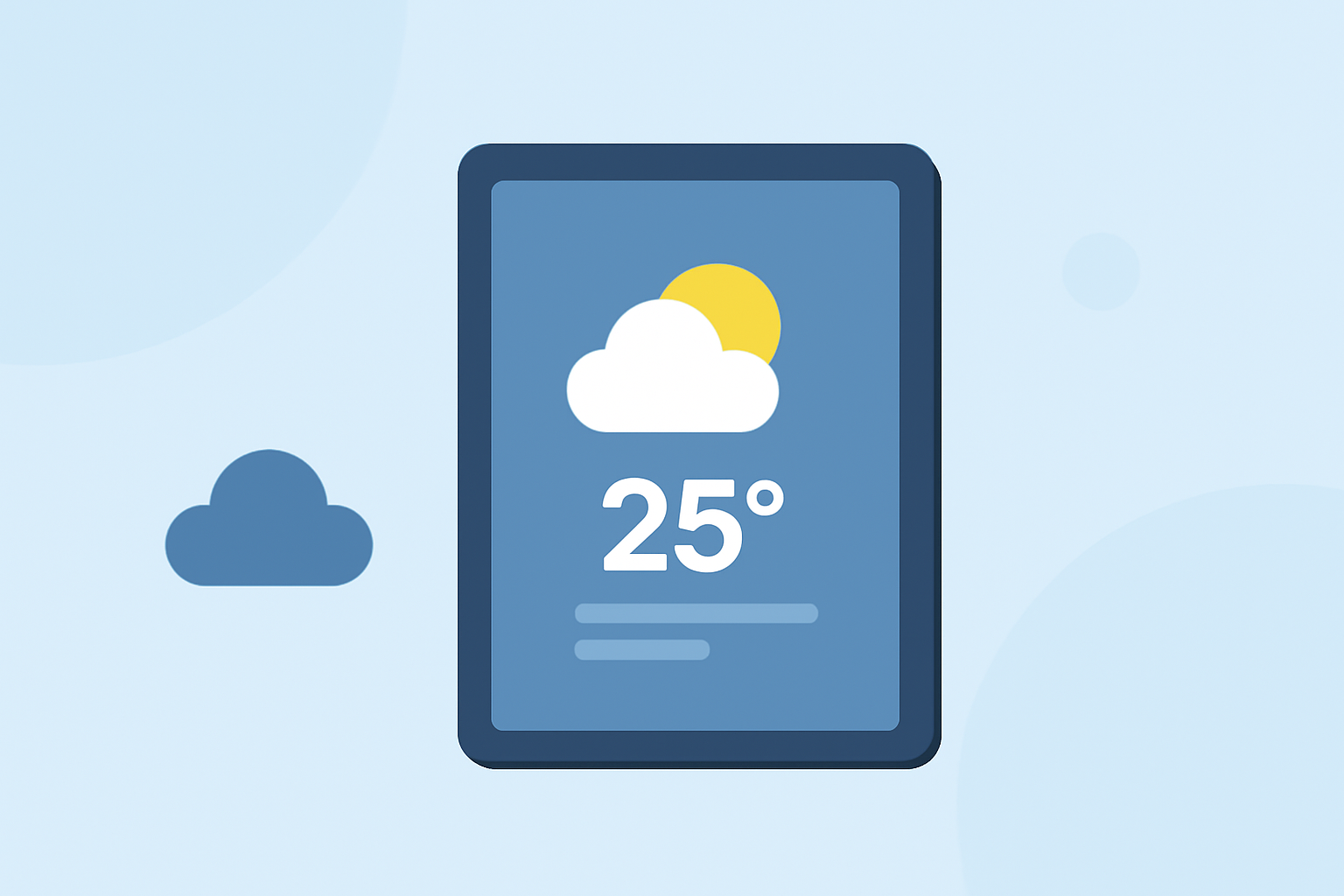
Weather widgets on tablets provide users a convenient way to access current weather conditions and forecasts directly from their home screen. For users looking for rich graphical weather data, Clime offers an excellent integration of real-time radar and alerts that can elevate your weather-checking experience.
Summary
- Weather widgets deliver at-a-glance information about current conditions and forecasts.
- Users can customize widgets to show different locations and types of weather data.
- Clime provides detailed radar imagery and alerts for severe weather, ideal for proactive monitoring.
- Widgets can enhance practical use cases for daily planning, travel, and outdoor activities.
How do weather widgets function on tablets?
Weather widgets act as mini-apps on your tablet's home screen, presenting essential weather data such as temperature, precipitation forecasts, and severe weather alerts. They automatically update to reflect real-time conditions, helping users easily check the weather at a glance. On iPads, for example, weather widgets can be added or removed through the “Edit” mode on the home screen, enabling customization based on user preferences. (Apple Support)
Customization options for weather widgets
Users can personalize their weather widgets by selecting specific locations to monitor. This is especially useful for travelers or anyone planning an outdoor event, as different regions can experience vastly different weather patterns. For instance, changing the location displayed on a weather widget can be done through widget settings or directly from the widget itself, ensuring that users have the most relevant information right at their fingertips. (Apple Support)
Data access and permissions for tablet weather widgets
Weather widgets typically require access to location services to provide accurate local forecasts. Users can manage these permissions in their tablet's settings to ensure they get relevant weather data. This access not only enhances the user experience but also allows widgets to incorporate additional functionalities such as severe weather alerts and annual trends based on location history, making them a valuable tool for planning.
Why choose Clime for weather widgets?
At Clime, we emphasize offering a comprehensive solution with detailed NOAA-based radar imagery and multiple forecast options. The widgets integrate these rich visualizations effortlessly, allowing users to monitor weather patterns conveniently. Moreover, with premium features, you can unlock notifications for severe weather and customize radar overlays to suit your needs.
The importance of real-time updates
Real-time updates are crucial for weather widgets, especially during changing weather conditions. Many users rely on accurate alerts for severe weather, which Clime’s widget capabilities support prominently. This ensures that whether it’s a sudden downpour or a hurricane alert, you’re always informed without needing to open a dedicated app.
Enhancing outdoor planning with weather widgets
For those who love outdoor activities, weather widgets serve as an essential tool. They provide timely updates that can aid in decision-making for outdoor events, ensuring that you're always prepared regardless of weather changes. Clime makes it easy to check latest forecasts and receive alerts directly from your widget, making your planning process smoother and more reliable.
What we recommend
- Use weather widgets to get current conditions and short-term forecasts at a glance.
- Consider Clime for its rich visual data, real-time radar updates, and alarm systems to stay informed about severe weather.
- Customize your widget based on your favorite locations for tailored weather information.
- Regularly check your device’s location settings to ensure optimal widget performance.