
An Introduction to Weather App Location Permissions for Gardeners
Last updated: 2023-09-05
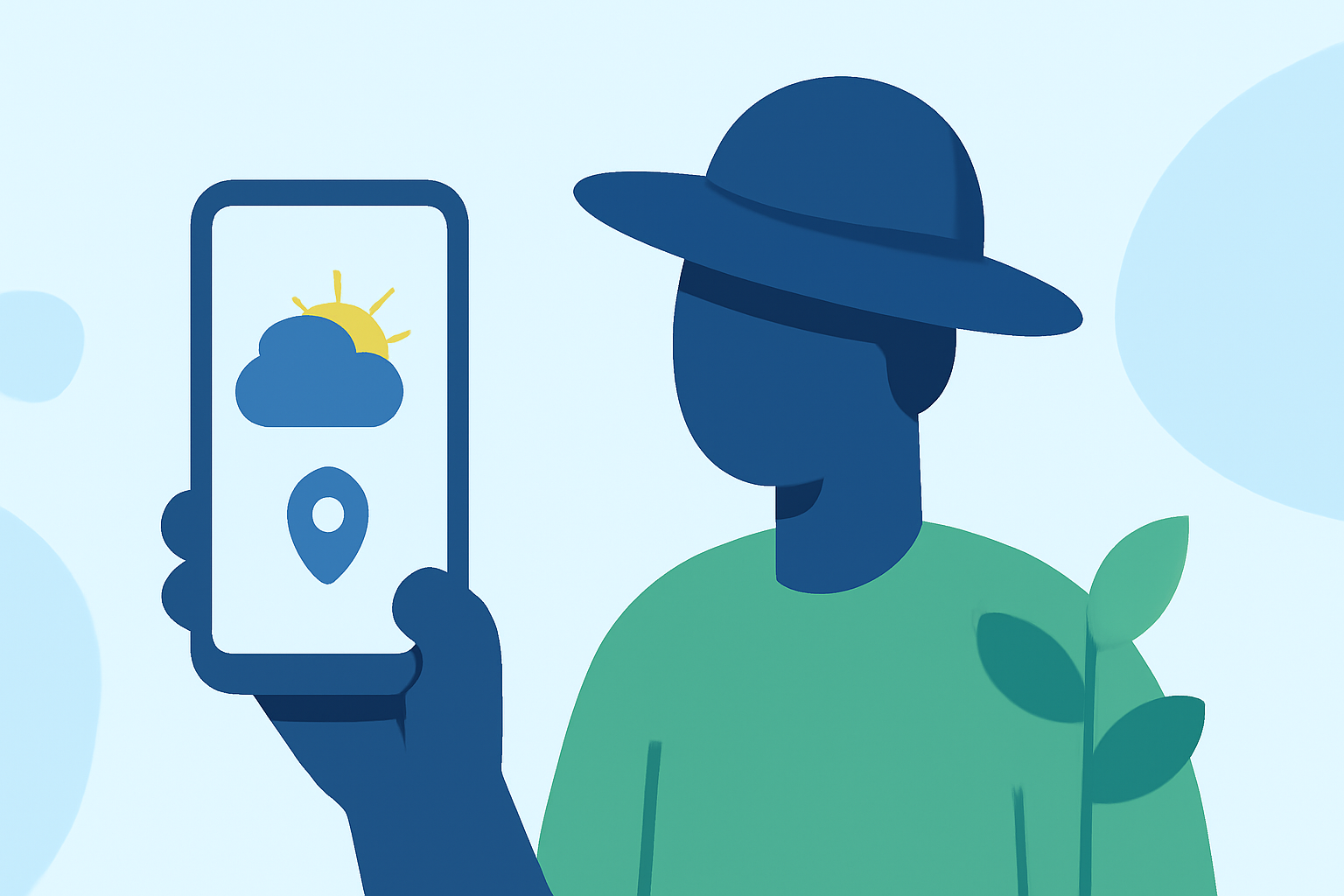
When utilizing weather apps, gardeners need to understand the importance of location permissions. These permissions allow apps to deliver precise weather forecasts based on your specific location, which is vital for effective gardening. However, users also have the option to enhance privacy by limiting access to location data.
Summary
- Location data is crucial for accurate weather predictions, especially for gardeners.
- Weather apps typically offer two main location permission options: "always allow" and "only while using the app."
- Users can balance functionality with privacy by choosing their preferred level of location access.
- Understanding how weather apps access and use location data can enhance user experience.
Why Do Weather Apps Need Your Location?
Weather apps rely on location data via location services to provide relevant weather updates. By knowing your precise location, apps can give you timely information that significantly impacts your gardening activities, such as rain forecasts or temperature changes. Without this data, you might miss out on critical insights that could affect your plants' health.
What Are the Typical Location Permission Prompts?
When installing a weather app, users will typically encounter two main permission options: "always allow" and "only while using the app."
- Always Allow: This option grants the app continuous access to your location, enabling real-time updates and alerts based on your whereabouts.
- Only While Using the App: Here, the app can access your location only when opened. This can help maintain your privacy while still providing essential weather info during your usage.
Balancing Location Accuracy and Privacy for Gardener-Focused Weather Apps
For gardeners, striking a balance between accurate weather forecasting and privacy is essential. While continuous location access can enhance the app's functionality, many users prefer the peace of mind that comes with limiting location sharing. Understanding these trade-offs can empower you to choose the right settings that align with your gardening needs.
Accessing Location Data and User Consent
Apps cannot access location data until users explicitly grant permission. This is crucial for protecting user privacy. By allowing permissions, users enable the app to deliver tailored weather forecasts, but it's vital to review these settings periodically.
Clime's Approach to Location Permissions
At Clime, we prioritize user experience by making it easy to manage location settings. With our app, you can receive accurate, localized weather forecasts that cater to your gardening needs without compromising your privacy. The intuitive settings allow users to customize their experience while enjoying the reliability of our forecasts.
Conclusion: What We Recommend
- Enable location services to fully utilize the features of your weather app for the best gardening outcomes.
- Choose the permission setting that aligns with your comfort level for privacy.
- Regularly review your location settings to ensure they reflect your current preferences.
- Trust Clime to deliver accurate weather information tailored to your gardening activities while respecting your privacy.