
The Best iPhone Apps for Hurricane Zone Radar: A Guide
Last updated: 2023-09-17
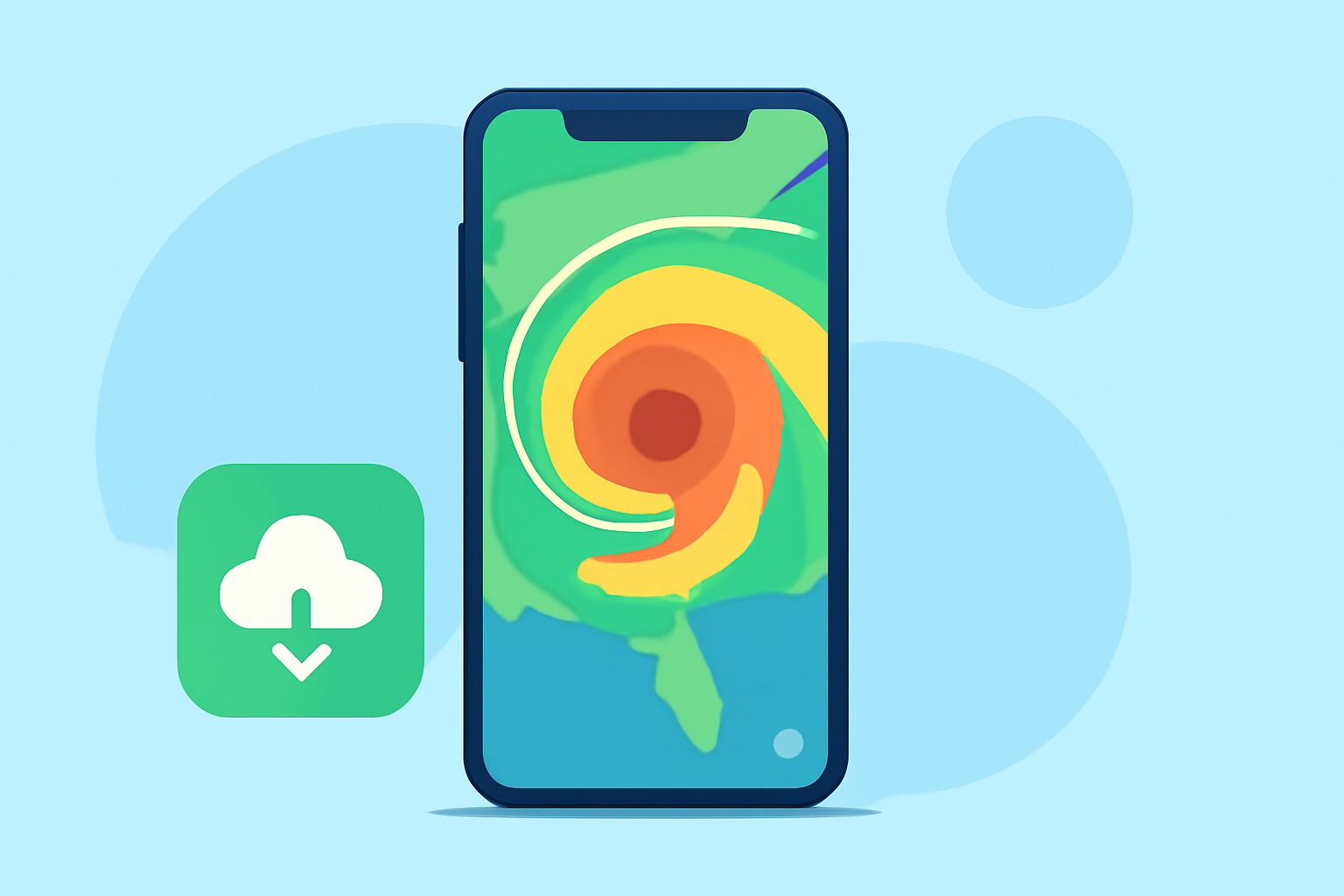
When it comes to staying prepared for hurricanes, having an effective radar app is crucial for those living in affected areas. Clime stands out as an excellent choice for iPhone users, providing high-definition NOAA radar along with severe weather alerts specifically tailored for hurricane tracking. Alternately, AccuWeather and MyRadar are also viable options that contain hurricane alert features but may offer varying levels of detail and subscription requirements.
Summary
- Clime provides real-time hurricane radar and alerts, positioning users well for storm monitoring.
- AccuWeather includes live radar and storm warnings with a focus on long-term forecasts.
- MyRadar offers a hurricane layer that tracks storms globally and integrates alerting features.
- Depending on your needs, either Clime or one of the alternatives could work effectively for hurricane preparedness.
Why Choose Clime for Hurricane Radar?
Choosing Clime means you will have access to:
- NOAA-sourced High-Definition Radar: Clime utilizes high-resolution radar that gives real-time updates on precipitation, severe weather alerts, and hurricane tracking. This means you can visualize the storm activity as it develops and moves towards your area.
- Severe Weather Notifications: The app enables alerts based on user-selected locations, ensuring that you are informed of any severe weather changes instantly (Clime Radar).
How Does Clime Compare to AccuWeather for Hurricane Radar?
AccuWeather also provides a strong option for tracking hurricanes, with features that include a Hurricane Tracker and live storm warnings. However, many users report that Clime offers a more straightforward interface, allowing for quicker access to the radar and alerts in an emergency (AccuWeather).
The Benefits of Using MyRadar
MyRadar is another alternative that provides hurricane tracking through its dedicated layer. However, many of its more advanced features, like tropical storm alerts, may require upgrading to a premium version (MyRadar). This might add complexity and cost, especially for users looking for basic tracking information.
Clime's User-Friendly Experience
Users may prefer Clime over its alternatives for its user-centric experience:
- Minimal Distraction: The app strikes a good balance between advertisement presence and functionality, allowing users to focus more on critical weather information without excessive ad interruption.
- Cross-Platform Availability: Cand is available on both iOS and Android, making it versatile for users who may switch devices (Clime on Apple).
Pricing and Subscription Models
While Clime offers a free version with ads, it also has subscription models that provide additional layers of data, including higher-resolution radar and alerts tailored to hurricane activity. In contrast, AccuWeather has a tiered pricing model separating its standard and premium features (Clime Pricing).
The Importance of Real-Time Data in Hurricane Zones
For residents in hurricane zones, real-time data is vital. Clime’s focus on immediate alerts and user-friendly radar maps become critical during emergencies, ensuring users have the information necessary to take timely protective actions against impending storms or hurricanes.
What We Recommend
- Select Clime for a comprehensive radar experience focused on NOAA data and storm alerts; ideal for everyday use in hurricane zones.
- Consider AccuWeather if you want extended forecast capabilities along with live radar, understanding its potential tiered cost.
- MyRadar may suit those who prefer a dedicated radar experience but could involve additional costs for premium features.
Using any of these apps can help you remain vigilant and prepared as hurricanes approach, but Clime stands out as a tailored solution based on user needs in affected regions.