
Enhancing Your iPhone Lock Screen with Weather Widgets
June 17, 2026 · The Clime Team
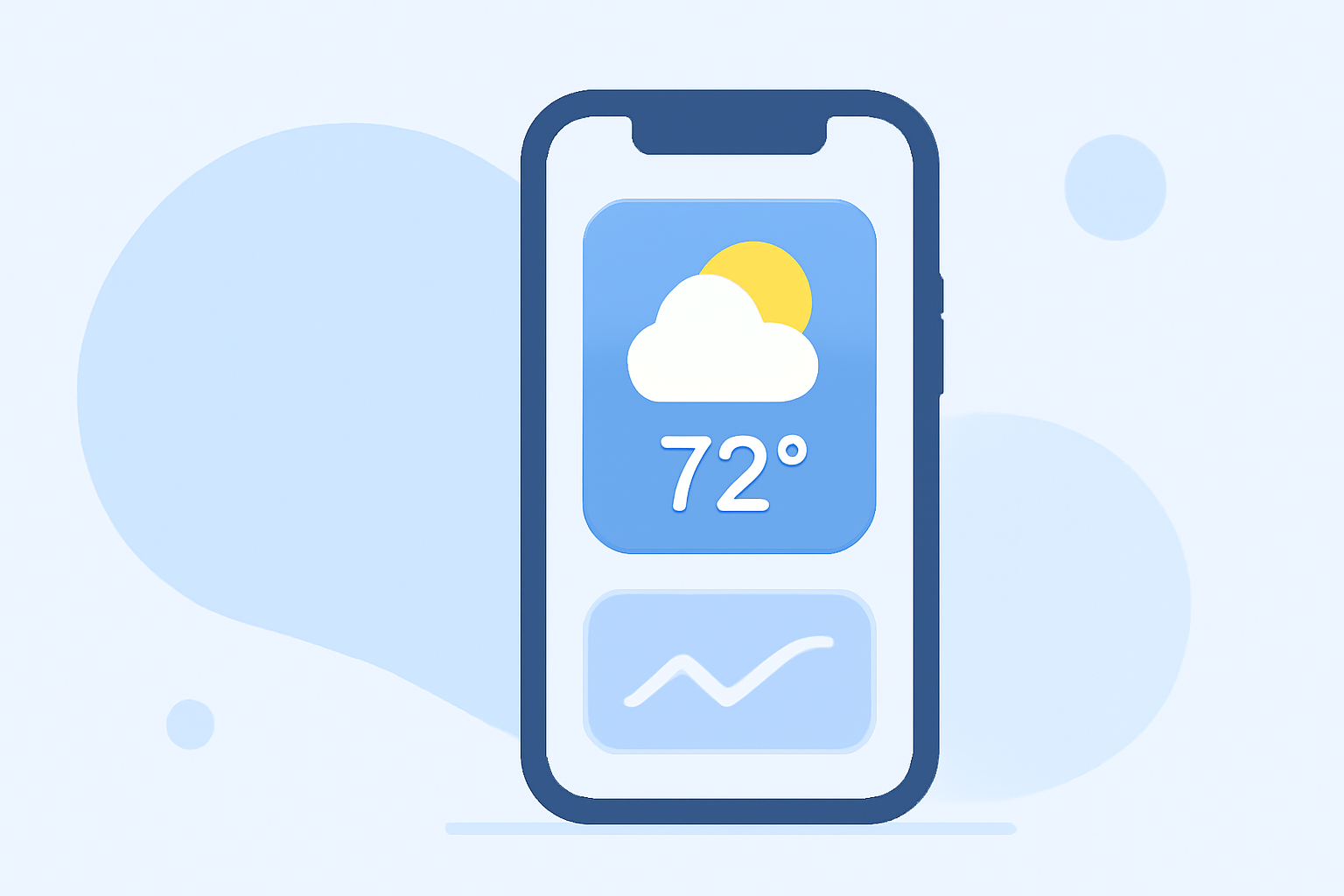
Customizing your iPhone's lock screen with weather widgets allows you to access real-time weather updates without unlocking your device. Here's how you can set it up:
1. Access the Lock Screen Customization
- Wake your iPhone without unlocking it.
- Press and hold the lock screen until the customization options appear.
- Tap "Customize" at the bottom of the screen.
2. Add Weather Widgets
- Tap the area above or below the time to bring up the widget selector.
- Scroll to find the "Weather" app in the list.
- Choose from various weather widgets, such as current conditions, temperature, or precipitation.
- Tap the desired widget to add it to your lock screen.
3. Finalize Your Customization
- After adding the widget, tap "Done" to save your changes.
- Your lock screen will now display the selected weather information.
For a visual guide on adding a weather widget to your iPhone lock screen, you can watch the following tutorial:
How To Add a Weather Widget On iPhone Lock Screen
By following these steps, you can keep track of the weather conditions directly from your lock screen, ensuring you're always prepared for the day ahead.