
Mastering Large Weather Widgets: A Comprehensive Guide
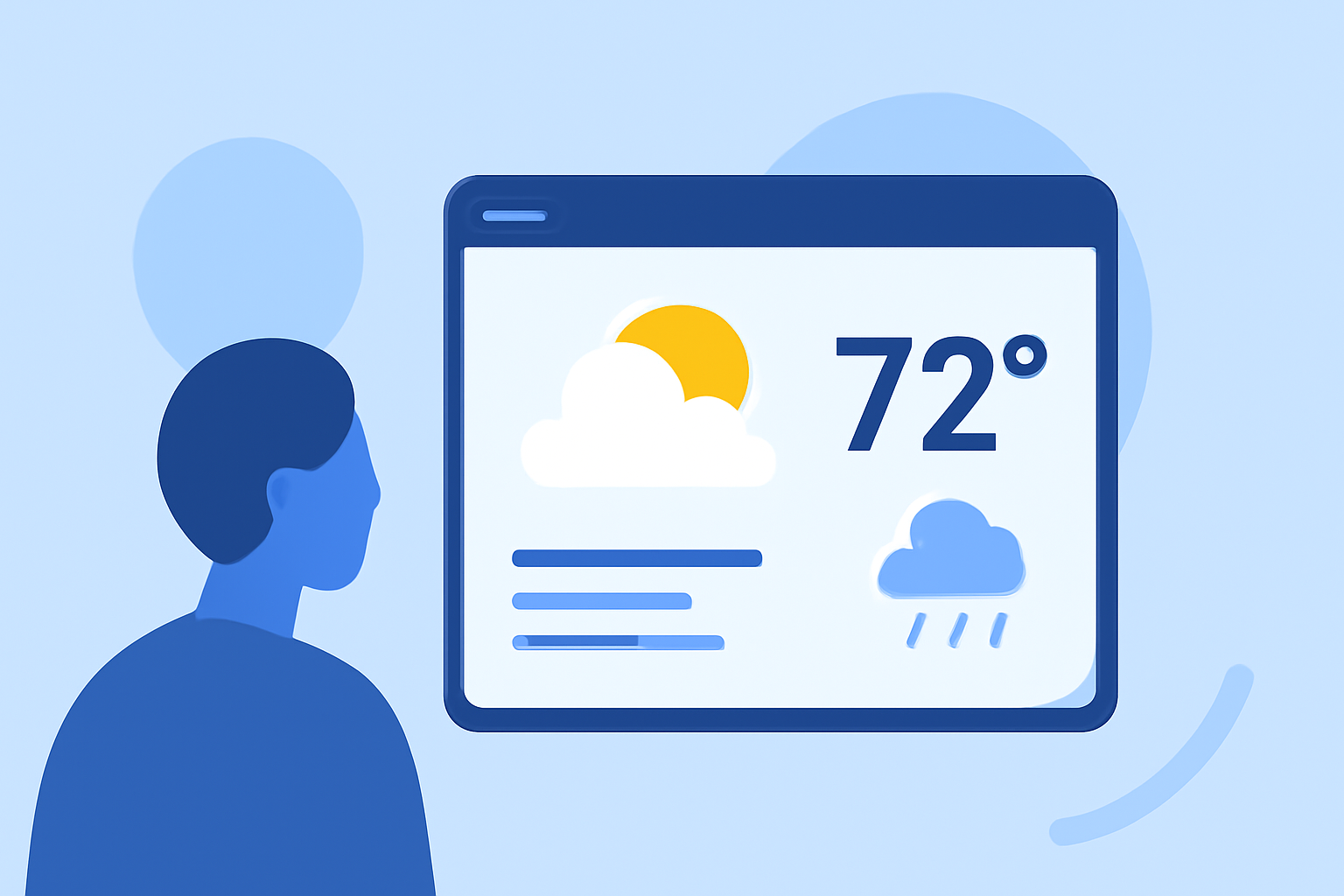
Large weather widgets are powerful tools that allow you to display comprehensive weather information directly on your website or application. By integrating these widgets, you can provide users with real-time updates, forecasts, and alerts, enhancing their experience and engagement.
What Are Large Weather Widgets?
Large weather widgets are customizable components that showcase detailed weather data, including current conditions, forecasts, and alerts. They can be embedded into websites or applications, offering users immediate access to weather information without navigating away from the page.
Why Use Large Weather Widgets?
- Enhanced User Engagement: Providing real-time weather updates keeps users informed and encourages them to spend more time on your site.
- Improved User Experience: Users appreciate having essential information readily available, leading to higher satisfaction and return visits.
- Increased Credibility: Offering accurate and timely weather information can position your site as a reliable source of information.
Key Features of Effective Large Weather Widgets
- Real-Time Data: Ensure the widget displays up-to-date weather information, including current conditions, forecasts, and alerts.
- Customization Options: Allow users to personalize the widget's appearance, such as choosing color schemes, units of measurement, and the number of forecast days displayed.
- Responsive Design: The widget should adapt to various screen sizes and devices, providing a seamless experience across desktops, tablets, and smartphones.
- Interactive Elements: Incorporate interactive features like radar maps, satellite imagery, and detailed weather cards to engage users further.
- Location Flexibility: Enable users to view weather information for multiple locations, catering to a broader audience.
How to Implement Large Weather Widgets
- Choose a Reliable Weather Data Source: Select a reputable provider that offers accurate and timely weather data.
- Select a Widget Provider: Opt for a widget provider that offers the features and customization options you require.
- Customize the Widget: Tailor the widget's appearance and functionality to align with your website's design and user needs.
- Embed the Widget: Insert the provided code snippet into your website's HTML where you want the widget to appear.
- Test the Widget: Verify that the widget functions correctly across different devices and browsers.
Best Practices for Using Large Weather Widgets
- Keep It Relevant: Display weather information pertinent to your audience's location or interests.
- Ensure Accuracy: Regularly update the widget to reflect the most current weather data.
- Maintain Performance: Optimize the widget to load quickly and not hinder your website's performance.
- Provide Clear Information: Use concise and easy-to-understand language and visuals.
Clime's Large Weather Widget: A Market-Leading Solution
Clime offers a comprehensive large weather widget that stands out in the market. This widget provides real-time radar images, severe weather alerts, and accurate forecasts, all presented in a user-friendly interface. Users can customize the widget's appearance, choose from various map backgrounds, and receive push notifications for weather alerts. The widget is designed to be responsive, ensuring a seamless experience across all devices. By integrating Clime's large weather widget, you can enhance your website's functionality and provide valuable information to your users.
Conclusion
Integrating a large weather widget into your website or application is an effective way to provide users with timely and relevant weather information. By choosing a reliable provider like Clime, you can offer a feature-rich and customizable widget that enhances user engagement and satisfaction.
(apps.apple.com)