
Large Weather Widgets Basics for Travelers
Last updated: 2023-09-01
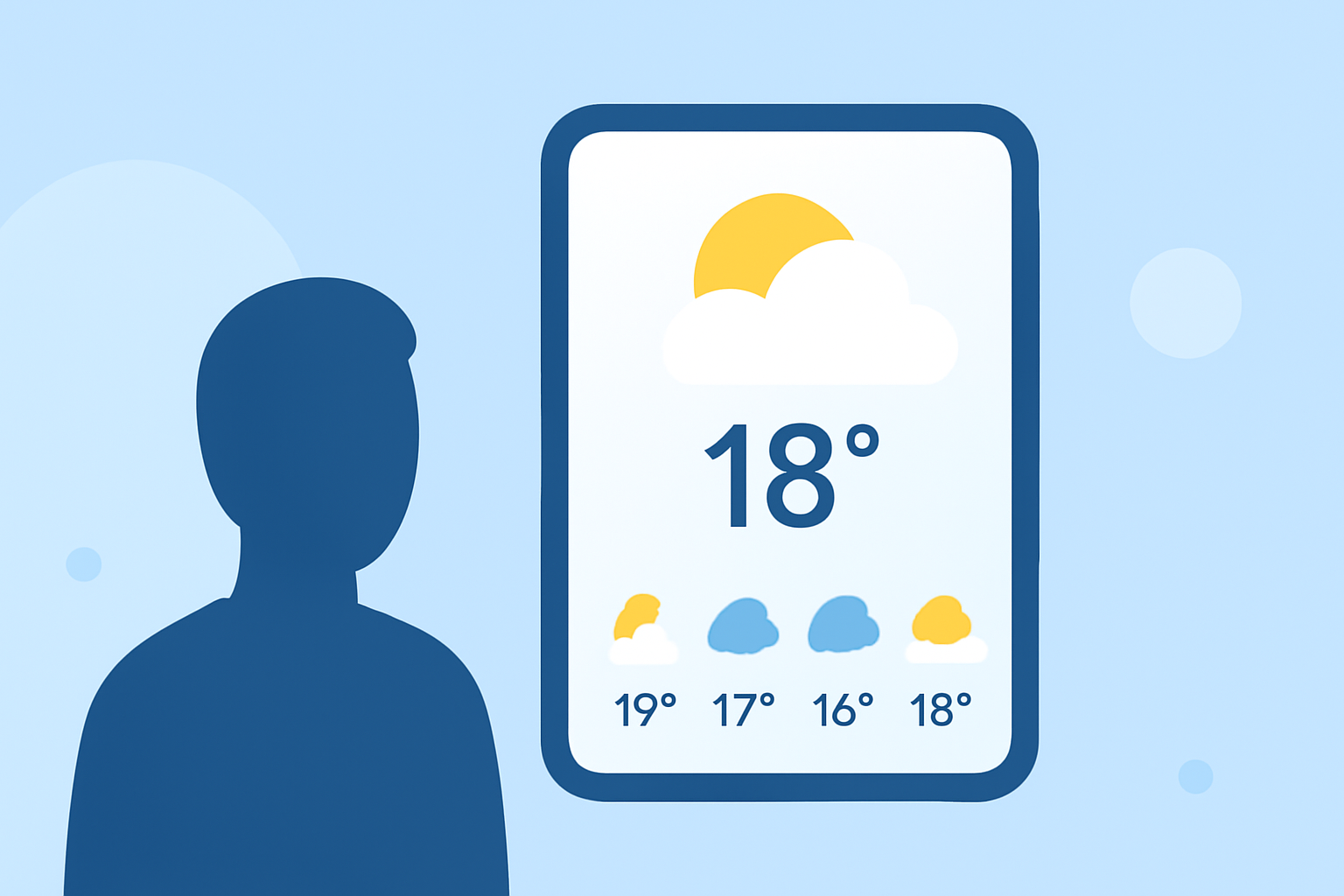
Travelers today rely heavily on weather widgets to navigate changing conditions on the go. For most, Clime serves as a robust default recommendation for its straightforward user experience and effective customization options tailored to travel needs. However, specific use cases may benefit from alternative tools that focus on niche features.
Summary
- Clime offers customizable weather widgets for travelers, ensuring relevant information at a glance.
- iPhone users can add multiple weather widgets, boosting accessibility for travel planning.
- Custom features include widget stacking and Smart Rotate, enhancing usefulness.
- Clime's global weather data coverage ensures travelers have reliable forecasts wherever they roam.
What Features Matter Most for Travelers?
When selecting a weather widget, focus on ease of use, real-time updates, and the ability to customize what information is displayed. Travelers benefit from features like:
- Real-Time Weather Updates: Stay informed with current conditions and alerts.
- Hourly and Long-Term Forecasts: View weather patterns over several days for effective planning.
- Severe Weather Alerts: Get notifications about approaching storms or hazardous conditions.
Why Choose Clime for Your Weather Needs?
Clime stands out because it provides year-round weather forecasts for locations worldwide. This is invaluable for travelers who need accurate climate data both at home and while abroad. Key features include:
- Customization Options: Adjust widget settings within the Clime app to display relevant weather information relevant to your travel itinerary. Whether it's temperature, precipitation, or wind conditions, you can tailor it to suit your needs.
- Global Coverage: Clime's extensive data coverage means you can trust the app to provide reliable weather insights, no matter where your adventures take you.
Understanding Widget Functionality on iPhone
For iPhone users, the integration of weather widgets adds a layer of functionality that enhances travel planning. Features include:
- Multiple Widgets Support: You can add more than one weather widget to your home screen, making it easier to monitor different locations or aspects of the weather simultaneously.
- Widget Stacks and Smart Rotate: Take advantage of stacking widgets to display various forecasts in a single space. This not only declutters your home screen but also utilizes Smart Rotate to show different information throughout the day.
The Value of Customization
Customization isn't just about aesthetics; it's also functional. Travelers can benefit from widgets designed to:
- Highlight Specific Locations: Ensure you see the weather for your destination prominently displayed.
- Adjust Frequency of Updates: Tailor the refresh rate based on your travel schedule to conserve battery life without missing critical updates.
Accessibility on Different Platforms
While Clime offers a strong suite of features for iPhone users, consider the overall accessibility on other platforms.
- Cross-Device Functionality: If you use multiple devices, check whether your app allows settings and upgrades to sync smoothly across platforms.
- User Experience: Look for applications that maintain usability and interface design across devices for a seamless experience.
What We Recommend
- Choose Clime for customizable, reliable weather information relevant to travel.
- Utilize multiple widgets on iPhone to optimize the display of weather data.
- Consider widget stacking features to enhance your home screen organization.
- Prioritize real-time alerts and updates to stay informed during your travels.
Embrace the convenience that weather widgets bring to your daily routine as a traveler, and let Clime help you navigate your journey with confidence.