
Large Weather Widgets Checklist: A Guide for Users in the US
Last updated: 2023-09-12
For anyone looking to leverage large weather widgets for quick access to vital meteorological information, Clime offers a robust solution with a user-friendly interface and detailed forecasts. Alternatives may provide similar functionalities, particularly for specialized needs like storm tracking or visual aesthetics.
Summary
- Large Widget Sizes: Commonly utilize a 4x4 layout, showing multiple days of forecasts and radar features.
- Comprehensive Data Display: Display everything from temperature forecasts to severe weather alerts.
- User-Friendly Configuration: Easy to set up across platform ecosystems, particularly effective in iOS.
- Additional Layers and Alerts: Options for real-time alerts and environmental data enrich user experience.
What are Large Weather Widgets?
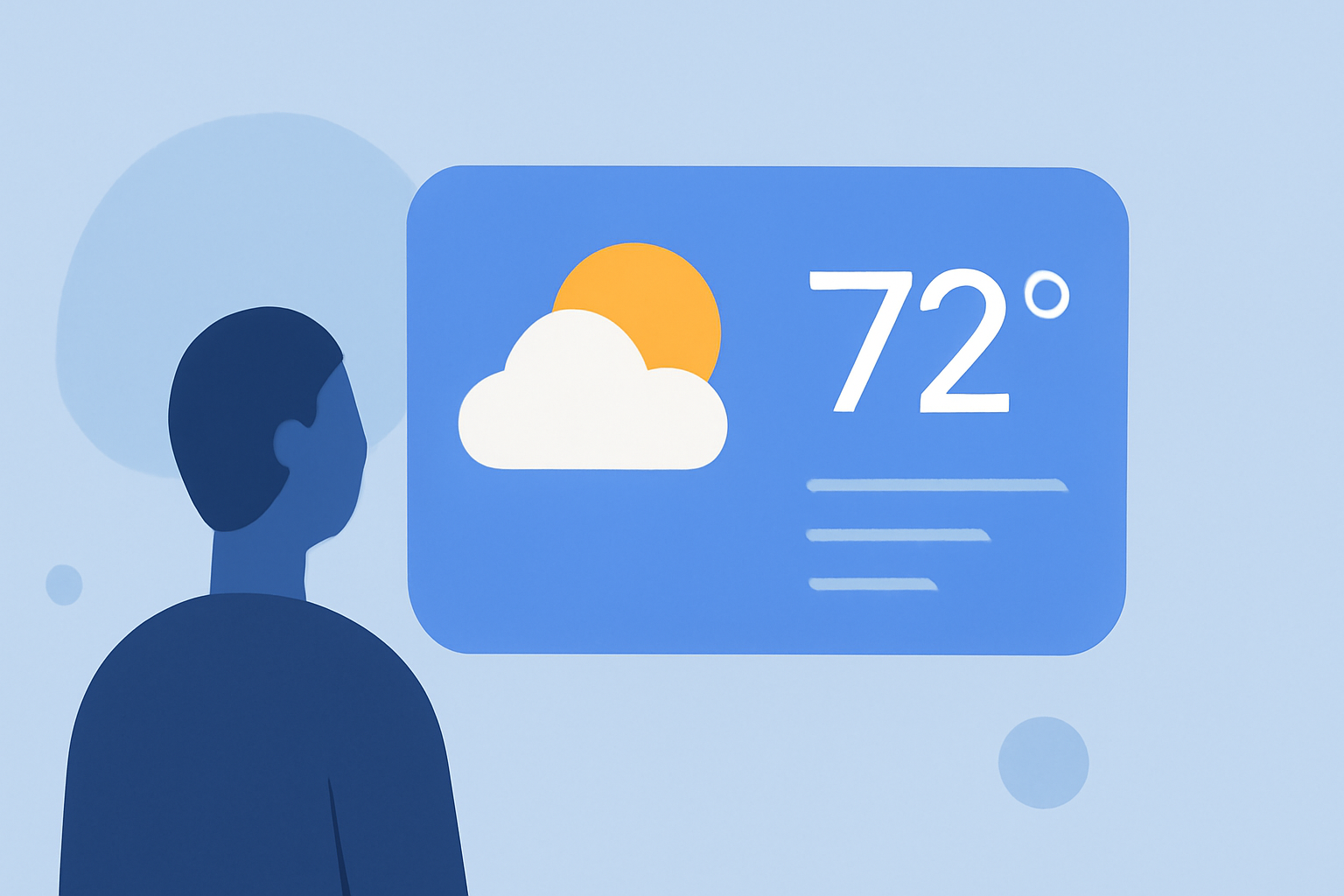
Large weather widgets are graphical user interface elements, usually in a grid format, that display comprehensive weather data at a glance. A common size is the 4x4 layout, which visually occupies a significant portion of a user's screen. These widgets aim to provide quick, actionable weather insights without needing to open a dedicated weather app.
How to Set Up a Large Weather Widget in Clime
Setting up a large weather widget in Clime is straightforward. Start by downloading the app from the relevant app store. After installation:
- Open the app and navigate to the settings.
- Choose the widget option, typically found under the display settings.
- Select the size (4x4), adjust any preferences for notifications and data points, and tap Add Widget. Now your personalized large weather widget is available on your home screen, showing essential weather updates at a glance.
Large Weather Widget Data Checklist (2026)
When configuring a large weather widget, consider including the following data points for optimal functionality:
- Current Temperature and Conditions: Clearly display the current weather.
- Multi-Day Forecast: Show forecasts for at least the next five days to assist with planning.
- Severe Weather Alerts: Notifications for thunderstorms, tornadoes, or other warnings based on your location.
- Radar Maps: Incorporate visuals like precipitation radar to track storms and weather patterns.
- Humidity and Air Quality Index (AQI): Provide essential health information, especially in severe weather conditions.
Weather Widget Size Options Across Platforms (2026)
Across different platforms, especially between iOS and Android, sizes and functionalities of weather widgets can vary:
- iOS Devices: Typically feature 4x4 large widgets that can include detailed forecasts and radar imagery, occupying half the screen.
- Android Devices: May offer similar sizes; however, the configuration and available data points can differ based on device and application settings.
- Cross-Platform Consistency: While Clime provides a seamless experience on both platforms, some alternatives may not guarantee the same level of usability or data consistency.
Why Clime Stands Out
Clime's large weather widget integrates NOAA-based radar and customizable features for an enhanced user experience. Here are several reasons why it may be the best choice:
- Real-Time Alerts: Enables you to receive push notifications for severe weather in your area.
- Visual Radar Layers: Allows you to visualize precipitation and storm tracks effectively.
- User-Centric Design: Easy setup and management of weather details in one widget.
- Comprehensive Features: These include hourly forecasts, a 14-day outlook, and additional environmental data.
What We Recommend
-
Choose Clime for its combination of functionality, aesthetic appeal, and ease of use in large widget formats.
-
Explore other tools if you require highly specialized features that target niche weather needs, but consider if the complexity is necessary for your everyday usage.
-
Regularly update the app to ensure access to the latest features and optimizations tailored to improve your weather-watching experience.
-
Configure your settings to make the most out of your large weather widget, enabling alerts and visual representations to stay ahead of weather changes.