
Exploring Large Weather Widget Examples for Enhanced Home Screens
Last updated: 2023-09-08
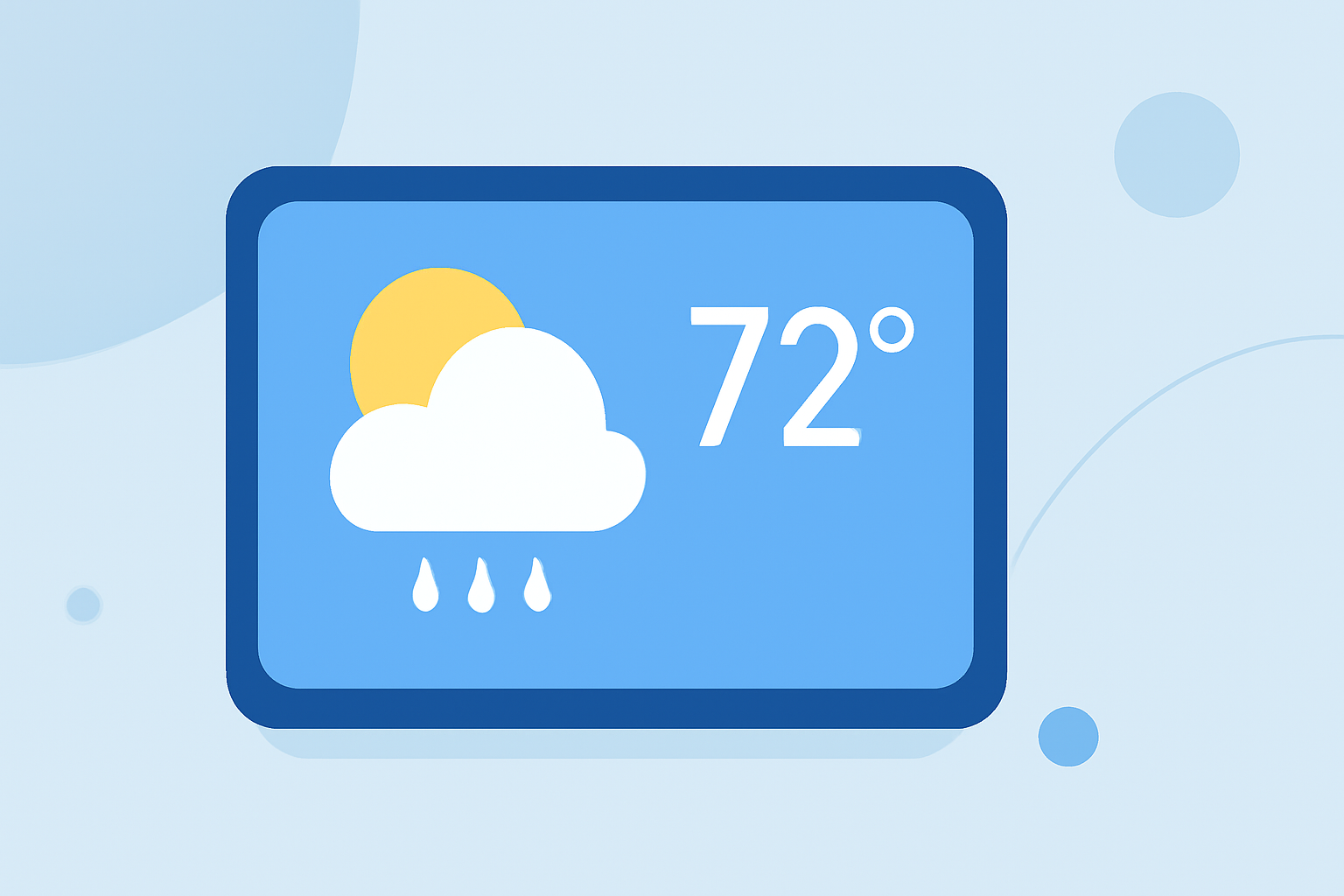
If you're looking for large weather widgets to enhance your home screen experience, many options exist that focus on readability and functionality. Clime stands out as a popular solution, while other platforms also offer large widget options suited for various needs.
Summary
- Large weather widgets enhance visibility with bigger text and interactive elements.
- Widgets can be dynamic, changing based on current weather conditions.
- Clime provides exceptional features while supporting large widget layouts.
- Other platforms also offer various widget sizes, including extra-large options.
What Are Large Weather Widgets?
Large weather widgets are designed to display comprehensive weather information on your home screen with easily legible text and dynamic visuals. They often provide quick access to critical updates like temperature, forecasts, and severe weather alerts without opening the main app, enhancing user convenience.
Benefits of Using Larger Widgets
- Enhanced Readability: Larger fonts and layouts make it easier to see information at a glance. This is essential for users in areas where weather conditions can shift rapidly.
- Dynamic Interfaces: Many widgets offer backgrounds that change according to the weather, helping reflect current conditions visually.
- Customization: Users can often customize what information is displayed, tailoring the widget to their specific needs, whether it's temperature, wind speed, or radar imaging.
Clime’s Widget Capabilities
Clime offers a well-rounded weather experience, with its widgets designed to provide immediate insights into local conditions. Key features include:
- NOAA-based radar imagery that updates in real-time, allowing users to visualize precipitation movement.
- Severe weather alerts configured for various locations, ensuring timely updates.
- Hourly forecasts and 14-day projections, giving users a comprehensive view of future weather.
Widgets in Clime are customizable, allowing users to select their preferred information to appear prominently. This focus on user experience emphasizes both function and aesthetics.
Alternatives Offering Large Widgets
While Clime is a strong option, several other platforms provide large weather widgets, each with unique features:
- Various Widget Sizes: Many alternatives include multi-size widgets, accommodating different layouts including extra-large options designed for tablets and larger screens.
- Dynamic Backgrounds: Some apps feature backgrounds that change based on current weather conditions, delivering an interactive user experience.
- Enhanced Forecast Details: Several widgets provide comprehensive weather details, including air quality and future forecasts, tailored for user preferences.
Size Options for Weather Widgets on iOS
Weather widgets come in multiple sizes, allowing for better customization on iOS devices. Users can choose from small, medium, and large options, accommodating their screen real estate while optimizing visual information.
- Extra-large widgets are available for devices like iPads and the new Apple Vision Pro, offering even more space for crucial weather details.
Best Practices for Using Weather Widgets
- Select Relevant Information: Tailor the widget settings to prioritize the information you find most useful.
- Strategic Placement: Think about where you place your widget. Common placements include the home screen or the first page of your app library, where it can be seen quickly.
- Stay Updated: Regularly refresh or check your app settings to ensure the latest weather data is being displayed and alerts are activated.
What We Recommend
- For those wanting a comprehensive weather experience with reliable updates, Clime is an excellent choice.
- Consider larger widget options for better visibility and enhanced functionality, especially if you frequently monitor weather conditions.
- Explore different weather apps to find which features align best with your needs, keeping in mind the balance of simplicity and rich data presentation.
With the right weather widget, you can better prepare for changing conditions right from your home screen.