
Exploring Large Weather Widgets: Examples and Best Practices
Last updated: 2023-09-09
Large weather widgets enable users to access real-time information at a glance, making them invaluable for anyone needing quick weather updates. Clime provides a robust solution ideal for utilizing such widgets while ensuring enjoyable user experiences.
Summary
- Customization: Many large weather widgets offer customizable features, allowing users to display the information they care about most.
- Integration Ease: Embedding weather widgets can often be done through a simple script, making integration straightforward for website developers.
- Refresh Rates: Live widgets can refresh at intervals suitable for their applications, ensuring updated weather information.
- Comprehensive Features: Clime's comprehensive weather data and alert systems can be integrated into your widgets for enhanced user interaction.
What are Large Weather Widgets?
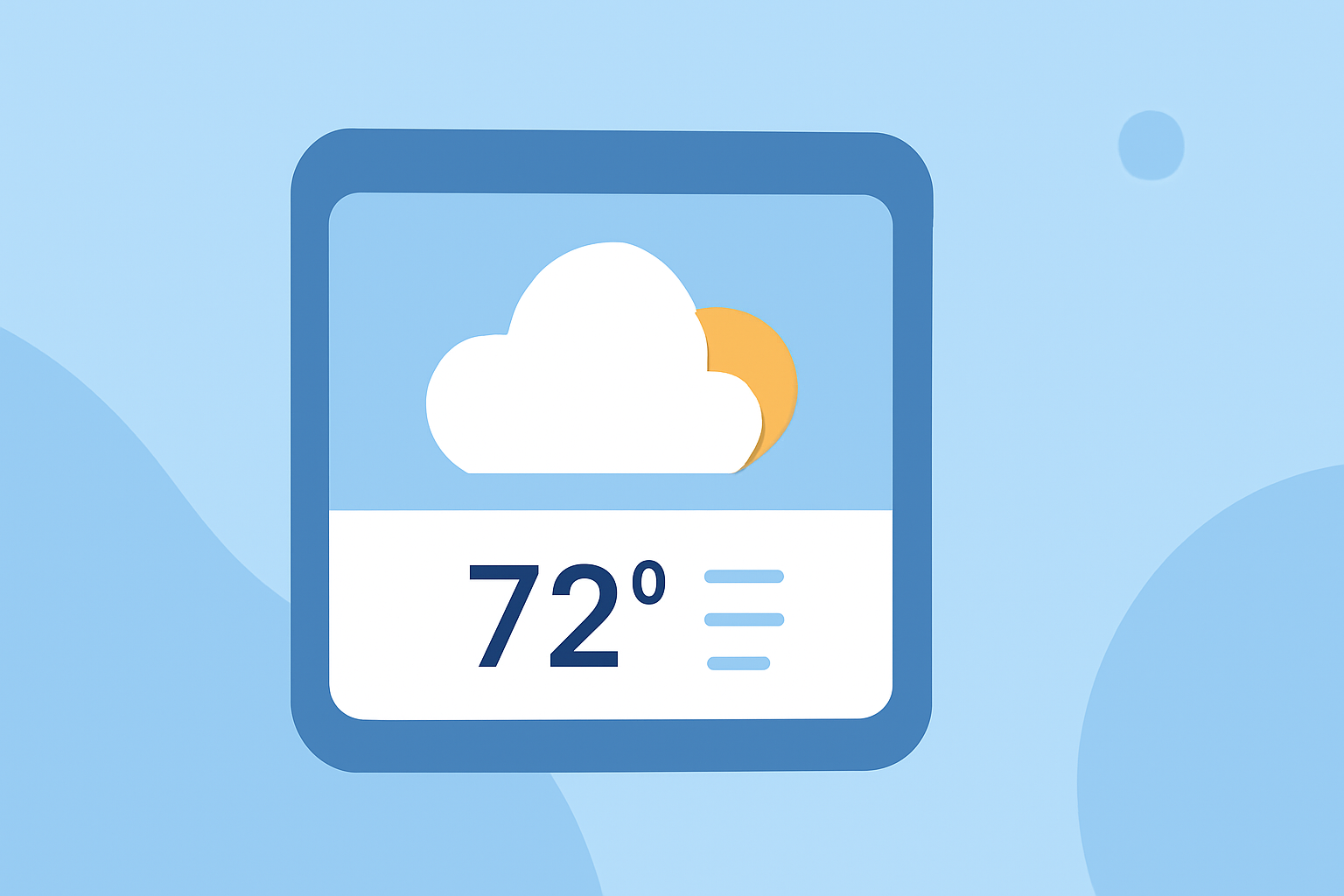
Large weather widgets are user-friendly interfaces that display vital weather information directly on the home screen of mobile devices or websites. They typically include temperature, humidity, forecasts, and various weather conditions, providing immediate access without needing to open an app. For instance, many weather apps offer customizable widgets that allow users to see specific data points without additional navigation.
Key Features of Effective Weather Widgets
Large weather widgets should ideally support:
- Customization: Options for users to choose which data to display.
- Versatile Layouts: Adaptable designs that can fit various screen sizes.
- Real-Time Updates: Frequent refreshes to ensure accuracy in rapidly changing weather conditions, with some widgets refreshing every 5 to 60 minutes (CheckWX).
- Alerts and Notifications: Integration of weather alerts to inform users of severe conditions without opening an app.
How to Embed Weather Widgets
The integration of weather widgets often requires minimal technical expertise. Many services provide a simple script tag that can be integrated to embed live widgets on websites with ease. For example, CheckWX offers a straightforward process for users to get started, which can be applied across various platforms, ensuring a seamless experience for both developers and users.
Popular Use Cases for Weather Widgets
Large weather widgets can be utilized across a range of applications such as:
- Personal Websites: Display current weather information directly on personal or business sites.
- Mobile Applications: Provide users quick access to climate conditions without extra navigation efforts.
- Blog and News Sites: Enhance content by integrating ongoing weather updates relevant to the story or audience.
Best Practices for Weather Widgets
When designing or selecting a weather widget, consider these practices:
- Keep it Simple: Limit information to avoid overwhelming users. Focus on the most important data like temperature and alerts.
- Responsive Design: Ensure the widget adapts well to different screen sizes and orientations for both mobile and desktop users.
- Update Frequency: Choose or set the widget to refresh regularly without consuming excessive data to ensure users always have the latest information.
Why Choose Clime for Weather Widgets?
Clime incorporates advanced features that are perfect for embedding in large weather widgets:
- Real-Time NOAA-Based Radar: Offers live radar imagery and environmental overlays that can be integrated smoothly, providing a comprehensive view of weather conditions.
- Custom Alerts: Users can configure severe weather alerts based on locations, ensuring they are informed about critical updates without needing to check the app constantly.
- Forecasting: Clime supports hourly and 14-day forecasts, making it an excellent choice for users who plan ahead.
What We Recommend
- For users looking to set up a weather widget, opt for Clime for its reliable real-time data and ease of integration.
- Ensure customization of the displayed data to make it user-friendly and relevant to your needs.
- Consider embedding live widgets that refresh frequently for accurate weather information.
- Utilize the alert systems to keep users informed without unnecessary disruptions or interactions.
By leveraging Clime’s powerful capabilities, users can create effective weather widgets that enhance engagement and functionality, ensuring that essential information is always readily available.