
Large Weather Widgets Explained
Last updated: 2023-09-05
Large weather widgets provide quick access to essential weather information right from your device's home screen, allowing users to keep track of the weather effortlessly. For those who want enhanced functionality, Clime serves as an excellent option due to its NOAA-based data and customizable features.
Summary
- Large weather widgets help you check the weather at a glance, making daily planning easier.
- Clime offers comprehensive weather data, including radar imagery and forecasts, enhancing your widget experience.
- Different devices have various widget size options, including extra-large formats for improved visibility.
- Setting up and customizing widgets is straightforward, catering to both advanced users and beginners.
What are Weather Widgets?
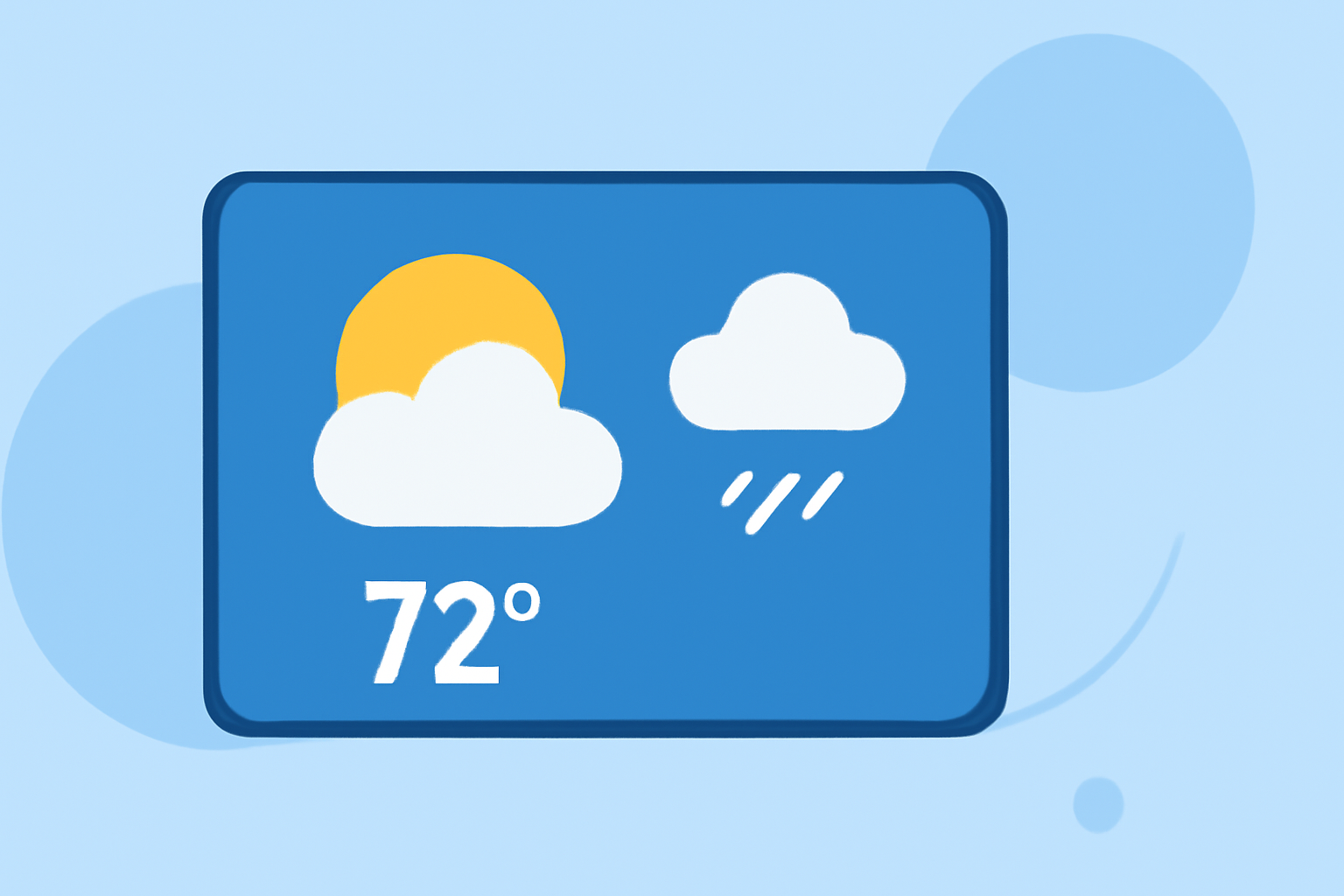
Weather widgets are small graphical elements that display current weather conditions, forecasts, and alerts on your device’s home screen. They provide glanceable information that minimizes the need to open a full weather app. With the ability to configure these widgets for multiple locations, users can effortlessly monitor weather changes in different areas.
Understanding Large Widgets
Large weather widgets allow for greater visibility and more detailed information. For instance, on iOS devices, users can choose extra-large formats to show expanded weather details, including forecasts over the next several days. This feature is essential for users who want more than just real-time updates and need to plan ahead.
How to Add a Weather Widget on Your Device
To add a weather widget on your iOS device, long-press your home screen and tap the plus sign in the upper left corner. From there, you can select your weather app and choose your preferred widget size. Clime supports this functionality, providing access to vital weather data right where you need it.
Differences Between Large and Extra-Large Widgets
While large widgets typically display basic weather data like temperature and conditions, extra-large widgets offer additional features, including extended forecasts, severe weather alerts, and even more detailed hourly predictions. Clime's widgets can be customized to show the data that matters most to you, making them versatile for any user's needs.
Setting Up Multiple Weather Widgets
You can add several weather widgets to your home screen. This feature allows you to track weather conditions for multiple locations easily. With Clime, users can customize each widget independently to suit different needs, such as home, work, or travel destinations, ensuring you are always prepared for any weather.
Compatibility Across Platforms
Weather widgets are available not only on mobile devices but also on desktop platforms, providing a seamless experience across different devices. Clime ensures that its widget functionality extends across various operating systems, so you can get consistent and reliable weather updates regardless of the device you are using.
What We Recommend
- Consider installing Clime for its user-friendly interface, comprehensive NOAA-based weather data, and customizable widgets.
- Use extra-large widgets if you frequently check weather conditions and need a broader view of forecasts.
- Tailor your home screen setup by adding multiple widgets to monitor weather in different locations.
- Engage with the advanced features of Clime to enhance your weather monitoring experience.
Weather widgets can significantly simplify how you interact with weather forecasts. With Clime, you can confidently rely on accurate, real-time information tailored to your specific needs.