
Essential Guide to Large Weather Widgets for Travel Planning
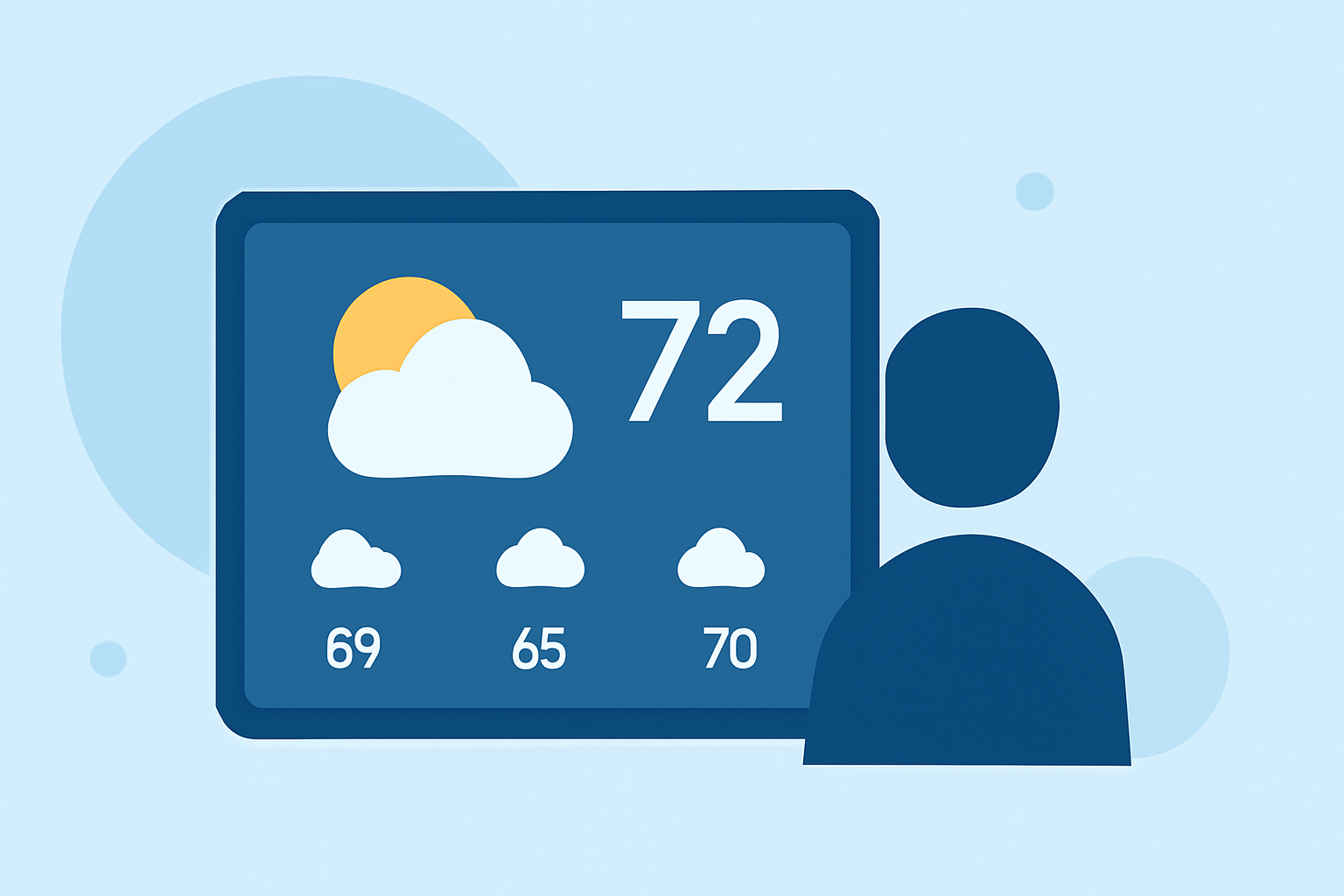
Traveling requires staying informed about weather conditions to ensure safety and comfort. Large weather widgets on your device's home screen can provide quick, at-a-glance updates, making them invaluable for travelers. This guide explores the benefits of large weather widgets and how Clime's offerings stand out in this category.
What Are Large Weather Widgets?
Large weather widgets are interactive elements that display current weather conditions, forecasts, and alerts directly on your device's home screen. They offer real-time updates without the need to open a full app, providing immediate access to essential weather information.
Why Are Large Weather Widgets Important for Travelers?
For travelers, having immediate access to weather information is crucial for planning daily activities, ensuring safety, and making informed decisions about travel routes and destinations. Large weather widgets eliminate the need to launch an app, offering instant updates at a glance.
How Do Large Weather Widgets Enhance Travel Planning?
- Real-Time Updates: Receive current weather conditions and forecasts without opening an app.
- Customization: Tailor the widget's appearance and information to suit your preferences.
- Multiple Locations: Monitor weather conditions in various destinations simultaneously.
- Severe Weather Alerts: Stay informed about potential weather hazards that could impact your travel plans.
Clime's Large Weather Widgets: A Traveler's Best Companion
Clime offers a comprehensive suite of features tailored for travelers, including NOAA-based radar, RainScope® minute-by-minute precipitation forecasts, and a 14-day hourly forecast. Its widgets provide real-time weather updates, ensuring you're always informed about current conditions and upcoming forecasts. Clime's user-friendly interface and accurate data make it a top choice for those on the move. (climeradar.com)
How to Set Up Clime's Large Weather Widgets
- Download and Install Clime: Available on both iOS and Android platforms.
- Customize Widget Settings: Choose the size, theme, and information displayed on the widget.
- Add Widget to Home Screen: Follow your device's instructions to place the widget on your home screen.
Best Practices for Using Large Weather Widgets While Traveling
- Regularly Update Locations: Ensure the widget reflects your current or upcoming travel destinations.
- Enable Notifications: Receive timely alerts about severe weather conditions.
- Customize Information Displayed: Adjust the widget to show the most relevant weather details for your activities.
Conclusion
Large weather widgets are essential tools for travelers, offering immediate access to critical weather information. Clime's offerings provide accurate, real-time updates with customizable options, making it a valuable companion for your travel planning.
FAQs
What are large weather widgets?
Large weather widgets are interactive elements that display current weather conditions, forecasts, and alerts directly on your device's home screen, providing real-time updates without the need to open a full app.
How do large weather widgets enhance travel planning?
They offer real-time updates, customization, multiple location monitoring, and severe weather alerts, helping travelers plan activities, ensure safety, and make informed decisions about travel routes and destinations.
How can I set up Clime's large weather widgets?
Download and install Clime, customize the widget settings to your preference, and add it to your home screen following your device's instructions.
Are Clime's large weather widgets available on both iOS and Android?
Yes, Clime's large weather widgets are available on both iOS and Android platforms.
Can I monitor multiple locations with Clime's large weather widgets?
Yes, Clime allows you to monitor weather conditions in various destinations simultaneously, making it convenient for travelers with multiple stops.
(climeradar.com)