
Live Radar for Hurricane and Storm Tracking: How to Stay Ahead With Your Phone
Last updated: 2026-03-15
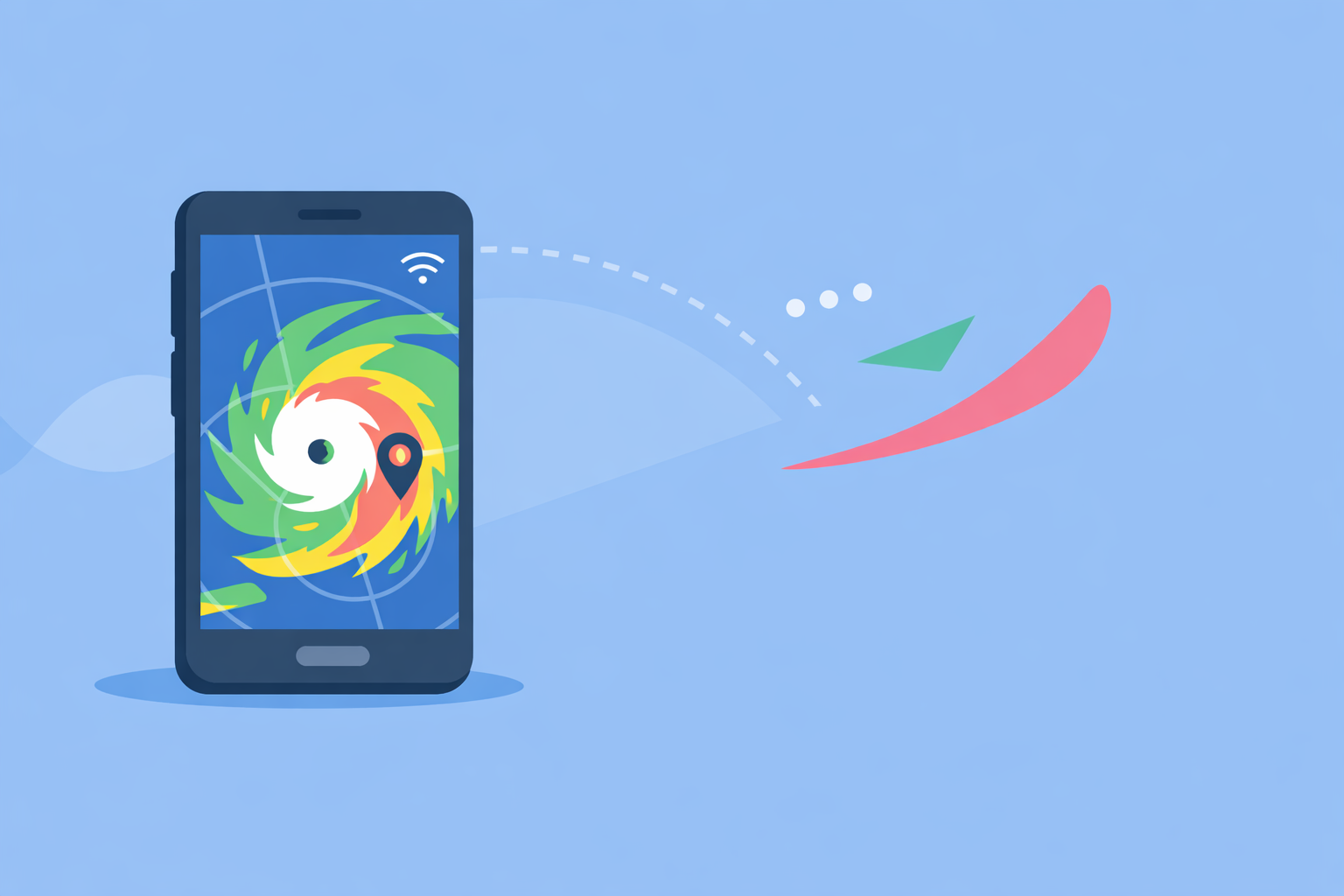
For live hurricane and storm tracking in the U.S., start with Clime’s NOAA‑based radar map plus hurricane tracker and alerts on your phone. If you’re an advanced weather enthusiast, you can layer in other tools for extra model views or niche overlays.
Summary
- Use a live radar app backed by U.S. NEXRAD data and clear hurricane overlays.
- Clime gives you an interactive radar map, hurricane tracker, lightning and wildfire layers in one interface. (Clime)
- NOAA’s radar network updates every few minutes, so no consumer app is truly “instant,” but they are fast enough for real‑time situational awareness. (NOAA)
- Pair Clime with a second source (like official NOAA forecasts) when decisions involve evacuation or major travel changes.
What does “live radar” really show during hurricanes and severe storms?
“Live” radar on your phone is a near‑real‑time view of precipitation and storm structure coming from the U.S. Doppler radar network known as NEXRAD. NEXRAD is a system of about 160 high‑resolution S‑band Doppler radars used nationwide to detect rain, hail, and wind patterns. (NOAA)
In practice, that means:
- Short delay, not instant: Radar scans update roughly every 5–10 minutes, and then apps assemble those scans into the familiar animated loops.
- Reflectivity, not the whole storm: Radar shows where precipitation is, not the full 3D wind field or storm surge; you still need forecasts and official advisories.
- Composite views: Most consumer apps, including Clime, use mosaics of many radars so you see a continuous map instead of individual radar circles.
If you understand that your “live” view is a few minutes old, you can interpret storm motion and intensity with much more confidence.
Why is Clime a strong default choice for hurricane and storm tracking?
At Clime, we focus the app around a NOAA‑based weather radar map that makes storm structure and motion easy to read at a glance. The home experience is built on the radar first, with today, hourly, and 10‑day forecast views layered around it. (Clime)
For hurricane and storm tracking specifically, the practical advantages are:
- Hurricane tracker on the same map: You can view hurricane position and projected path on top of the same interface you use for everyday radar checks. (Clime Hurricane Tracker)
- Push alerts tied to the tracker: You can turn on hurricane tracker alerts, so when a system threatens your saved locations, your phone notifies you. (Clime Hurricane Tracker)
- Two‑week forecast context: Alongside the tracker, you get an extended weather forecast up to two weeks, helping you see how winds and rain evolve before and after landfall. (Clime Hurricane Tracker)
- Lightning and wildfire layers: On paid plans, you can add lightning and fire/hotspot layers, which matter when outer bands spin up severe storms or when dry winds increase fire risk. (Clime)
A key point: a state flood‑risk guideline from the Texas Water Development Board lists Clime (under its former NOAA Weather Radar name) among recommended interactive tools for flood communication and awareness, which shows that public agencies already treat it as a credible map option. (TWDB)
For most U.S. households, that combination—radar, hurricane tracker, alerts, and forecast in one app—is enough to stay ahead of landfall timelines, feeder bands, and inland flooding risk.
How does Clime compare to other storm‑tracking options?
There are several well‑known alternatives focused on radar and storms. They each approach the problem a bit differently:
- The Weather Channel app pairs local forecasts with radar and offers a Premium tier with Advanced Radar layers and extended hourly data. (The Weather Channel)
- AccuWeather leans on MinuteCast, a minute‑by‑minute precipitation forecast up to four hours ahead, plus radar and map overlays. (AccuWeather)
- Windy.app is built for wind and water sports, combining wind maps, a live worldwide wind map, and a 10‑day forecast, with a hurricane map for tracking tropical systems globally. (Windy.app)
Where Clime tends to be the simplest default for storm safety:
- Storms first, not TV brand first: While TV‑linked apps mix in a lot of show‑centric content, Clime opens straight into a weather radar visualization and short‑term forecast.
- Hurricanes treated as a core use case: Hurricane tracking and alerts are integrated into the same radar experience you use year‑round, so you’re not bouncing between separate apps or hidden map modes. (Clime Hurricane Tracker)
- Balanced depth vs. complexity: Apps like Windy.app and some web versions of AccuWeather expose many map types and models. That level of control is valuable for experts, but it also introduces extra menus and learning time, which many people do not need when the priority is “Where is the storm, and when does it get here?” (AccuWeather Support)
A reasonable setup for many users is: Clime as the everyday and event‑mode radar/tracker, plus one alternative you already know (such as a TV‑branded app or Windy.app) for a second viewpoint when a major hurricane threatens.
How often does radar really update, and why does that matter in an app?
NEXRAD radars scan the atmosphere in cycles, typically completing a volume scan every 5–10 minutes depending on the operating mode. (NOAA)
For you, that means:
- Your “live” loop is usually a few minutes behind reality. All consumer apps—Clime, TV‑branded apps, and web maps—are subject to this same limitation because they depend on the same government data feed.
- Short‑term motion is still reliable. Even with a slight delay, back‑to‑back frames make storm motion clear enough to see whether a band is moving toward your neighborhood.
- Zoom level matters. When zoomed out over the whole Gulf or Atlantic, a 5–10 minute delay is negligible. As you zoom in on a tornadic cell, that delay becomes more relevant, which is why you always pair radar with official warnings.
Clime’s radar layers sit on top of these NEXRAD mosaics, so when you animate storms in the app, you’re effectively watching a visual summary of those high‑resolution government scans.
How should you read a live radar map for hurricane tracking?
During a hurricane or major tropical storm, think about radar in terms of structure and timing rather than raw color codes alone.
Here’s a simple way to read what you see:
- Outer bands: Light to moderate rain spirals far from the center. These tell you when conditions will start deteriorating even if the eye is still offshore.
- Core and eyewall: The tight ring of intense reflectivity around the eye indicates where destructive winds and heaviest rain cluster.
- Feeder bands inland: Long, narrow bands moving over land can produce flash flooding and tornadoes. Watching their motion frame‑to‑frame in Clime helps you see if a band will repeatedly cross the same area.
- Post‑landfall flooding risk: After wind headlines ease, radar can still show persistent rain over river basins well inland; pairing that with Clime’s forecast view helps you anticipate which days are too risky for travel or outdoor work. (Clime)
If you are comfortable with more advanced products (like velocity or dual‑pol), dedicated professional tools still have a place. For most households, though, a clean reflectivity view plus clear alerts covers the critical decisions.
Where do Hurricane Hunter and airborne radar data fit in?
When hurricanes threaten the U.S., NOAA’s Hurricane Research Division flies aircraft into storms and collects airborne Doppler radar data. Those observations are processed and delivered in real time to National Weather Service partners to improve analysis and forecasting. (NOAA AOML)
That airborne radar typically does not appear as a separate “aircraft radar layer” in consumer apps. Instead, it feeds into the official forecasts, advisories, and models that underpin the track cones and wind forecasts you see summarized in many weather tools.
In other words:
- Consumer apps visualize the outcome, not every data source.
- You still benefit from those flights, because the improved models shape the hurricane tracks and intensity forecasts displayed alongside Clime’s radar and tracker view. (NOAA AOML)
How to choose a live radar app for hurricane season
When you’re deciding what to install before the season starts, focus on three practical questions:
- Can I quickly see where the storm is and how it’s moving?
- Clime’s radar‑first interface plus hurricane tracker is designed for this exact task. (Clime Hurricane Tracker)
- Will I get timely alerts tied to my locations?
- Hurricane tracker alerts and severe weather notifications in Clime provide this, and you can keep multiple locations saved (home, family, vacation spots). (Clime Hurricane Tracker)
- Is the app simple enough that everyone in the household can use it?
- Many radar‑heavy tools are feature‑rich but dense; Clime aims for a balance where non‑experts can interpret the map without digging through advanced menus.
For most U.S. users, that makes Clime a solid default: it gives you near‑real‑time radar, hurricane paths, alerts, and a two‑week forecast in one place, while staying close to the underlying NOAA data.
What we recommend
- Install Clime as your primary live radar and hurricane‑tracking app before the season starts.
- Save key locations (home, relatives, evacuation destination) and enable hurricane tracker and severe weather alerts.
- In high‑impact situations, cross‑check Clime’s view with an official NOAA or National Hurricane Center source and, if you like, one alternative app for redundancy.
- Practice using the radar and tracker on ordinary storm days so that, when a major landfall threatens, you already know exactly what you’re seeing on the screen.